


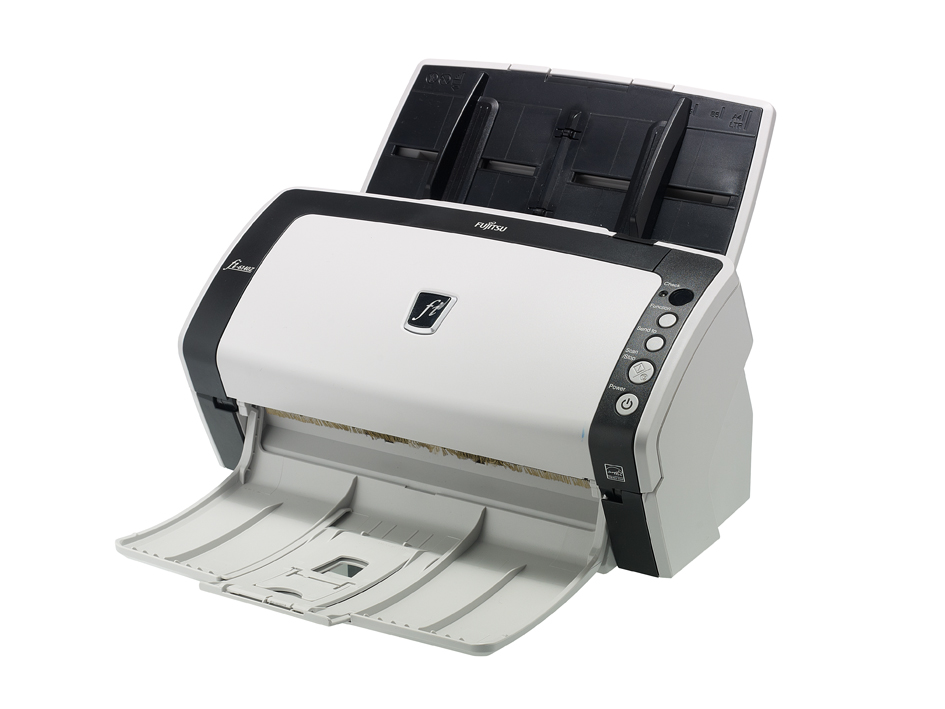
Fujitsu’s new Z-Generation of desktop scanners aims to bring enterprise performance to the world of SMB offices, but with an increased focus on ease of use. Four models are available, with the fi-6140Z in this review delivering an impressive top scan speed of 60ppm.
Its compact chassis won’t take up much desk space, and apart from the flimsy flip-out tray at the front of the device, it feels up to the rigours of heavy-duty use.
Installation on a Windows 7 host was smooth, loading Fujitsu’s generous software bundle and then connecting the scanner via its USB port. There’s also a SCSI port for those still in the dark ages.
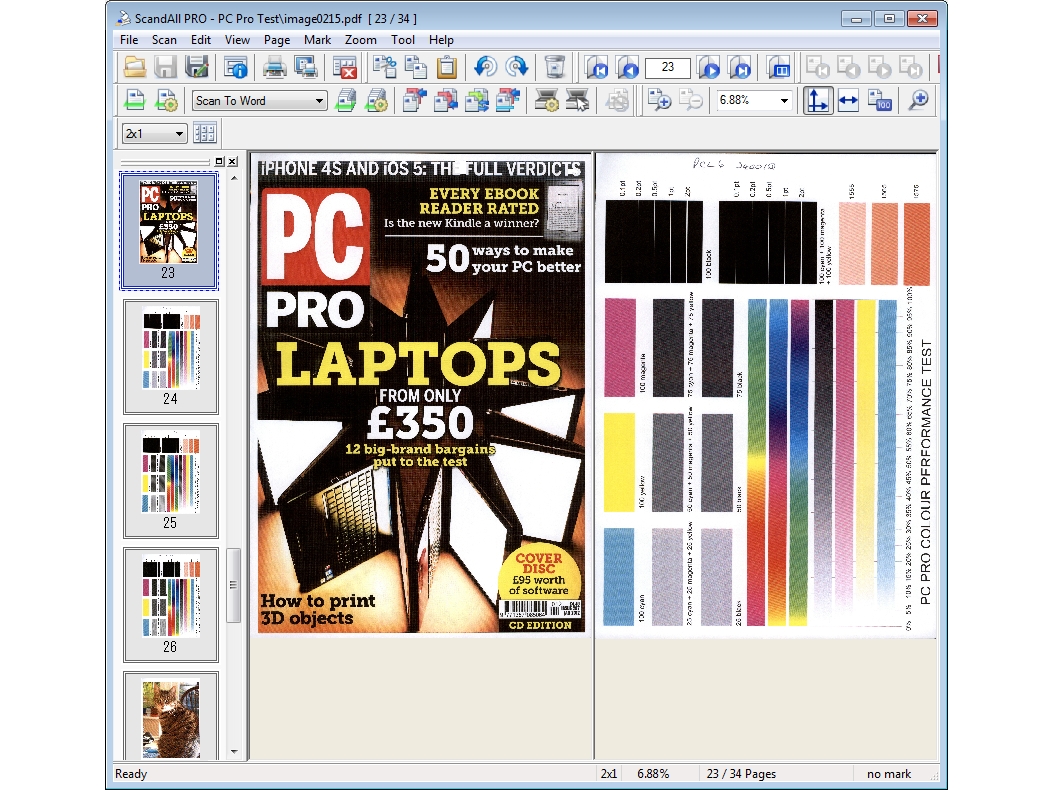
Most activity centres on the ScandAll Pro software, which provides an extensive range of features. The TWAIN driver can be customised to suit, offering resolutions of up to an interpolated 1,200dpi, mono and colour modes, plus simplex or duplex scanning modes for single and double-sided documents.
The scanner also has nine function selections that can be linked to batch scan profiles, but setting this up is more fiddly than it should be. It’s a two-step process, with shared profiles created first from within ScandAll Pro and then assigned to an event.
From the scanner’s Windows properties dialog box, you then need to set separate events for each function number, so that they all start ScandAll using the appropriate profile. It took a while, but we were able to assign events to the scanner buttons to send scans to an FTP server or directly into Word. Since the scanner’s LED panel shows only the selected function number, you’ll have to print out a list of options showing users what each one does.
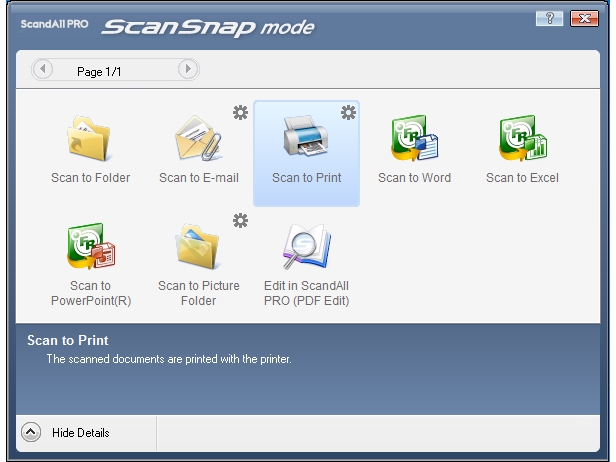
The ScanSnap add-in, meanwhile, makes light work of one-button scans: you simply hit the button and decide from the pop-up menu where you want it to go. In this manner it’s possible to save scans in a range of graphics formats, fire them off as email attachments, save them, print them, or load them directly into Microsoft Office 2010 applications.
Paper-handling features are extensive. We could have hole-punches filled automatically, blank pages skipped, and all pages rotated to the same orientation. The anti-skew feature worked extremely well, as we tossed a heap of odd-sized papers, business cards and receipts into the automatic document feeder and it straightened them all up perfectly.
OCR tools are provided by ABBYY FineReader, which is accessed directly from the ScanSnap profiles. You can scan to Word, Excel or PowerPoint, or create searchable PDFs. Then there’s Kofax’s VRS Professional, which uses the ISIS driver for enhanced scanning of graphics and photos.
Fujitsu delivers on its speed promises with a 34-page document scanned at 200dpi mono in 33 seconds – that’s an average of 61ppm, and this was maintained in duplex mode as well. A 300dpi colour profile saw an average speed of 44ppm, but selecting a 600dpi, 24-bit colour profile caused speeds to tumble to 7.5ppm.
The Fujitsu fi-6140Z is fast and quiet, with a scan quality that will easily satisfy a document archival system. We found it can handle a variety of paper thicknesses and sizes, and the software bundle provides plenty of scanning controls. The price is the only concern: Canon offers its DR-M160 with the same scan speed and a similar feature set for £300 less.
Details |
|---|

Disclaimer: Some pages on this site may include an affiliate link. This does not effect our editorial in any way.