Category
Internet Tutorials & How-To's
Wi-Fi
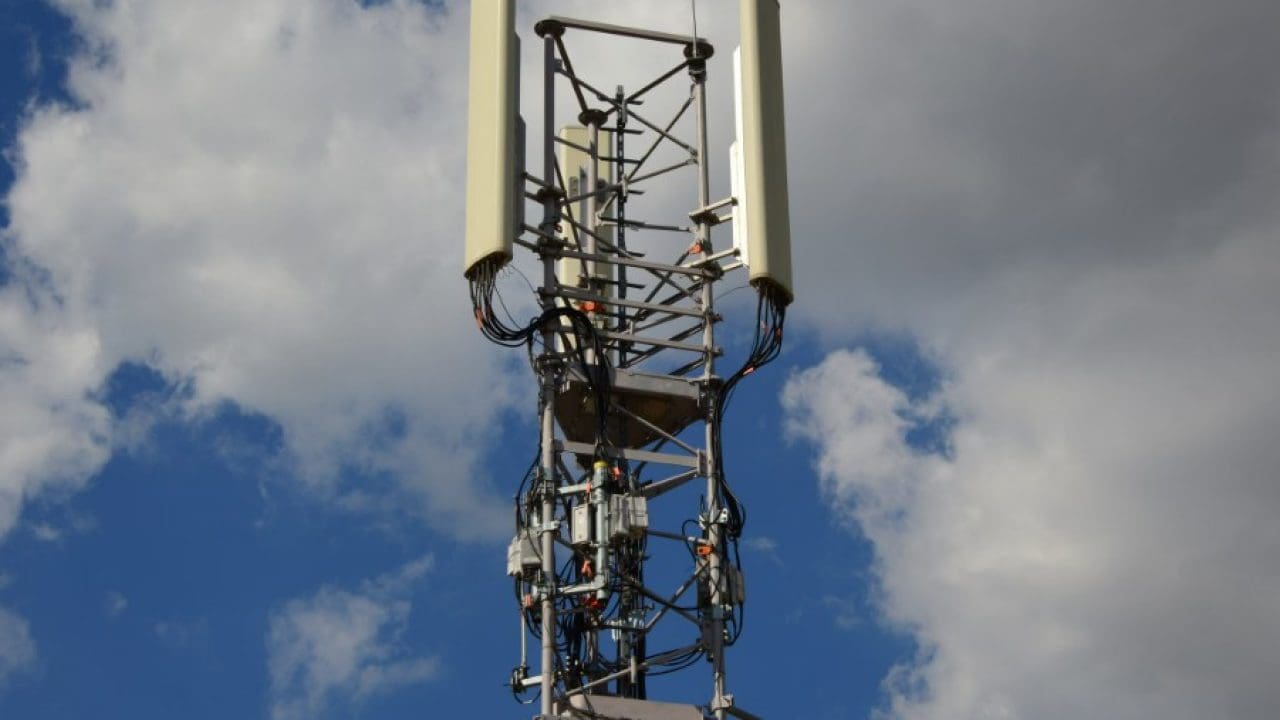
How 4G LTE Technology Enables Remote Monitoring Through Mobile Apps
Learn how 4G LTE lets mobile apps monitor cameras, dash cams and GPS trackers remotely, plus data plans, security and what to look for....




Alexa


March 6, 2024
How to Display Pictures From Amazon Photos on Echo Show

January 3, 2024
How to Control Volume on Your Amazon Fire Stick

January 3, 2024
How to Connect an Amazon Echo Device to Your Mac’s Music Library

September 26, 2023
Is Amazon Photos Only for Prime Members?

August 29, 2023
How To Make Photos Full Screen on the Echo Show
Buying and Selling

March 1, 2024
How to Contact Amazon Customer Service

October 21, 2023
How to Find the Amazon Wish List of Somebody You Know


August 26, 2023
How To Use an Amex, Mastercard, or Visa Gift Card on Amazon

March 2, 2023
How to View Logged-In Devices for Amazon
Canva

October 16, 2026
Trickle Magic Canvas AI Review: Turn Prompts Into Apps and Web Pages

June 15, 2026
How to Talk to AI: The Guide to Better LLM Prompts

November 10, 2025
Combine All Image Generators Into One With Masonry

July 16, 2025
How to Use AI in Canva

May 28, 2025
The Best AI Tools for Instagram
Crypto

December 20, 2022
How to View Your Purchase History in Coinbase

September 8, 2022
How to Buy Bitcoin in the UK & US

August 23, 2022
How to Mint an NFT on OpenSea

August 10, 2022
How To Sell Bitcoin from Trust Wallet

August 3, 2022
How To Withdraw To a Bank Account in the Kraken Exchange
Dropbox

May 3, 2023
How To Fix a Failed Network Error

August 12, 2022
How to Wirelessly Transfer Files from PC to Android

August 11, 2022
iCloud vs. Dropbox – Cloud Storage Showdown

July 21, 2022
How to Share Files in Dropbox on a PC or Smartphone

April 25, 2022
How to Send a Video From Android to PC
Figma

September 1, 2023
How to Make a Scrollable Asset in Figma

August 30, 2023
How to Use a Boolean Formula in Figma

August 29, 2023
How To Use Figma Quick Tracing

August 28, 2023
How To Create a Gradient in Figma

August 24, 2023
How to Make a Hover Effect in Figma
Gmail
June 30, 2025
Gmail Now Has AI Summaries – What You Need to Know


August 22, 2024
How to Capture and Share Google Calender Availability for Free

August 9, 2024
How to Speed Up Gmail for Slower Internet Connections

March 14, 2024
Calendly: How To Create a Meeting Poll

Google Photos

February 29, 2024
Amazon Photos: What Happens When You Cancel Prime?

December 11, 2023
How to Transfer Google Photos to iCloud

November 12, 2023
How To Put 2 Pictures Side by Side

October 21, 2023
How to Recover Deleted Photos on Android

October 4, 2023
How To Combine Photos on an Android Device

iCloud


March 7, 2024
How To Recover Deleted Notes On Mac

January 17, 2024
How to Find Your Lost or Stolen Apple Watch

December 22, 2023
How to Recover Deleted App Data on iPhone

Networking

December 21, 2023
How to Slide Into DMs

December 17, 2023
How to Check Which Ports Are Open on a Windows 10 PC

September 18, 2023
How to Connect to WiFi without WiFi Password

August 4, 2023
What Is a VPN? How It Works and Common Uses

August 6, 2022
How to Use Your PC Computer or Laptop as a Wireless Router
Notion
May 21, 2025
Notion AI vs. ChatGPT – Which One to Use?

February 21, 2024
Notion: How to Add Subtasks

February 17, 2024
How to Add Properties to a Page in Notion

September 28, 2023
The 20 Best Notion Widgets

September 11, 2023
Google Keep vs. Notion
OneDrive

March 6, 2024
How to Make a Copy of a Word Document

July 24, 2023
How to Stop Syncing with OneDrive

December 1, 2022
The Best Free Unlimited Photo Storage

August 19, 2022
How To Add an Account to OneDrive

July 26, 2022
What Does the X on an Icon Mean in Windows?
Paypal

August 25, 2023
PayPal Alternatives for Kids

June 30, 2023
Does PayPal Refund Money if Scammed? Depends

February 9, 2023
How to Receive Money on PayPal

August 20, 2022
How to Check Your PayPal Balance

July 12, 2022
How To Withdraw to PayPal from a Coinbase Account
RobinHood

January 4, 2024
How to Buy Premarket in Robinhood

March 7, 2022
How to Set a Stop-Loss in Robinhood

November 28, 2021
How to Buy or Sell After Hours in Robinhood

September 8, 2021
How to Buy Crypto with RobinHood

July 6, 2021
How To Sell a Call Option in RobinHood
Security & Privacy

November 6, 2026
Multiplatform File Transfer Tools for PC, Mac, and Mobile Devices

October 11, 2026
How Everyday Tech Habits Are Putting Your Privacy at Risk

September 9, 2026
How to Set Up SOCKS5 Proxy in Windows

July 10, 2026
A Chatbot With Privacy in Mind – Our Look at Private LLM

Venmo

May 22, 2024
9 Apps and Tools to Plan Your Next Vacation

June 29, 2023
Can Venmo Send Money to Cash App?

May 30, 2023
How to Add a Debit Card to Venmo

May 23, 2023
How to View Venmo History

March 29, 2023
How to Delete Venmo Transaction History
Wi-Fi

August 28, 2024
4 Ways to Share Wi-Fi Without Sharing Your Password

March 16, 2024
How to Find the MAC Address of Your Amazon Fire Tablet

March 9, 2024
How to Fix GroupMe Notifications Not Working

December 22, 2023
How to Get Temporary Internet Access