We’ve seen plenty of touchscreen all-in-ones since the debut of Windows 8, but the Acer DA241HL is the first we’ve seen running Android. See also the 11 best tablets of 2014
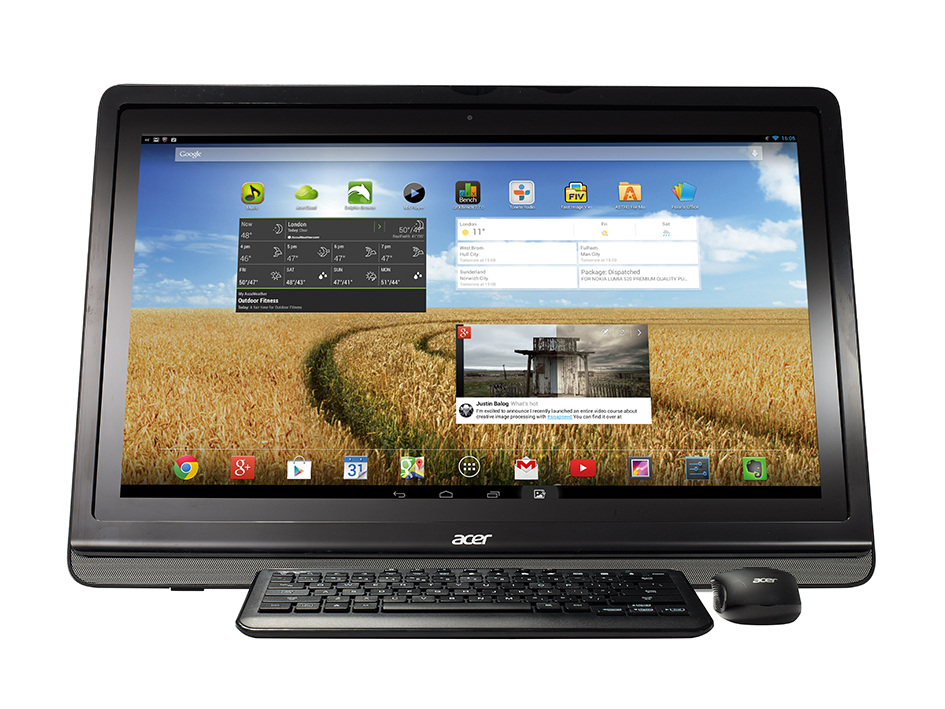
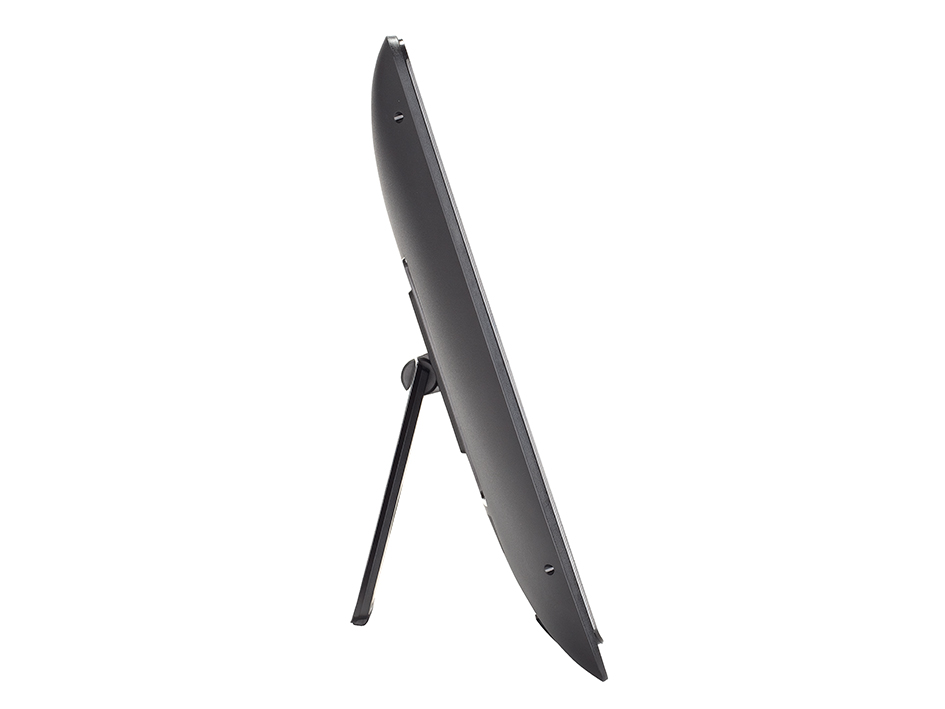
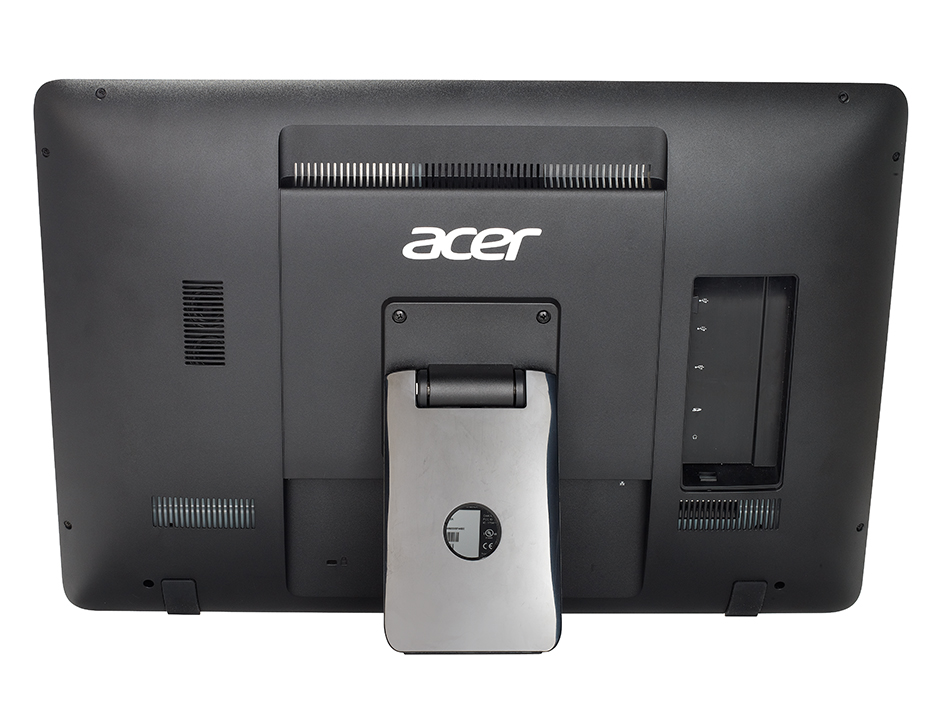
It’s an interesting idea, and externally it looks like a respectable system. It offers a 24in, Full HD infrared touchscreen, with sensors embedded in the gloss-black bezel to detect your fingers; below this sits a row of buttons, embedded in the centre of the silver speaker grille; and around the rear is a single leg that’s used to prop the whole thing up.
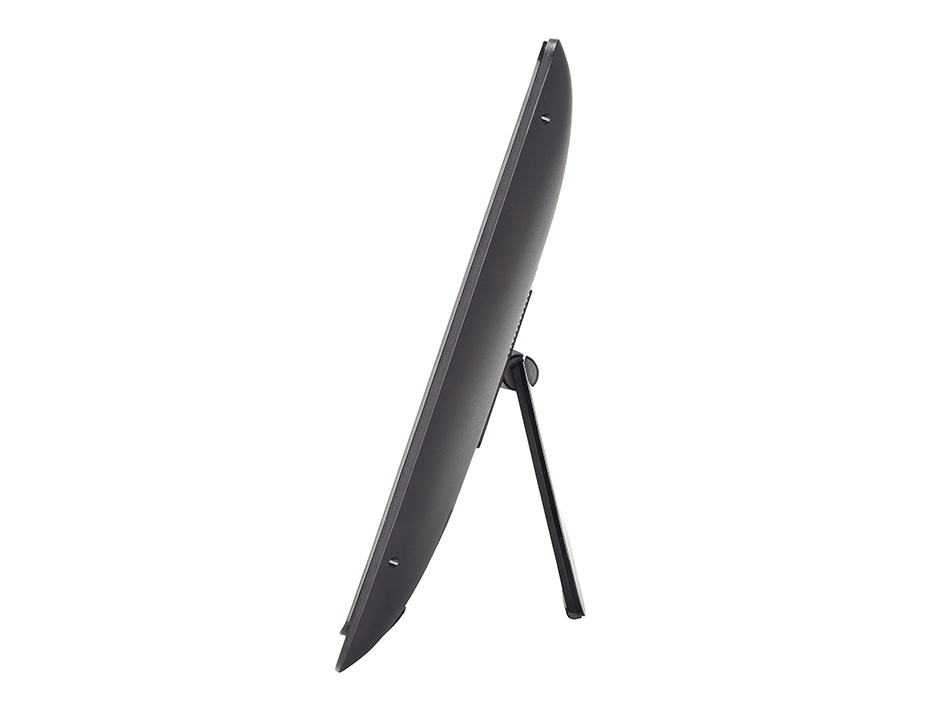
The single-leg arrangement means you can’t adjust the height, but you can tilt the display backwards until it lies almost flat against the desk – useful if you want to put the DA241HL to use as a kitchen worktop machine, or while standing at a workbench.
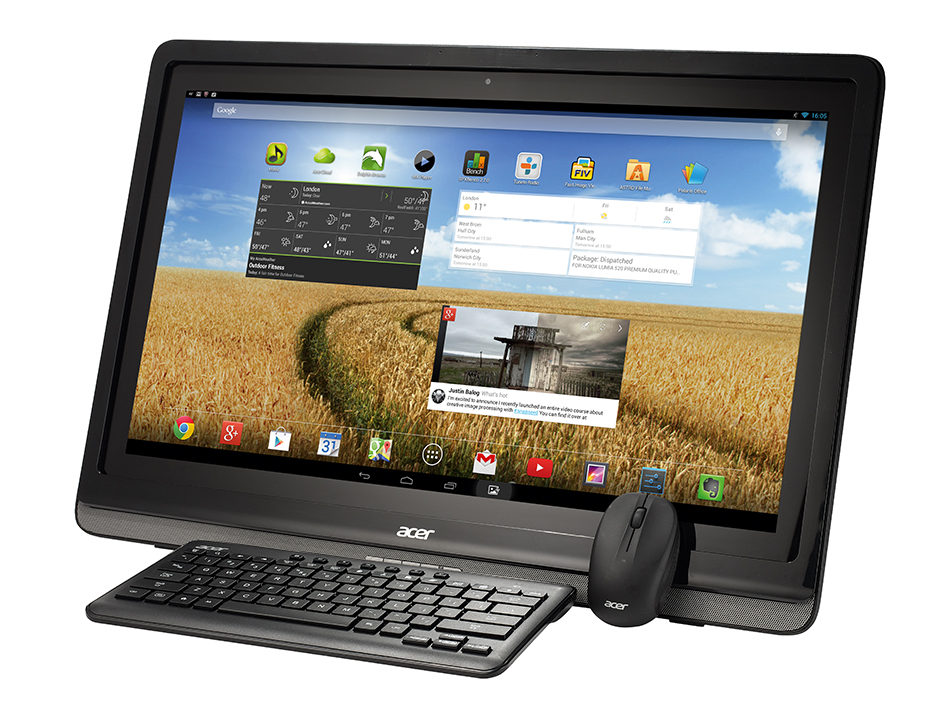
Tap the power button and the DA421HL boots into Android 4.2. The OS has barely been customised, so if you’ve used a Nexus tablet or smartphone, you’ll know exactly what to expect. It’s not locked down, either: you’re free to install apps via Google Play.
Being a desktop machine, the Asus includes a compact wireless keyboard and a mouse. However, the keyboard feels rather mushy, and the mouse isn’t a natural fit for Android’s touch-first interface: right-clicking, for instance, is substituted by a long press, which takes a lot of getting used to, and swiping down the notifications and quick settings areas doesn’t work well. We felt more comfortable prodding, poking and swiping at the DA241HL like a giant tablet.
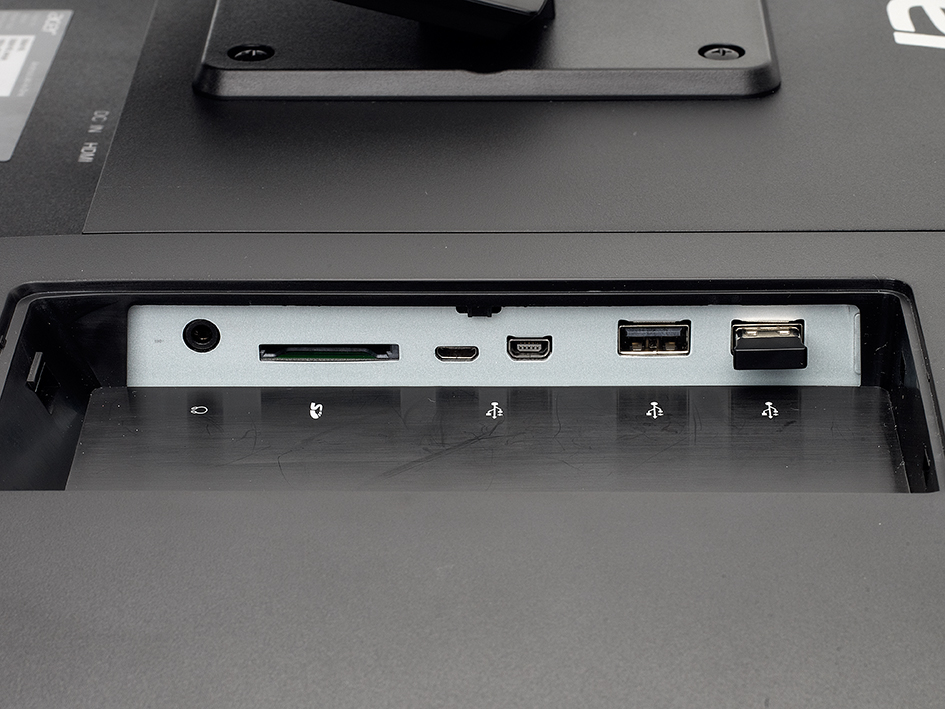
Other aspects of the hardware are more practical. Under a panel at the rear are three full-sized USB 2 ports, which allow the connection of hard disks and wired peripherals, and an SD card slot. At the bottom, you’ll find wired Ethernet and a full-sized HDMI input, which means the DA241HL can be used as a monitor (for a laptop or games console, perhaps). The port supports MHL, so you can also mirror the screen of a smartphone or tablet via micro-USB.
The quality of the Full HD display is excellent for an all-in-one this cheap: a maximum brightness of 235cd/m[sup]2[/sup] doesn’t sound like much, but it’s a VA panel, so contrast is a superb 2,350:1, and colours really jump off the screen. Touch detection works well – it’s responsive and accurate.
Things start to come unstuck with the core hardware. The DA241HL’s quad-core, 1.6GHz Tegra 3 T33 processor is 2012 tech, and it’s backed up by a stingy 1GB of RAM. The result is a mediocre experience: OS screen transitions have no zip or fluidity, and browsing the web is a laggy business –scrolling and zooming actions are far from instantaneous.
Benchmark results backed up our real-world observations. Scores of 1,227ms and 722 in the SunSpider and Peacekeeper browser benchmarks would be considered sub-par for a modern phone or tablet, let alone a desktop system. A score of 4fps in the GFXBench 2.7 T-Rex HD test indicates that the hardware is capable of playing games, but certainly not at the highest quality settings.
However, the biggest problem isn’t performance: it’s the fact that Android and its apps simply aren’t designed for a desktop role. Full-screen interfaces created for 7in or 10in screens feel absurdly outsized when blown up to 24in, yet there’s no way to run them side-by-side in separate windows. Even desktop-style productivity software – such as Polaris Office, which we use happily to edit documents on regular tablet hardware – feels horribly clunky in use.
And thanks to the DA241HL’s unusual screen dimensions, some apps (including mainstream software such as Spotify) are considered incompatible by Google Play and can’t be downloaded at all. Printing, meanwhile, requires a special app or app-enabled printer, and if you want to hook up thumb-drives and hard disks they must be formatted with a FAT file system.
On top of that come a few niggles specific to the design of the DA241HL. Adjusting the volume without the keyboard to hand is a real faff, for example; the plus and minus buttons below the screen don’t tweak the sound, but rather switch to the HDMI input. You have to delve into the main Android settings menu if you want to make thing louder or quieter.
We can see the appeal of Android on the desktop. The apps are cheap and easy to install, and the system’s less vulnerable to malware than Windows. But using the Acer DA241HL is such an unsatisfactory experience, in terms of both hardware and software, that we’d counsel anyone considering buying it to hold off. At £350, it’s reasonably priced, but it’s simply not a practical desktop computer.
Warranty | |
|---|---|
| Warranty | 1 yr return to base |
Basic specifications | |
| Total hard disk capacity | 16GB |
| RAM capacity | 1.00GB |
| Screen size | 24.0in |
Processor | |
| CPU nominal frequency | 1.60GHz |
Memory | |
| Memory type | DDR3 |
| Memory sockets free | 0 |
| Memory sockets total | 0 |
Graphics card | |
| Graphics card | Tegra 3 T33 |
| DVI-I outputs | 0 |
| HDMI outputs | 0 |
| VGA (D-SUB) outputs | 0 |
| DisplayPort outputs | 0 |
Monitor | |
| Resolution screen horizontal | 1,920 |
| Resolution screen vertical | 1,080 |
| Resolution | 1920 x 1080 |
| Contrast ratio | 2,350:1 |
| Screen brightness | 235cd/m2 |
| DVI inputs | 0 |
| HDMI inputs | 1 |
| VGA inputs | 0 |
| DisplayPort inputs | 0 |
Case | |
| Dimensions | 604 x 192 x 410mm (WDH) |
Rear ports | |
| USB ports (downstream) | 2 |
| PS/2 mouse port | no |
| Electrical S/PDIF audio ports | 0 |
| Optical S/PDIF audio output ports | 0 |
| Modem | no |
| 3.5mm audio jacks | 1 |
Front ports | |
| Front panel memory card reader | no |
Mouse & Keyboard | |
| Mouse and keyboard | Acer wireless mouse and keyboard |
Operating system and software | |
| OS family | Android |
Noise and power | |
| Idle power consumption | 28W |
| Peak power consumption | 31W |

Disclaimer: Some pages on this site may include an affiliate link. This does not effect our editorial in any way.