

It’s amazing how little you need to spend to get a good-quality monitor these days, and the Acer K272HUL is a prime example. Squeezing in a 27in, 2,560 x 1,440 panel for less than £400 is quite a feat.
The panel itself is a little unusual. Built by AU Optronics, a company better known for its vertical-alignment (VA) LCD panels, the Acer’s AHVA panel is actually a form of IPS technology. To the naked eye, it puts in a great performance: viewing angles are just as wide as the best IPS monitors, and colour reproduction is bold and reassuringly natural.
Acer K272HUL review: image quality
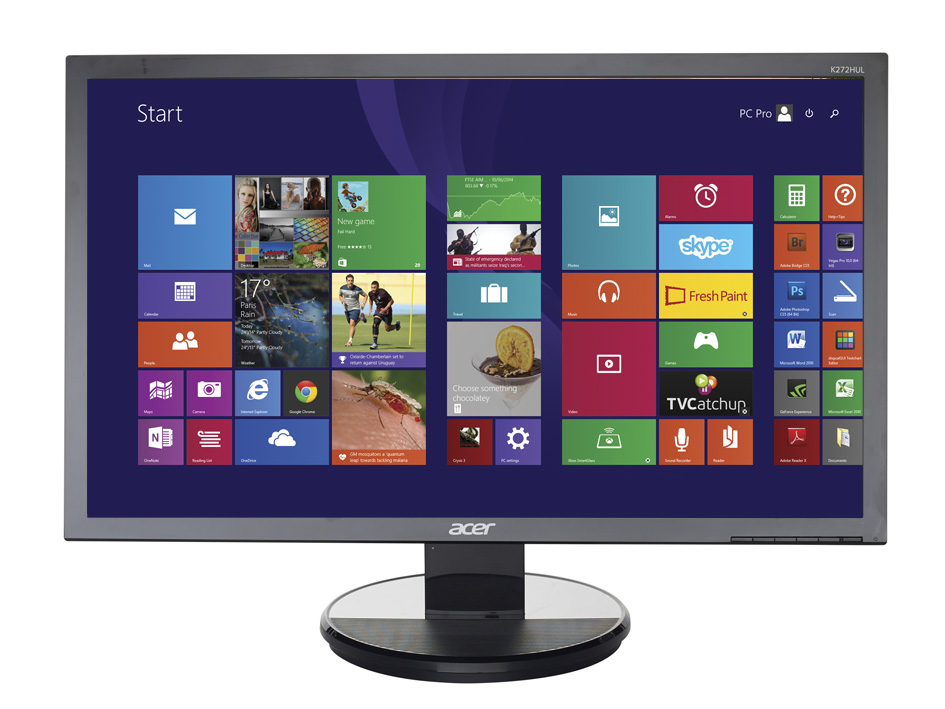
For such a keenly priced 27in monitor, the Acer puts in a sterling performance. Brightness peaks at a respectable 290cd/m2, and the contrast ratio of 833:1 is only a little lower than the best monitors we’ve reviewed. Its white LED backlighting deserves mention: measured across 15 points on the panel, the K272HUL’s brightness deviated by an average of only 5.9%. The dimmest area was in the panel’s top-right corner, which was 13.9% less bright than the centre point. Look more closely, however, and you’ll see backlight leakage from the panel’s left and right edges – this is a budget monitor, after all.
Colour accuracy is outstanding for the money. The Acer doesn’t quite cover every hue in the sRGB colour gamut – we measured a coverage of 98.2% – but the average and maximum Delta E results of 1.84 and 3.89 respectively aren’t far off the figures we’ve seen from professional monitors. If there’s a weak point in the Acer’s performance, it’s that its colour temperature of 7,193K gives whites a cold, bluish tone. Thankfully, this is easy to fix: we activated the monitor’s manual colour-temperature control, and with red, green and blue set to 50% intensity, the Acer turned in an almost perfect 6,508K colour temperature, an average Delta E of 2.15 and a maximum deviation of 3.81.
Acer K272HUL review: features and connectivity
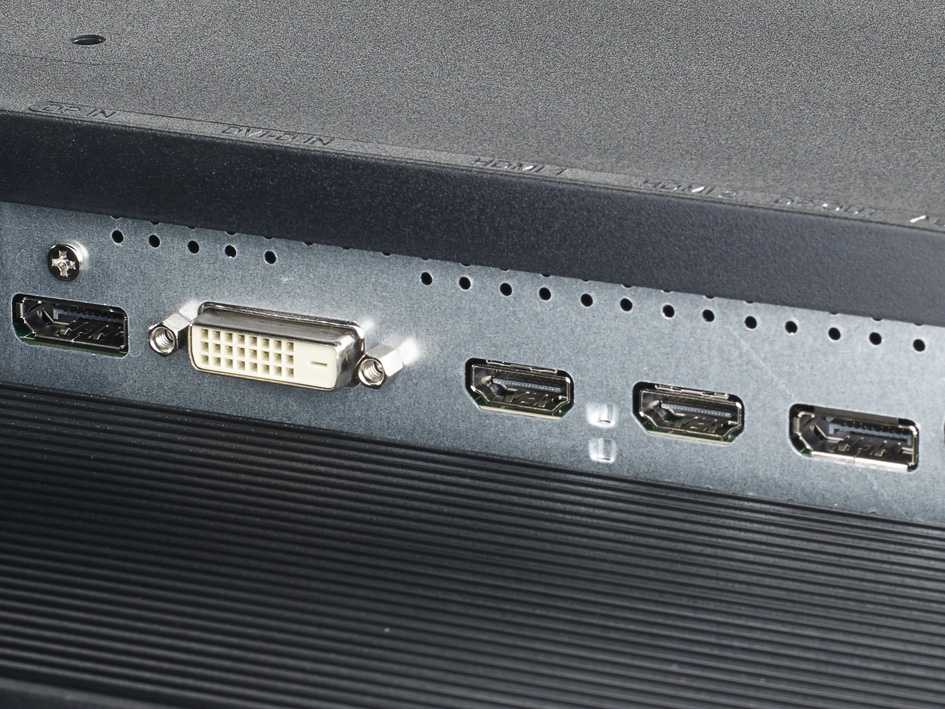
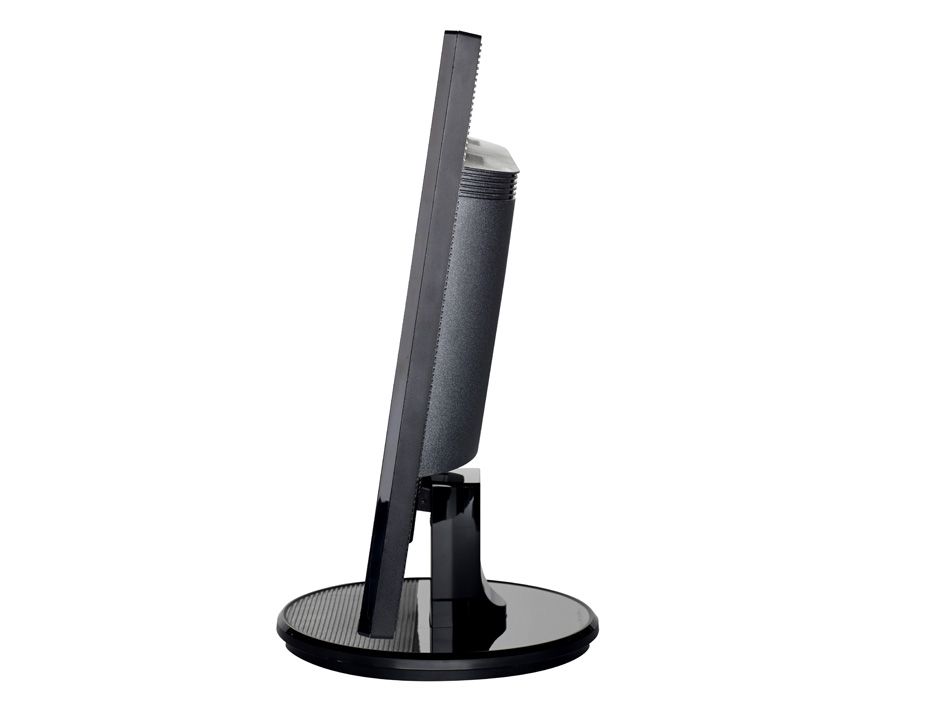
Connectivity hits the mark. There are DisplayPort, HDMI, DVI and VGA video inputs, a 3.5mm audio input and a DisplayPort output for daisychaining a secondary display. However, there’s a price to pay for getting top-notch performance on a shoestring budget: the glossy, black body feels cheap and nasty, and the wobbly stand provides only forwards and backwards tilt adjustments. The onscreen display is equally underwhelming, and the unlabelled buttons don’t make it especially intuitive to use.
Acer K272HUL review: verdict
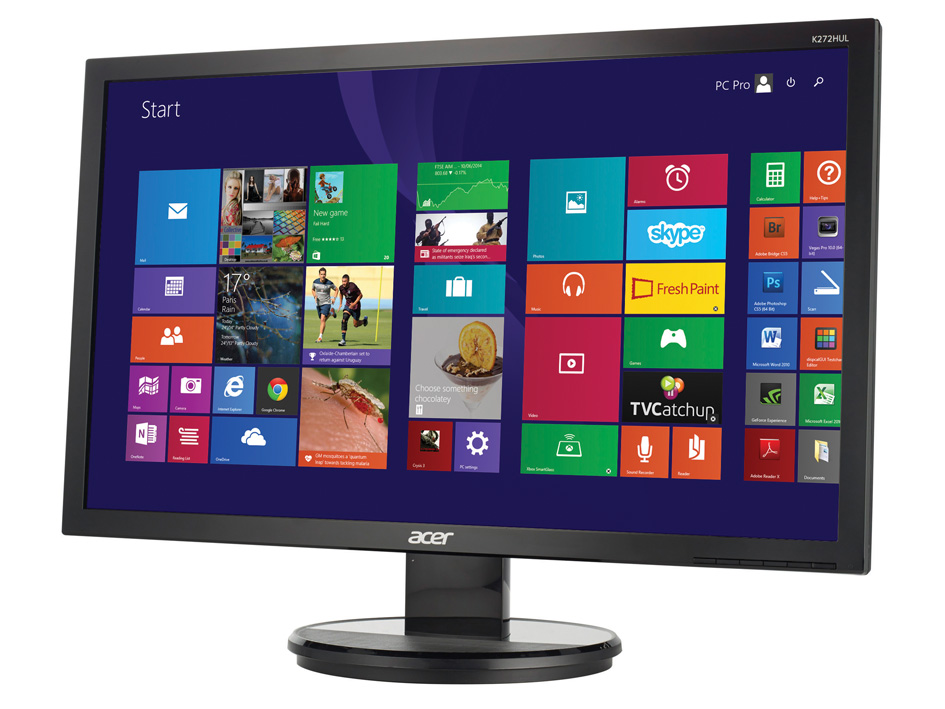
There’s only one thing standing in the way of the Acer’s success, and that’s the equally affordable AOC q2770Pqu. Acer seizes the lead with marginally better colour accuracy, but the AOC fights back with superior build quality, an extra year’s warranty and an adjustable stand. If you prize image quality over all else, however, the Acer K272HUL remains a fine buy.
Details |
|
|---|---|
| Image quality | 5 |
Main specifications |
|
| Screen size | 27.0in |
| Aspect ratio | 16:9 |
| Resolution | 2560 x 1440 |
| Screen brightness | 289cd/m2 |
| Contrast ratio | 833:1 |
| Horizontal viewing angle | 178 degrees |
| Vertical viewing angle | 178 degrees |
Connections |
|
| DVI inputs | 1 |
| HDMI inputs | 2 |
| DisplayPort inputs | 1 |
| HDCP support | yes |
| 3.5mm audio input jacks | 1 |
Accessories supplied |
|
| Other cables supplied | DisplayPort, Power |
| Internal power supply | yes |
Image adjustments |
|
| Brightness control? | yes |
| Contrast control? | yes |
Ergonomics |
|
| Swivel angle | 0 degrees |
| Height adjustment | 0mm |
| Pivot (portrait) mode? | no |
Dimensions |
|
| Dimensions | 642 x 248 x 468mm (WDH) |
| Weight | 5.400kg |

Disclaimer: Some pages on this site may include an affiliate link. This does not effect our editorial in any way.