Most AI assistants run in their own separate apps or windows, so you have to copy and paste text or share files with them to get the answers you need. Clico AI does things differently. Marketed as the “AI assistant for the screen you’re on,” this tool runs in the background while you work and can read your screen to provide tailored aid on demand. This Clico AI review explains exactly how it works.
What Is Clico AI?
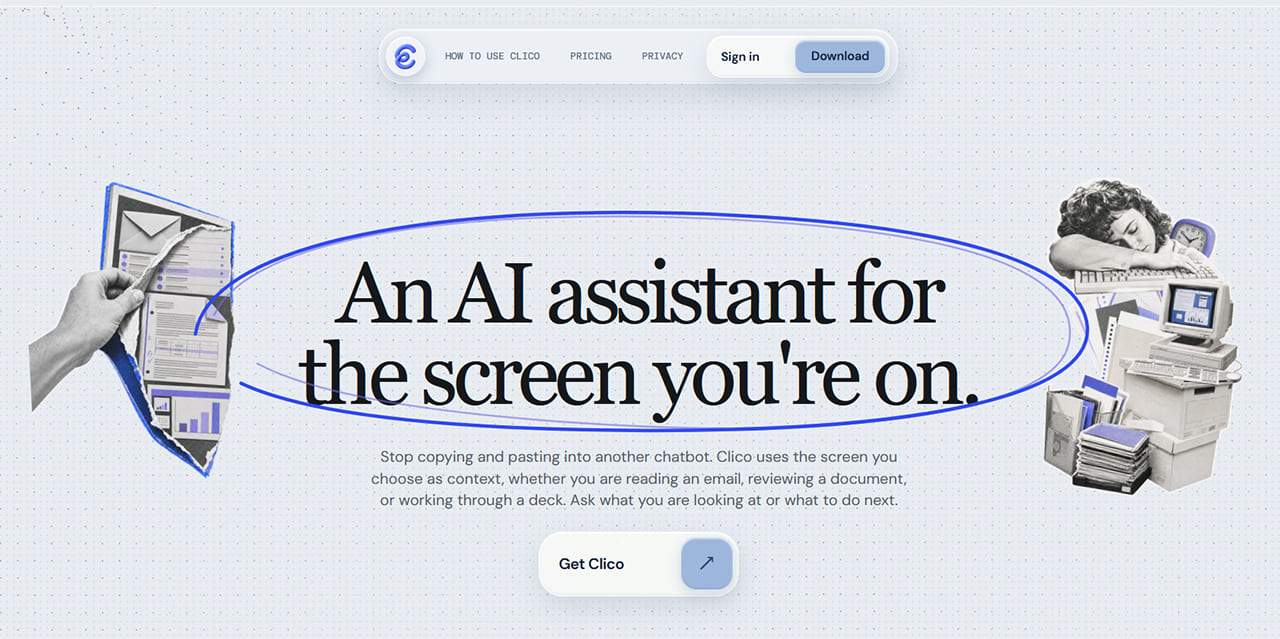
Clico is an AI assistant, just like ChatGPT or Claude. The difference is that it’s designed to be able to see your screen. So, instead of having to copy text, upload files, or explain what you’re working on, you can simply allow Clico to view your screen and instantly ask a question about it. This makes it an exceptionally useful tool for tasks related to information that is already right in front of you.
Maybe you’re dealing with a complicated spreadsheet, for example, and want to get some assistance cleaning up data or understanding what it means. Or perhaps you’ve just opened a webpage of a particularly lengthy article or scientific study, and want to get a quick summary of the main talking points. Clico can do that for you more quickly and efficiently than conventional AI agents.
How Does It Work?
Clico can run as either a desktop app for Mac, a browser extension for Chrome, or a web-based tool. The Mac version provides the widest screen-level context, while the Chrome extension focuses on the active page or selected content. Finally, the Web version provides a browser-based workspace.
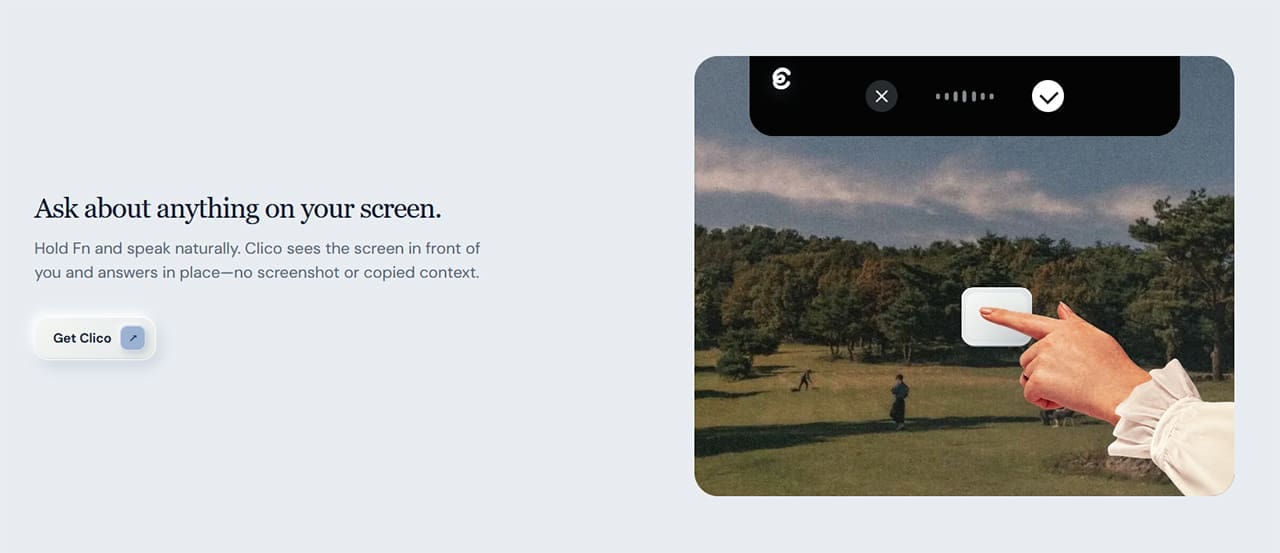
Once you’ve opened a file or page you need some help with, you can activate Clico’s screen-reading abilities and type in your query or prompt to get help. Clico can also make suggestions of its own, based on the data you present it with. It could offer to make formatting adjustments to an open document or spreadsheet, for example.
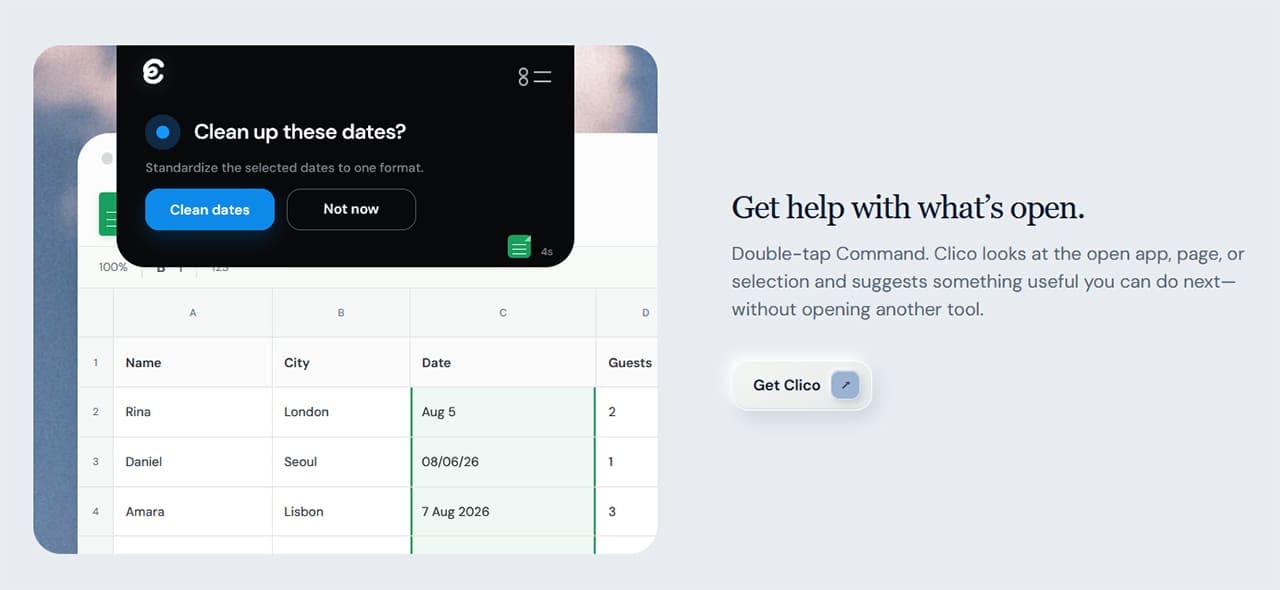
Clico can also prepare additional actions autonomously, but will always ask the user before doing anything. In addition, the desktop version stores past messages, decisions, and screen context, so you can pick up where you left off later.
Clico AI Pricing
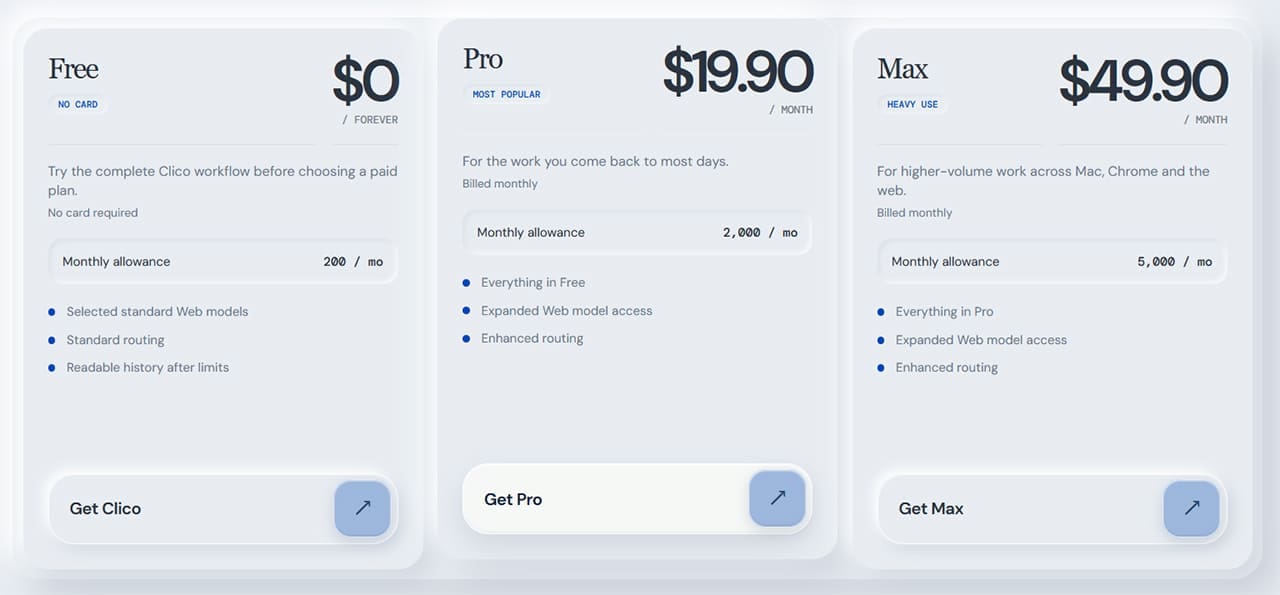
Like other AI tools, Clico operates on a token or credit-based system, where each action consumes a certain amount of credits. You can get 200 monthly credits for free, which is enough for light Clico usage. However, if you want to use this tool daily, you’ll need to sign up for one of two premium plans: Pro or Max.
- The Pro plan is $19.90 if you pay monthly or just $16 per month if you pay annually and provides 2,000 monthly credits.
- The Max plan is priced at $49.90 monthly or $40 per month if you pay by the year. It provides 5,000 credits for more intense, high-volume work.
Clico AI Review Final Word
Overall, Clico AI is certainly worth a try, even if you already use an AI assistant regularly. Instead of having to spend time explaining context, copying text, and uploading files, Clico allows you to simply focus on tasks at hand and get work done even faster. It represents another leap forward for AI assistant technology and could be the difference-maker you’ve been looking for.
Related Posts
 Is Hypertxt the Best Blog Writing AI Assistant So Far?
 Best AI Tools for Novel Writing and Creative Writing
 Is Concierge AI the Best Connected AI Assistant?
 Get a Collaborative AI Assistant for Excel With Grist AI
 Get an AI Assistant on Your Phone With Dot Copilot
 GPT Assistant – Is It the Next Clyde for Discord?
 Notis AI Assistant: Seamless AI Support for Both Telegram and WhatsApp
 The Privacy-First Meeting Assistant: Our Meetily AI Review
 Kin AI App Review: A Private AI Assistant You Can Actually Trust?

Disclaimer: Some pages on this site may include an affiliate link. This does not effect our editorial in any way.