Product marketing has become more and more reliant on user-generated content. However, it’s difficult to predict whether a video will go viral based on its setting, model, and length. AI tools can reduce some of that uncertainty by drawing on familiar social media ad formats while using AI-generated models that cost less than live-action filming.
In this article, we’re doing a quick SodaMarketing AI review to see whether it delivers on its promise of viral ad campaigns.
Getting Started with SodaMarketing AI Ad Generator
If you just want a quick ad made that follows a predetermined sample, the process is quite simple.
Step 1. Create an account for SodaMarketing and log in.
Step 2. In the main ad creation studio, select one of the presets, including UGC, solo model, and TV-style ads.
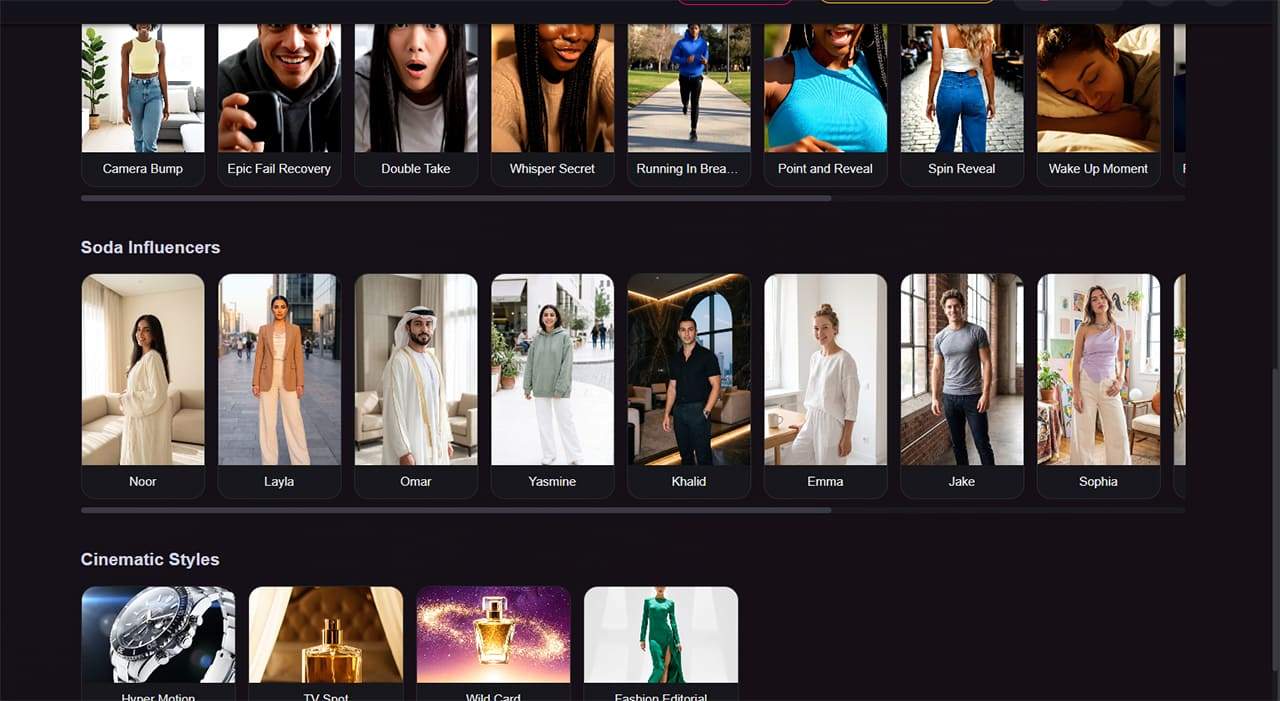
Step 3. Fill in the rest of the text box with more details on the atmosphere, the script, and what the product is about. Make sure to keep the generated text intact.

Step 4. Attach the product you’re making the ad for. The platform only allows image attachments, so if you want a URL-to-video ad AI workflow, you’ll need to download the asset and include the surrounding copy.
Step 5. Click on “Start” and wait for the AI to finish generating.
Importing Product Information From a URL
You can also create an ad profile by importing a product-page URL, allowing the platform to extract product and branding information.
Step 1. In the app, go to “Ad profiles” on the left sidebar.
Step 2. Click on “Create New Ad Profile for Product.” If you’re offering a service, select the “Service” option instead.

Step 3. Enter the URL of the product page into the text box and click on “Import.”
Alternatively, you can manually enter all the information using the provided form.
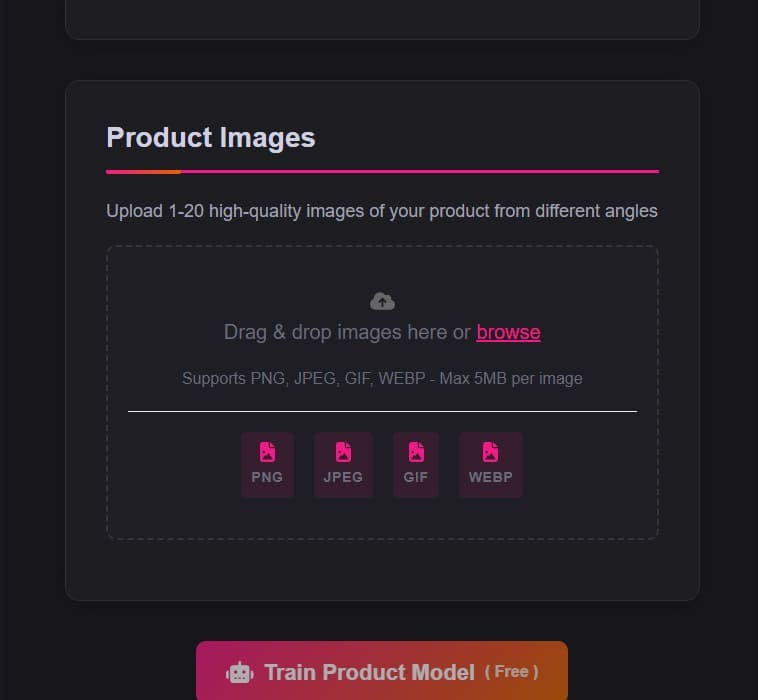
Use high-quality product images to improve the results. Creating the ad profile is free.
After that, the AI can use the model in the ads, allowing it to orient entire branding campaigns around a particular feature you want to promote.
SodaMarketing AI Main Feature – Ad Agent
In our testing, access to the Ad Agent depended on the subscription tier. Check the current plan details to confirm which features are available at each level.
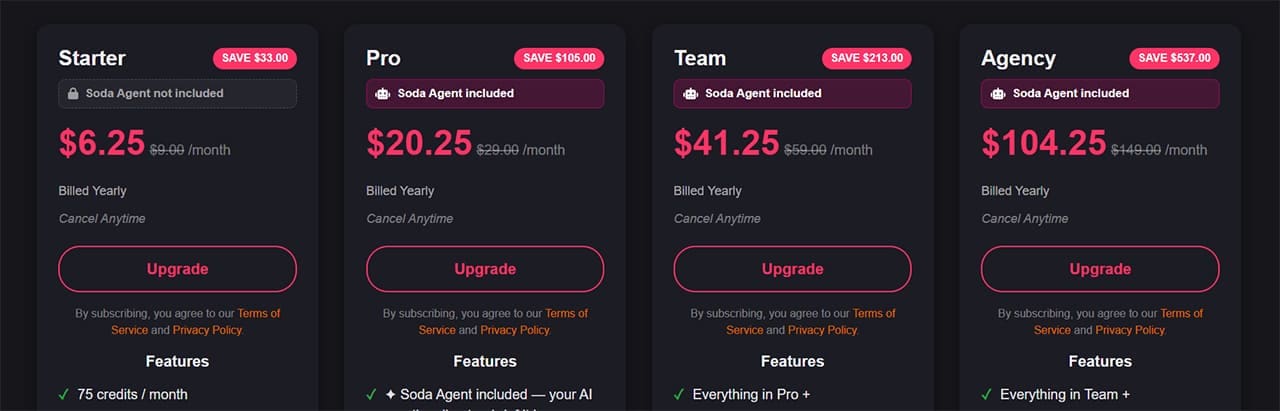
Without the Ad Agent, you may need to provide more of the marketing copy and creative direction yourself. The available features and templates depend on your subscription tier.
But if you do turn on the Ad agent, you get a one-prompt setup from a product to a video ad. The Ad agent can also help plan for a full campaign, including recommendations on scheduling videos across social media (the platform can’t actually post videos) and which models to use for brand alignment.
SodaMarketing AI Review – Is It Worth It?
If you want the Ad Agent’s automated ad-creation features, check which subscription tier includes them before signing up. The lower tiers may be sufficient for users who prefer to create ads manually.
Even with the Ad Agent, the videos can still look noticeably AI-generated. If you try the tool, provide as many high-quality product images as possible and review the results carefully. You may still need to make manual adjustments to ensure the final ad captures enough product detail and aligns with your brand.
Related Posts
 How to Turn Songs Into Viral Videos With Muze Art
 How to Turn ICP Research Into SEO Content With Wordrific AI
 How to Turn YouTube Videos Into Interactive Content With Workbookly AI
 Trickle Magic Canvas AI Review: Turn Prompts Into Apps and Web Pages
 4 Best AI Bots to Add to Your Discord Server
 Steps to Install Microsoft Copilot on WhatsApp
 How to Use Translator in Discord to Read Multilingual Messages
 How to Generate a WhatsApp AI Image
 4 Ways You Can Use UpGrow to Get More Followers on Instagram

Disclaimer: Some pages on this site may include an affiliate link. This does not effect our editorial in any way.