
Dell’s latest entry-level PowerEdge T110 aims to convince small businesses that it’s a far better alternative to building their own server or using a desktop system for all their network services. Prices start at rock bottom with a basic system configured with a Core i3 530 processor, 1GB of RAM, a 250GB hard disk and a one-year warranty costing around £270.
The system on review also looks good value as its price of £631 gets you get a decent quad-core 2.66GHz X3450 Xeon, 4GB of 1333MHz DDR3 memory, a pair of 250GB SATA drives and a three-year warranty. You can also cut costs further in the OS department as Dell offers the T110 with Windows Server 2008 R2 Foundation preinstalled which adds an extra £177 to the asking price.
You need to be aware of the limitations of this OS as it’s 64-bit only, supports multiple cores but only a single processor socket, and won’t let you upgrade beyond 8GB of memory. It can handle no more than 30 simultaneous inbound connections and supports a maximum of 15 Windows user accounts.

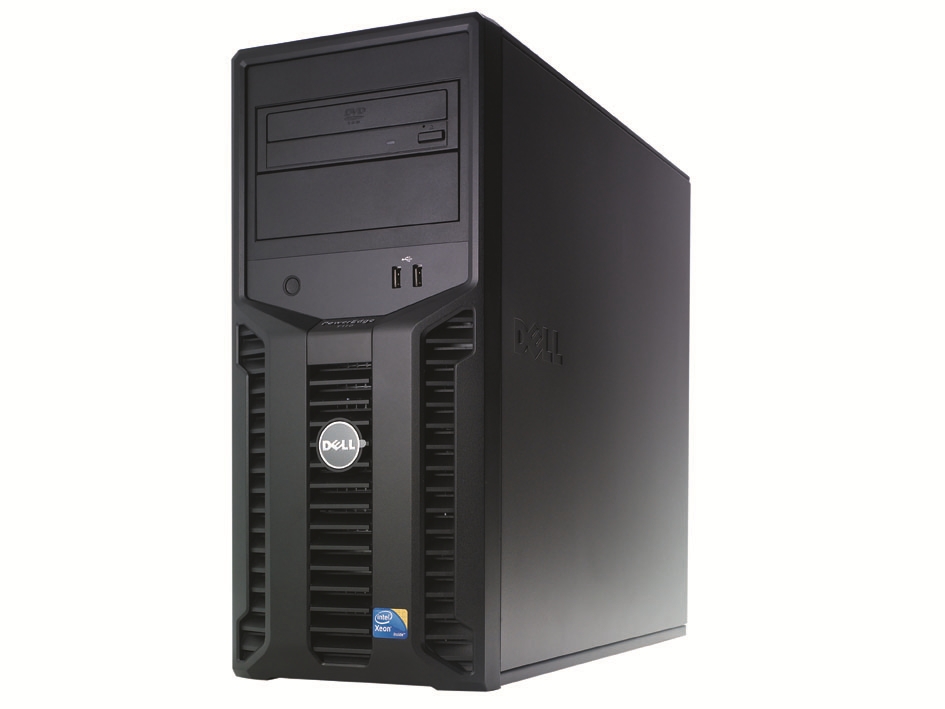
The T110 is a compact little floor-stander that will slot neatly under a desk, and it’s quiet as well. We have seen some complaints about high noise levels but we found that although the main fan at the rear isn’t silent you’d be hard pushed to notice the T110 in a normal office environment.
Security is good as the interior can only be accessed by removing the metal side panel. The large release lever on the top can be locked down and the chassis intrusion switch links up with the BIOS to warn if it’s been tripped.
Six external USB ports are available but you can configure the server so they’re all disabled or just the rear quartet is enabled. There are also two internal locked down USB ports and the rear-mounted eSATA port can be used to expand storage capacity
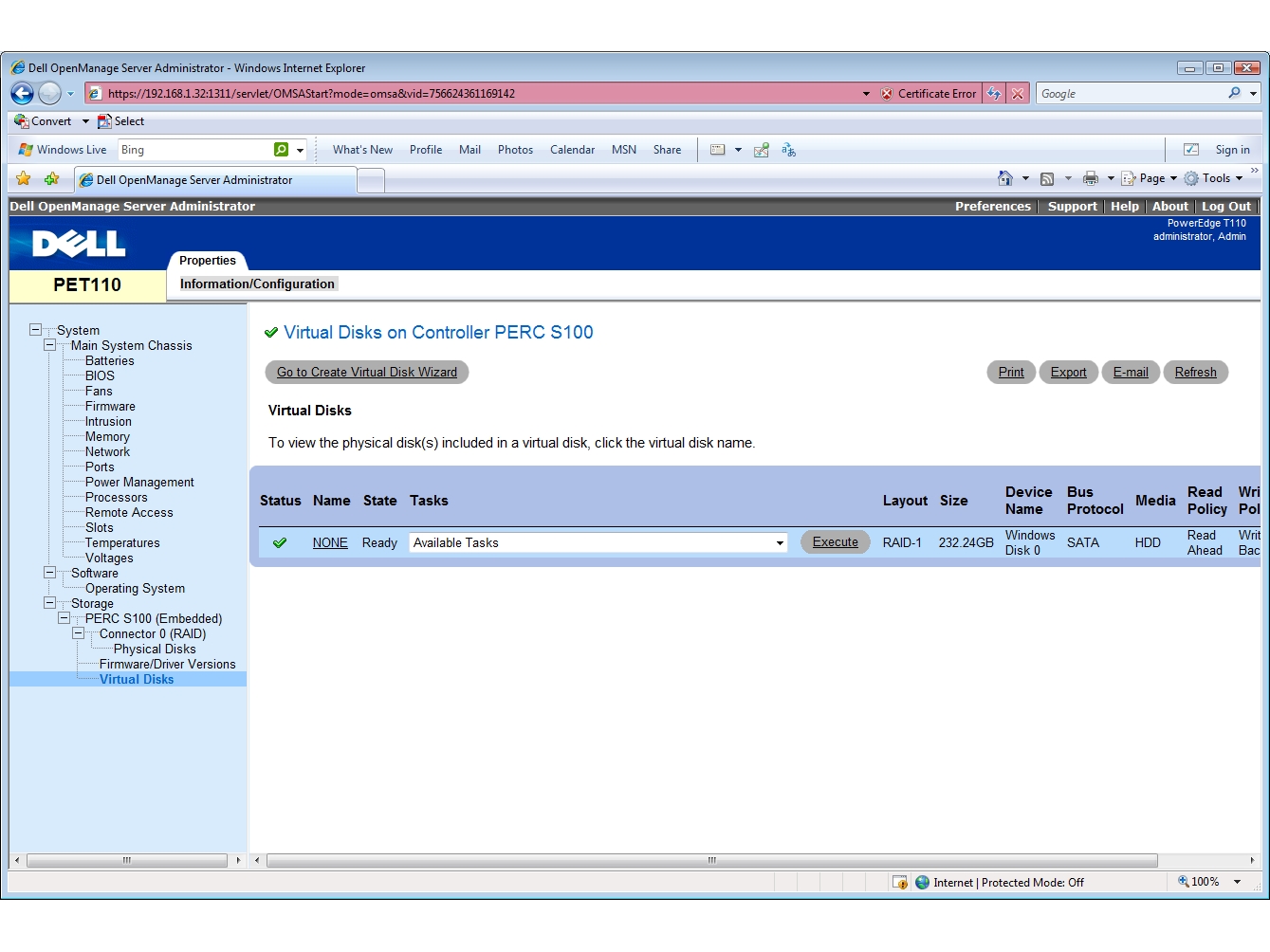
The base system uses the embedded SATA controller which includes Dell’s PERC S100 RAID software solution that is activated from the BIOS to provide support for mirrors or stripes. If this isn’t enough, you can opt for an S300 firmware upgrade that brings in support for SAS drives and RAID-5 arrays.
The hard disks are mounted in an internal cage at the front of the chassis, which has room for up to four drives. They’re easy enough to install and each one is fitted in a plastic carrier that slots neatly into the cage. Dell has also provided all four power connectors and SATA interface cables ready to receive new drives.
Internally, everything is tidy with clear access to all components for upgrades. The processor is located in the centre of the chassis and mounted by a large passive aluminium heatsink. For cooling, the processor and heatsink are covered by a plastic shroud with a single fan at the rear, which also doubles up for the hard disks.
The network connection is handled by a single Gigabit port at the back but there is some extra room to upgrade. The motherboard has four PCI-Express slots and Dell offers single and dual-port Gigabit cards along with its hardware SAS RAID controllers.
Power is handled by a single fixed 350W unit and during testing we found the T110 to be easy on the supply. With Windows Server 2008 R2 Foundation in idle we recorded a power draw of only 48W and with SiSoft Sandra thrashing all eight logical processor cores we saw this peak at only 145W.
The T110 isn’t blessed with Dell’s unique Lifecycle Controller but you can boot into the System Services to access the UEFI (unified extensible firmware interface) environment, which offers OS deployment wizards and diagnostics tools.
For OS deployment using the UEFI you’ll need to have drivers available on a separate disk or an FTP site. You don’t get the embedded 1GB of NVRAM that comes with the Lifecycle Controller so drivers can’t be stored on the server. Dell’s iDRAC6 Express and Advanced cards are also not available for the T110.
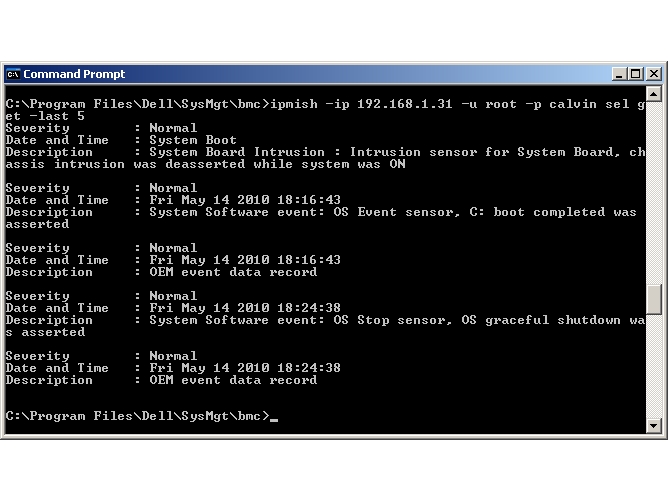
What you do get is an embedded BMC (baseboard management controller), which shares the single network port and can be used to access the server remotely. Features are very basic as the bundled IPMISH command line utility only allows you to remotely control server power and view error logs.
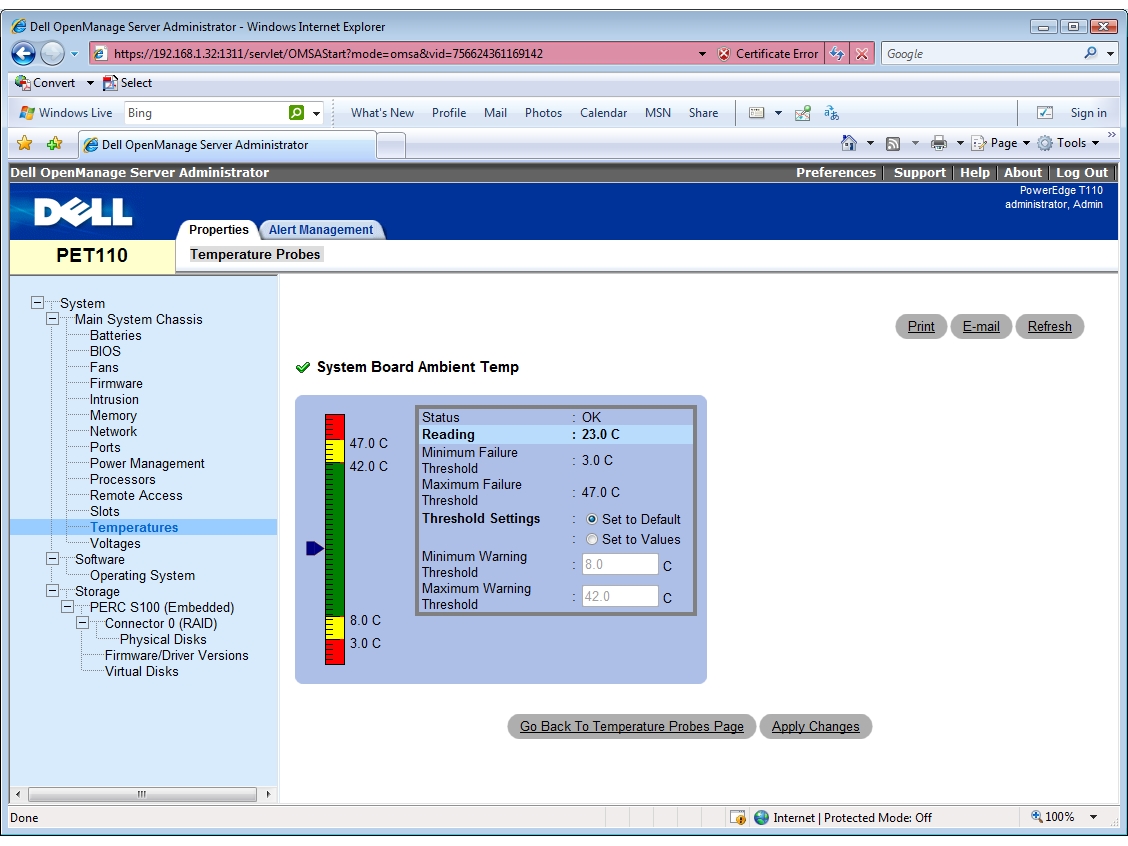
As long as the system and OS are running you can use the bundled OpenManage Server Administrator. This provides local and remote browser access to the server with an interface that’s similar to that presented by Dell’s iDRAC6 controllers.
You can view the motherboard sensors and check on temperatures, voltages or cooling fan speed. The server can be turned on and off and gracefully rebooted although, obviously, if you switch it off it can only be remotely turned back on again via the command line utility.
Small businesses looking for their very first purpose-built server should shortlist the PowerEdge T110. It’s small and quiet, offers a good hardware package for the price and, as long as you’re aware of the limitations, can be sourced with Windows Server 2008 R2 Foundation.
Warranty | |
|---|---|
| Warranty | 3yr on-site next business day |
Ratings | |
Physical | |
| Server format | Pedestal |
| Server configuration | Pedestal chassis |
Processor | |
| CPU family | Intel Xeon |
| CPU nominal frequency | 2.66GHz |
| Processors supplied | 1 |
Memory | |
| RAM capacity | 16GB |
| Memory type | DDR3 |
Storage | |
| Hard disk configuration | 2 x 250GB Seagate Barracuda ES.2 SATA hard disks in cold-swap carriers |
| Total hard disk capacity | 500 |
| RAID module | Dell PERC S100 |
| RAID levels supported | 0, 1, JBOD |
Networking | |
| Gigabit LAN ports | 1 |
Power supply | |
| Power supply rating | 350W |
Noise and power | |
| Idle power consumption | 48W |
| Peak power consumption | 145W |

Disclaimer: Some pages on this site may include an affiliate link. This does not effect our editorial in any way.