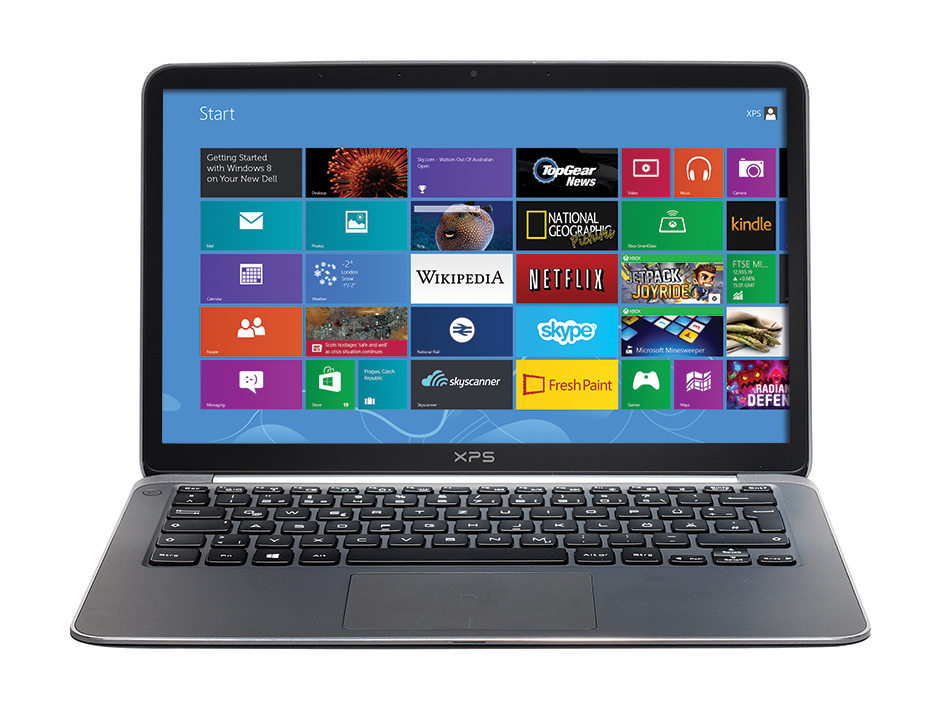
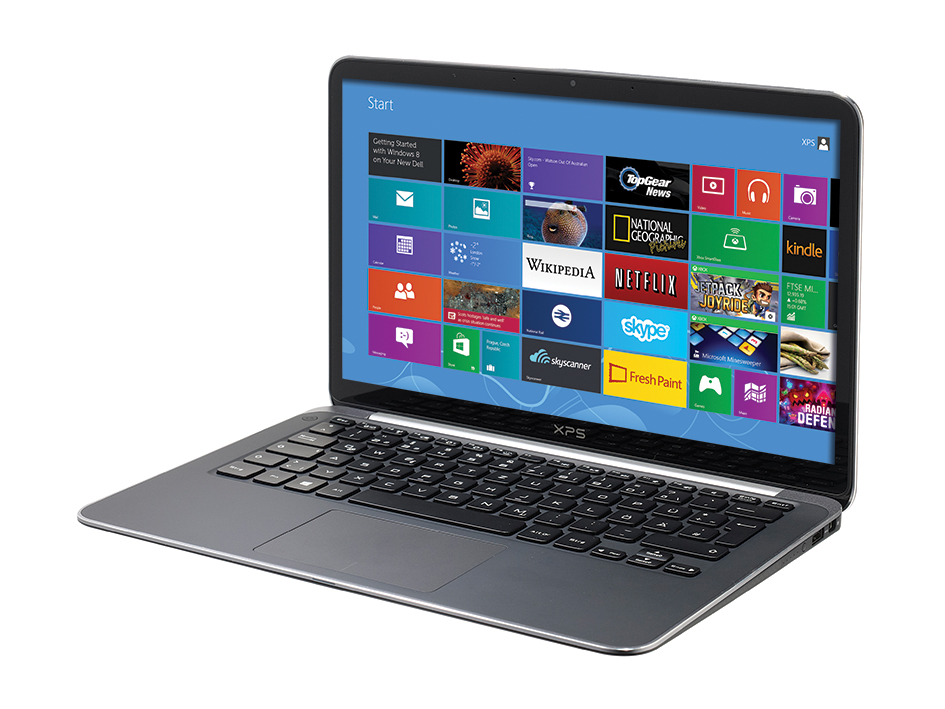
Dell’s XPS 13 was one of the first Ultrabooks worthy of the name. It fused striking design with stellar performance, and was anything but another MacBook Air clone. Now, Dell has given the XPS 13 a spit and polish for 2013, adding Windows 8, a Full HD display and an Ivy Bridge CPU.
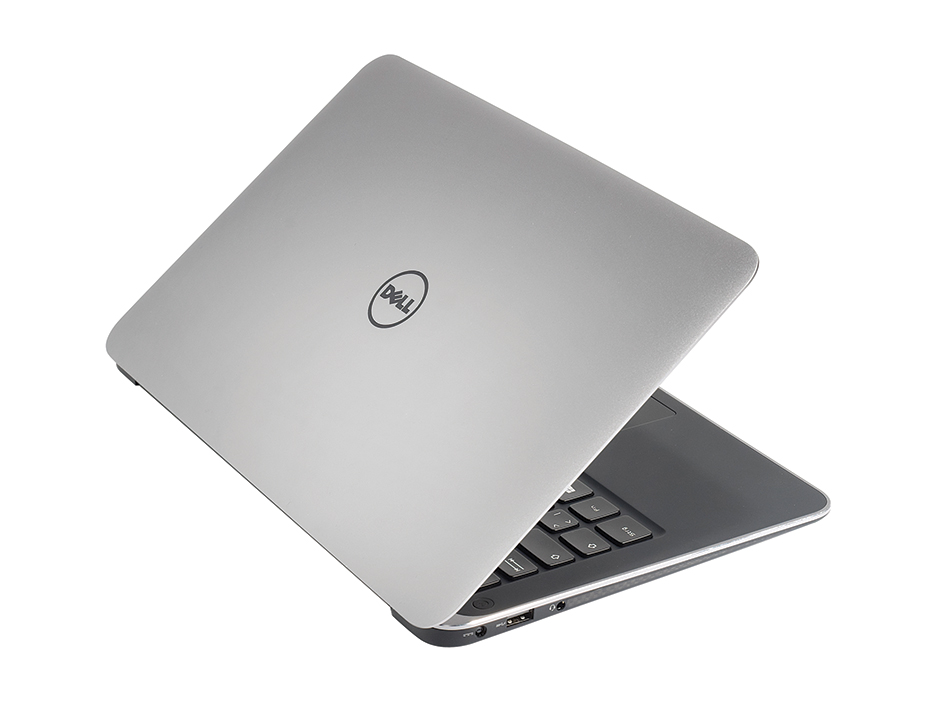
Dell hasn’t changed a thing on the outside, and for good reason. The compact carbon-fibre and metal chassis combines classy looks with high-end build quality. The metal lid is reassuringly rigid, despite measuring less than 6mm thick, and the base is almost flex-free; it isn’t until you twist it viciously from side to side that there’s any give whatsoever. A layer of Gorilla Glass on the other side does its bit to keep the Full HD display safe from harm.
There are two base models in the new range: one starts at £829 inc VAT, partnering a 1.8GHz Intel Core i5-3337U with a 128GB SSD, while a £1,079 model doubles the size of the SSD and upgrades the processor to a 2GHz Core i7-3537U. Whichever you choose, both come with 8GB of DDR3 low-voltage memory soldered onto the motherboard.
The Full HD display is the undisputed star of the show. The LED backlight sends maximum brightness soaring to 383cd/m2, and the panel’s combination of rich, inky blacks and pure, bright whites delivers a contrast ratio of 1,034:1. The colour balance does tend towards the warmer end of the spectrum – the measured colour temperature of 6,034k stops short of the 6,500k ideal – but the average Delta E of 3 indicates that colour accuracy is very good indeed. Viewing angles are gloriously wide, too, and the screen covers almost every corner of the sRGB gamut – something few rivals manage.
Performance doesn’t let the XPS 13 down, either. The combination of an SSD and Core i7 CPU kept our review unit feeling light on its feet, and, from a cold boot, the XPS 13 reached Windows 8’s Start screen in fewer than seven seconds. Application loading times were similarly swift, with multiple applications springing into life with barely a pause for thought. Our Real World Benchmarks more than bore out our subjective experiences: a result of 0.73 puts the Dell among the fastest Ultrabooks we’ve tested.
The LiteOn LMT-256M3M SSD has to take its fair share of the credit. It’s a fair bit quicker than the previous model’s Samsung PM830 SSD: in the AS SSD benchmark, the LiteOn narrowly bested the Samsung’s sequential read speeds, clocking up 489MB/sec to the Samsung’s 474MB/sec, but write speeds raced ahead with the LiteOn managing 403MB/sec versus the Samsung’s 259MB/sec.
That performance has its downsides, however. Load up a game or demanding application, and, over the course of a few minutes, the XPS 13’s cooling fans spin up with an audible whoosh. Rest the Dell on a soft surface, such as a duvet or a thick carpet, and the chassis warms up rapidly – we had to position the XPS 13 carefully on our lap to avoid the fans constantly ramping up to full speed during longer sessions of Civilization V.
The Full HD panel and speedy components take their toll on stamina, too. In our light-use test, the XPS 13’s sealed battery lasted for 6hrs 35mins before running dry. Thankfully, Dell has lavished attention on the XPS 13’s power supply: the newly designed charger weighs only 305g. Even if you have to carry it everywhere, it doesn’t add much to the XPS 13’s travelling weight.
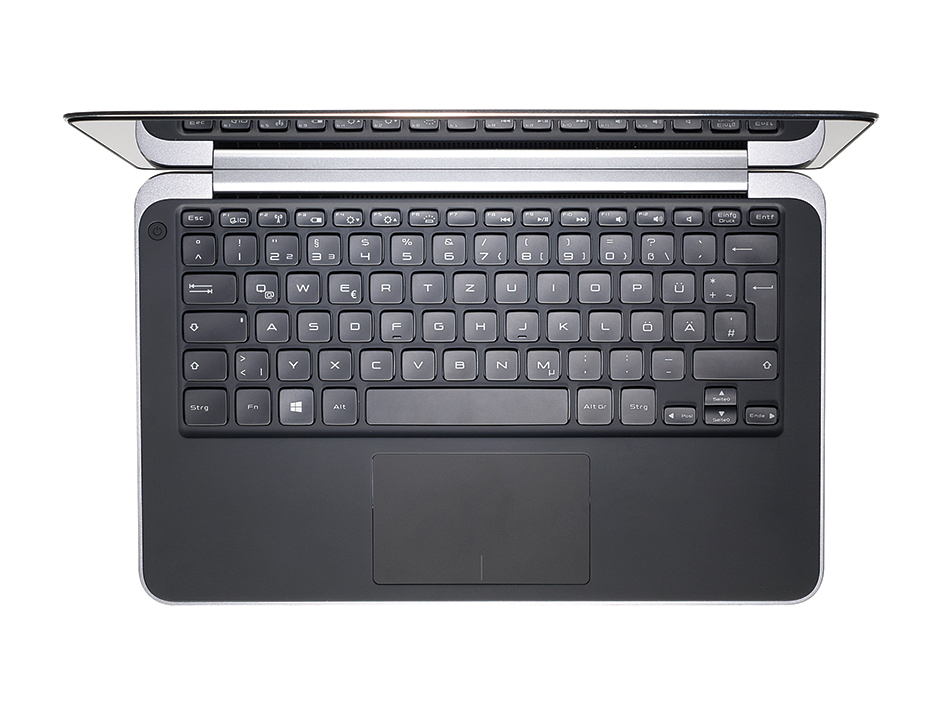
In other respects, the XPS 13 remains much the same as ever. The backlit keyboard is superb, and the rubberised wristrest is comfy. The Dell’s Cypress touchpad hasn’t changed a jot, either. While it copes well with Windows 8’s edge-swipe gestures, it hasn’t lost its quirks: it can take a few attempts for taps to register, and we encountered an issue where the cursor would, on occasion, stop responding entirely. It’s also positioned very close to the keyboard, so there’s a tendency for palms and stray thumbs to bump the cursor by accident. A driver update seemed to largely resolve the issues with unresponsiveness, and dialling the palm-rejection feature right up minimises accidental taps, but it still isn’t the best touchpad we’ve used.
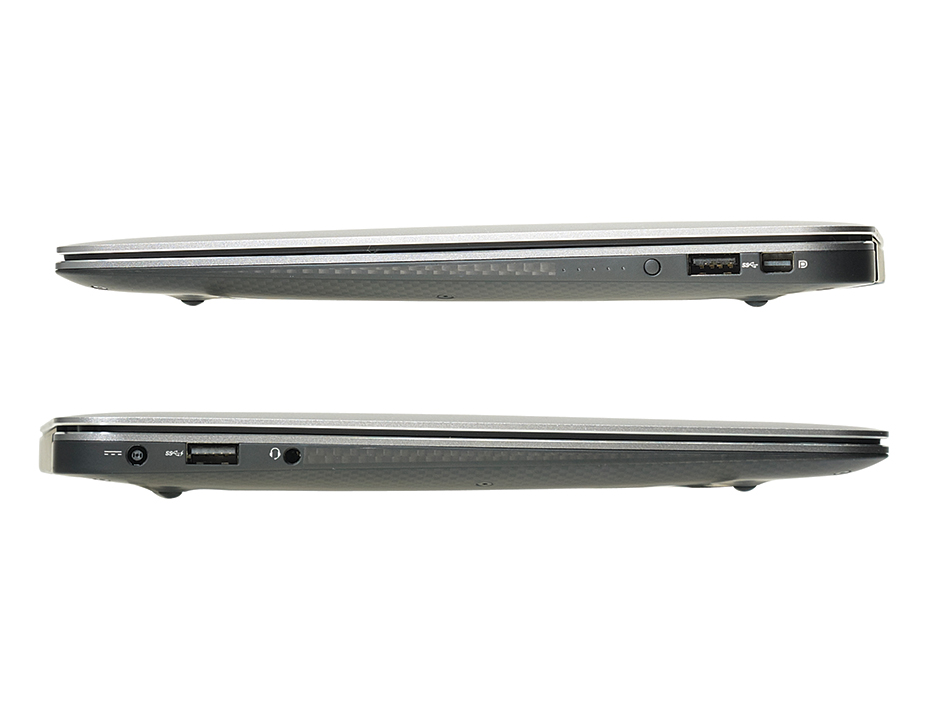
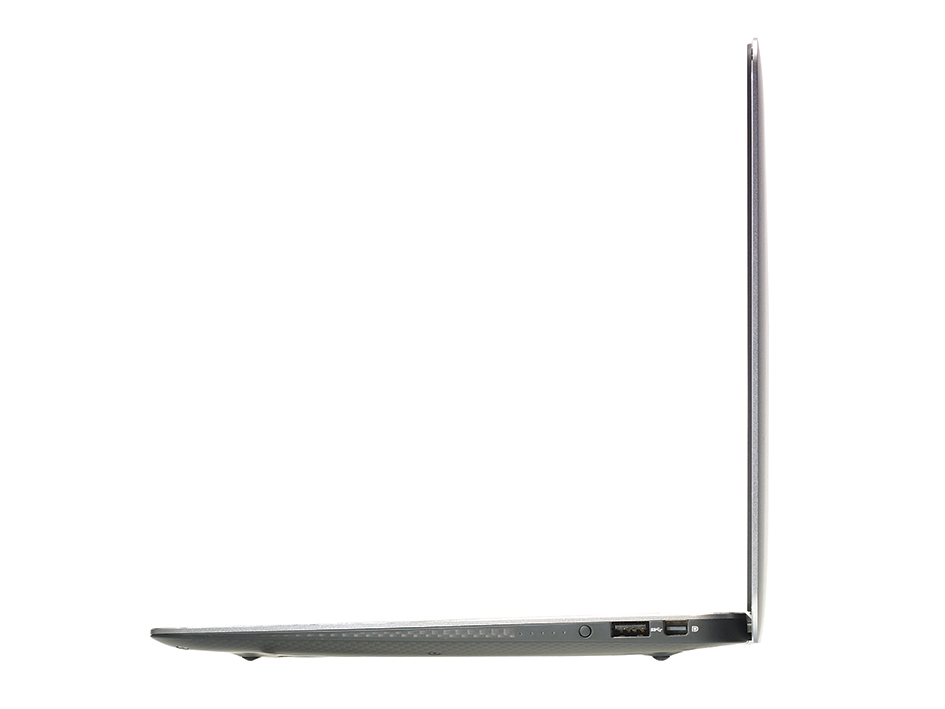
Connectivity remains modest, even by Ultrabook standards. Apart from the pair of USB 3 ports, there’s only a mini-DisplayPort output and a 3.5mm headset jack. Disappointingly, there’s no SD card reader, no Ethernet socket and the only other presence on the XPS 13’s edges is a battery meter, which, with a dab of a button, illuminates five LEDs that show how much charge is remaining. For networking purposes, it’s necessary to rely on the Dell’s dual-band 802.11n and Bluetooth 4 radios.
By adding a stunning Full HD display, Dell has addressed our biggest complaint with the original model. There’s still room for improvement, not least with the touchpad, but, as the only Full HD Ultrabook available for less than £1,000, the Dell XPS 13 emerges as a bigger bargain than ever in 2013. It wholly deserves to take its place at the top of PC Pro’s A-List
Warranty | |
|---|---|
| Warranty | 1yr on-site |
Physical specifications | |
| Dimensions | 316 x 205 x 21mm (WDH) |
| Weight | 1.360kg |
| Travelling weight | 1.7kg |
Processor and memory | |
| Processor | Intel Core i7-3537U |
| Motherboard chipset | Intel HM77 |
| RAM capacity | 8.00GB |
| Memory type | DDR3L |
| SODIMM sockets free | 0 |
| SODIMM sockets total | 0 |
Screen and video | |
| Screen size | 13.3in |
| Resolution screen horizontal | 1,920 |
| Resolution screen vertical | 1,080 |
| Resolution | 1920 x 1080 |
| Graphics chipset | Intel HD Graphics 4000 |
| VGA (D-SUB) outputs | 0 |
| HDMI outputs | 0 |
| S-Video outputs | 0 |
| DVI-I outputs | 0 |
| DVI-D outputs | 0 |
| DisplayPort outputs | 1 |
Drives | |
| Capacity | 256GB |
| Hard disk | LiteOn LMT-256M3M |
| Replacement battery price inc VAT | £0 |
Networking | |
| Wired adapter speed | N/A |
| 802.11a support | yes |
| 802.11b support | yes |
| 802.11g support | yes |
| 802.11 draft-n support | yes |
| Integrated 3G adapter | no |
| Bluetooth support | yes |
Other Features | |
| Wireless hardware on/off switch | no |
| Wireless key-combination switch | yes |
| Modem | no |
| 3.5mm audio jacks | 1 |
| SD card reader | no |
| Pointing device type | Touchpad |
| Integrated webcam? | yes |
| Camera megapixel rating | 1.3mp |
Battery and performance tests | |
| Battery life, light use | 6hr 35min |
| Battery life, heavy use | 1hr 55min |
| Overall Real World Benchmark score | 0.73 |
| Responsiveness score | 0.84 |
| Media score | 0.76 |
| Multitasking score | 0.59 |
Operating system and software | |
| Operating system | Windows 8 64-bit |
| OS family | Windows 8 |
| Recovery method | Recovery partition |

Disclaimer: Some pages on this site may include an affiliate link. This does not effect our editorial in any way.