
Modern computers offer a formidable amount of processing power – and modern computer games push this to the limit. Triple-A blockbusters such as Tomb Raider and Lost Planet 3 will max out your CPU and call for all the horsepower available from a beefy graphics card.
Bigger isn’t always better, though. Many older games – ones that would be considered technically limited by today’s standards – are remembered with a great deal of affection.
And if you want to relive the heady days of Super Mario World, Quake and Bubble Bobble, the tremendous number-crunching capabilities of a current PC make it possible to do so. Virtually every retro gaming console and home computer you can think of can now be emulated at full speed in software, allowing you to run classic games right from Windows, often in glorious Full HD.
Here’s how to find and run retro games, and prove that the old days really were the best. For those for whom console gaming will forever be the poor cousin of PC gaming, we’ll also explore the various ways you can revisit classics from the days of the DOS prompt.
How to play old games on your PC, smartphone and tablet: Getting classics the easy way
Setting up an emulator isn’t the only way to play old gaming classics. Jump onto eBay and you can often find the original hardware. Demand has kept prices pretty buoyant, however: you’ll pay in the region of £60 for a Commodore 64 with a handful of games, and around the same for a Super Nintendo. The Sega Megadrive has depreciated faster, so if you’re after a sniff of Sonic the Hedgehog as it was meant to be played, you might need only £30 for an original 16-bit console.
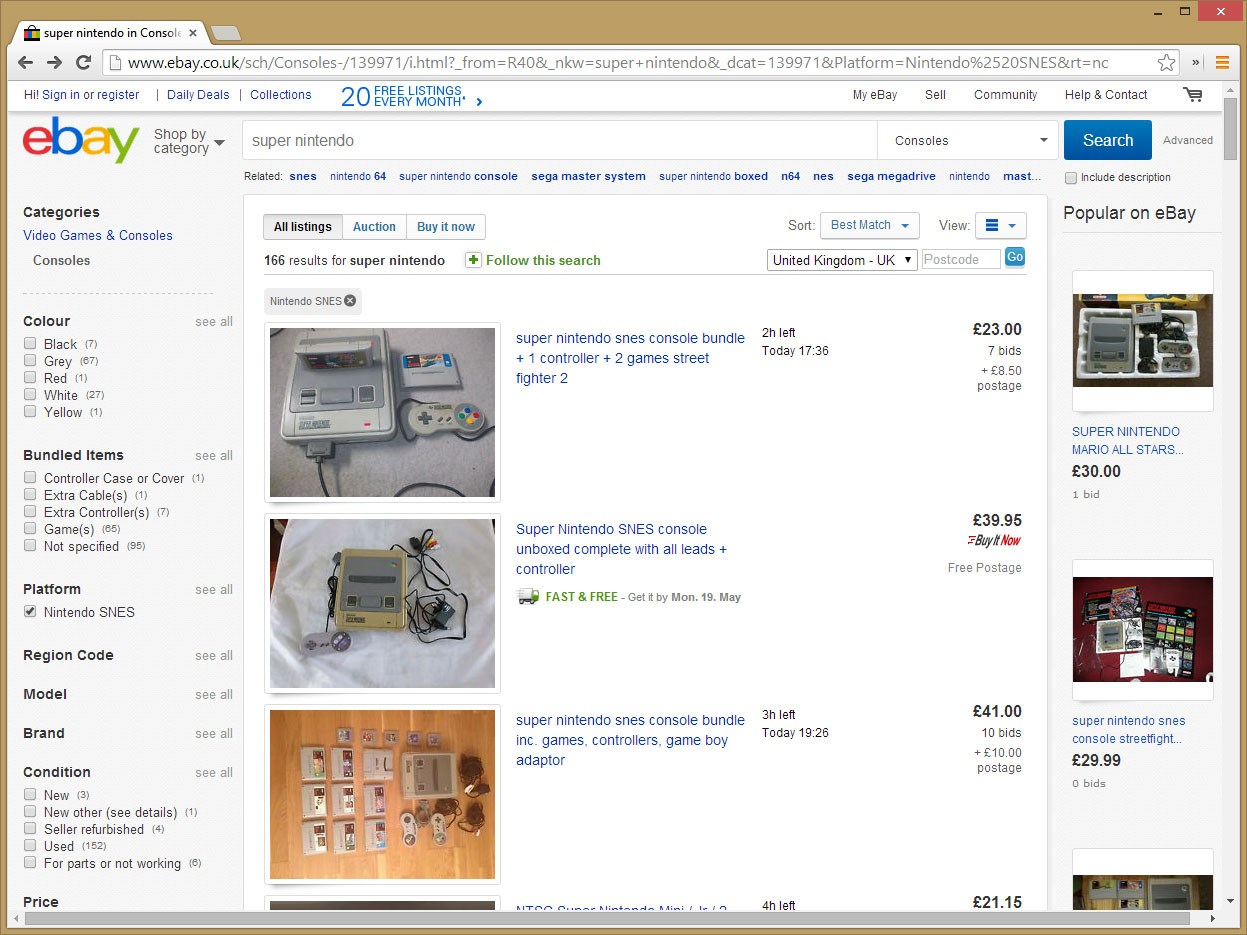
Buying consoles from eBay isn’t terribly convenient, however. If your TV has only HDMI connections, you’ll need to get hold of an RF or scart converter, while retro gaming hardware also tends to involve trailing cables across your living room – wireless console controllers became the default option only with the PlayStation 3 and Xbox 360.
When it comes to PC games, some publishers have updated their old releases to work on newer hardware. Head to Steam, for example, and you’ll find the likes of Railroad Tycoon II, The Secret of Monkey Island and Wolfenstein 3D nestled alongside newer titles, often for sub-£5 prices. There’s also the DRM-free option of Good Old Games, where almost 700 titles – including SimCity 2000, Theme Hospital and the first three Tomb Raider games – are available, thanks to licensing agreements with around 30 games publishers. Often enough, games are compatible with both Windows PCs and Macs, and best of all, Good Old Games offers truly impulse-buy pricing, with many titles available for less than $10 (around £6).
There’s also a burgeoning business in porting older games to the iPhone and iPad, partly because Apple doesn’t allow emulators onto the App Store (since this would allow the execution of unapproved code). Search the store and you’ll find plenty of high-quality options, including old-school Sonic titles from Sega, plus Doom and a touchscreen version of the old ZX Spectrum classic Manic Miner.
How to play old games on your PC, smartphone and tablet: Emulating older hardware
If, for whatever reason, you can’t play the game on its original hardware or in a ported form, it’s time to turn to an emulator – a program that emulates older hardware, allowing the original game code to run on a modern device.
Emulator software is available for all sorts of devices, but some make better emulation platforms than others. Android users, for example, will find plenty of emulators for old games consoles in Google Play, or distributed as APKs from enthusiast websites – we’ll list some of these at the end of this feature.
Unfortunately, the running-and-jumping mechanics of classic platformers don’t translate perfectly to a touchscreen, and the complex combinations of an old-school beat-‘em-up present real problems. To make things a bit easier, many emulators allow you to choose where controls are displayed, and let you configure what happens if you mash multiple buttons at once. You can also get dedicated controller accessories for mobile devices, although this obviously compromises the portability of a tablet or smartphone.
If you’re going to run an emulator, therefore, we recommend doing so on your PC. There’s a wider choice of physical controls on offer, and more power to ensure everything runs smoothly. You’re also less likely to run into problems with mismatched screen sizes.
There’s more choice, too. The emulator scene on the desktop PC is well established: you name a hardware platform and there will be a developer who claims to have a working emulator for it. The range includes arcade cabinets and modern consoles as well, although we’ll focus on older systems here, not least because emulating newer platforms places significant demands on even high-end PC hardware.
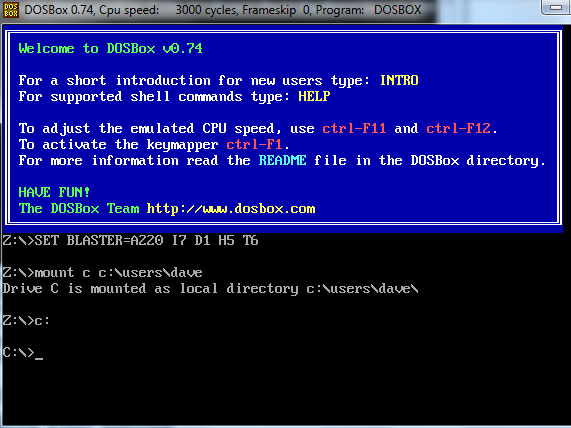
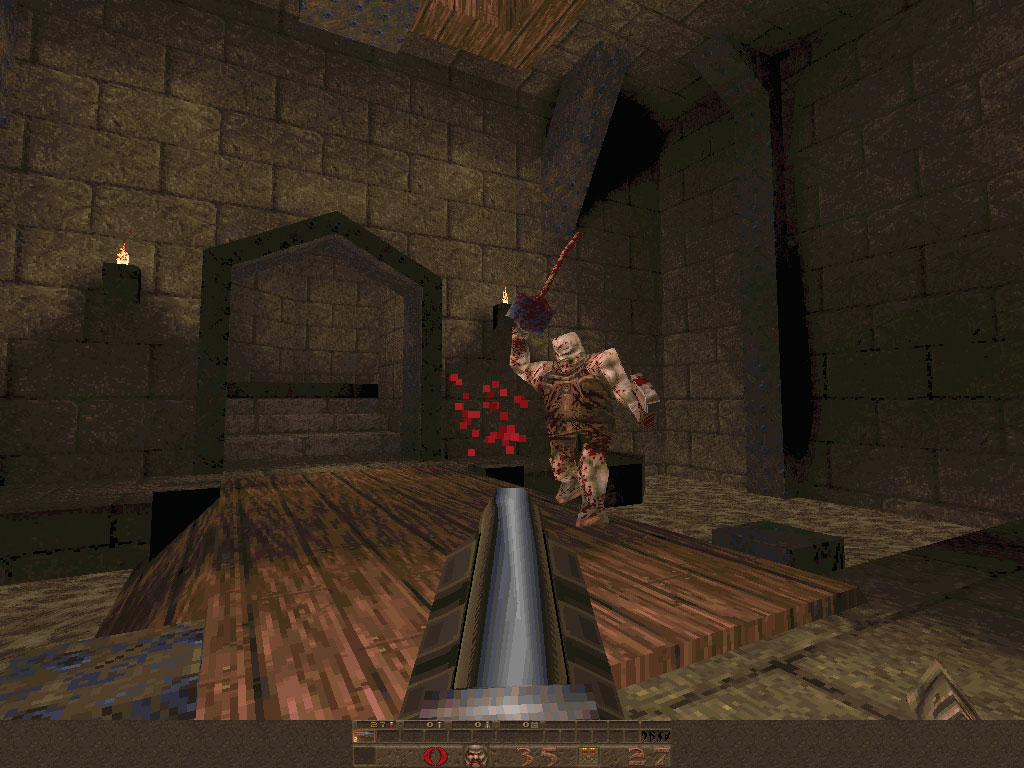
There’s even an emulator for old MS-DOS systems, called DOSBox. You might not think such a thing would be necessary – after all, the basic x86 architecture hasn’t changed in decades. However, while the core hardware of a modern PC can trace its lineage back to the 1970s, the same can’t be said for the operating system. Windows 8 incorporates all sorts of hardware abstractions and security features that were completely unknown when older games such as Quake ruled the roost.
To run older games, therefore, a DOS emulator is the answer. The multi-platform DOSBox is a supremely lightweight piece of software – the download is less than 2MB – that recreates a DOS 5 environment, complete with built-in support for mouse, CD and SoundBlaster hardware, and allows you to mount a directory on the host PC as a hard disk. From there, you can reacquaint yourself with DOS prompt commands and install compatible software.
DOSBox isn’t the only way to get old PC games running: if you prefer, you can set up a virtual machine in a host such as the free VirtualBox and install MS-DOS, or a compatible operating system such as FreeDOS. This is a more complicated approach, but it has the advantage of allowing you to set things up exactly as you want them. DOSBox doesn’t offer an easy way to save your local configuration, although you can create custom configuration files containing different settings, and specify which you want to load from the command line. For more information, check out the comprehensive DOSBox wiki.
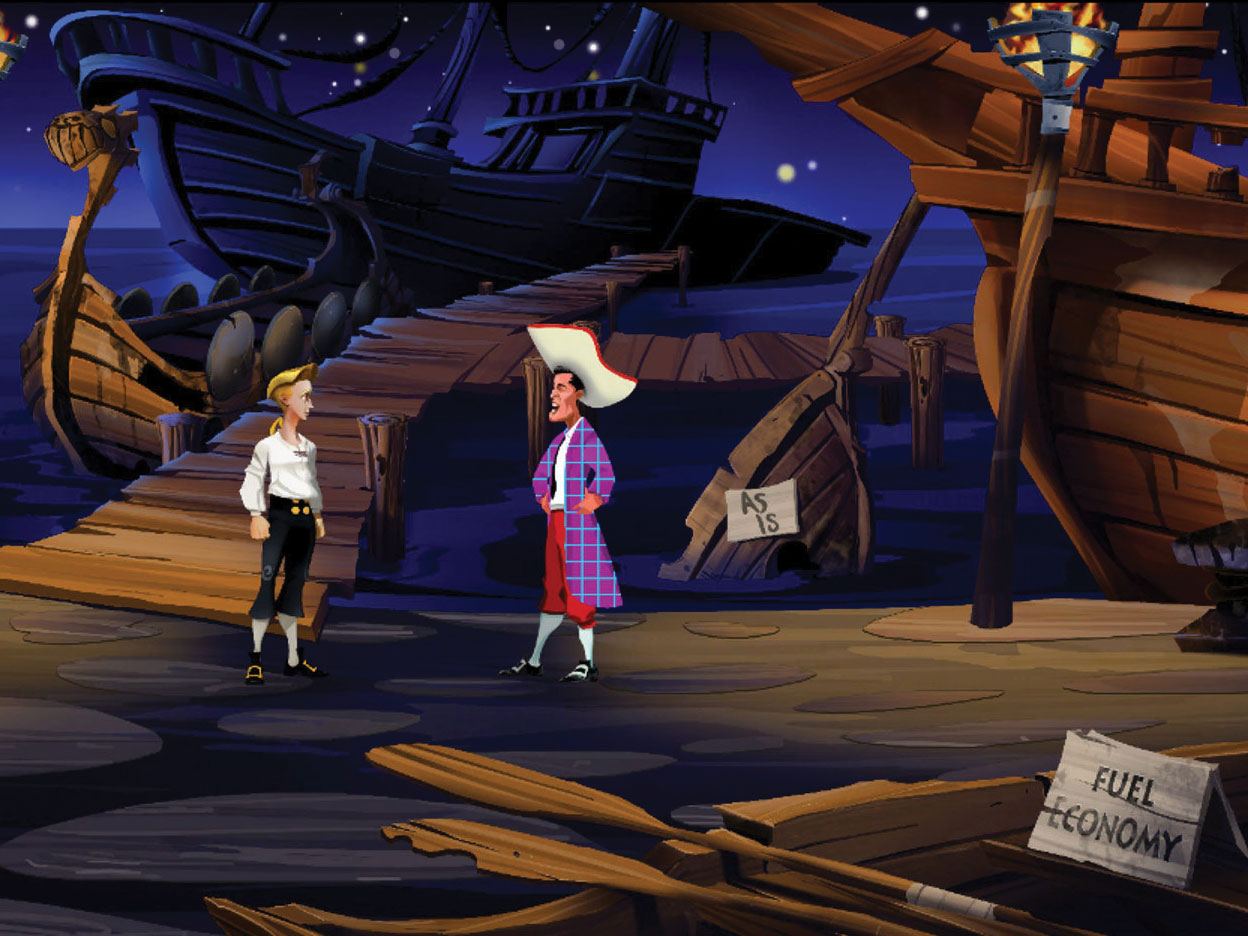
One last notable emulator worth mentioning is ScummVM, which doesn’t simulate a particular computer at all, but is rather an open-source implementation of the game engine that underpins dozens of 1990s point-and-click adventure games, including Indiana Jones and the Fate of Atlantis, Sam and Max Hit the Road, Full Throttle and the classic Secret of Monkey Island. All you need to run Scumm games is the emulator and the original data files. You can obtain these by buying an old CD-ROM on eBay – expect to pay between £10 and £30 – or download free and demo games from the project website.
How to play old games on your PC, smartphone and tablet: Finding games

Although DOSBox and ScummVM can work with original game discs, most emulators can’t use the original media – after all, there’s nowhere to plug a game cartridge into a modern PC. To play a game you therefore need to obtain a soft copy of the program data, called a ROM file.
How you do this is a thorny question. British owners of ebooks, CDs and films are legally permitted to make digital copies of their content, as long as they don’t circumvent DRM technology. This means that if you own a game cartridge, you can legally dump its contents to your PC using a device such as the Retrode, a USB-based reader for Super Nintendo and Sega Megadrive cartridges.
This isn’t terribly convenient, however, nor cheap: the Retrode costs €$65 (around £45), and has been produced in limited quantities. It’s much easier to find an online archive – there are plenty indexed on Google – and download a ROM file that someone else has already ripped. Unfortunately, this is considered copyright infringement.
The same is true for “abandonware” – software so old that the copyright holder no longer sells or supports it. While you’re unlikely to get in trouble for nabbing a long-forgotten game, some titles represent trademarks that are still exploited today, such as the 25-year-old original Prince of Persia.
A final word of warning: not only is downloading console ROMs legally problematic, it’s also risky. Not every big link marked “Download” on these sites links to the file you’re looking for. Some ROM sites use underhand tricks to get you to visit sponsored sites, and one ROM site in particular is notorious for hectoring you into using its bespoke downloader, which then tries to install bogus software on your PC alongside the file you’re actually after.
There is a truly free alternative. The Internet Archive operates a project called The Old School Emulation Center (TOSEC), which archives classic games for a number of old systems in the name of preserving classic code in an accessible format. For those averse to downloading emulators, there’s even in-browser emulation for several platforms, allowing you to play, for example, the original 1981 version of Pac-Man as it was on the Atari 2600.
How to play old games on your PC, smartphone and tablet: Eight PC and Android emulators to try
A truly tiny download, Snes9x offers support for the Super Nintendo’s greatest hits. Support for DirectX means it’s an install-and-go emulator, which can create AVIs of gameplay. Built-in support for proper gamepads means you can recreate the early 1990s straight from Windows.
A one-stop shop for anyone with a soft spot for Sonic. Fusion will run ROMs from the Sega Megadrive and its 8-bit forerunner, the Master System, as well as Game Gear, Sega CD and even the niche Sega 32X system. We experienced a bit of video tearing when we tested it, but turning on V-sync in the menu options proved a reliable fix.
The Nintendo N64 is a tough one for PCs to emulate due to its tricky controller. However, a quick trawl of eBay reveals a slew of N64-alike controllers as well as USB adapters for original gamepads; those looking to revive an old trove of cartridges should look at Project64, which delivers high frame rates and plenty of configurability for those stuck with a humble keyboard.
Last updated in 2005 but not showing its age, VisualBoyAdvance provides handheld gamers with access to ROMs culled from cartridges for the GameBoy, as well as its later Advance and Color versions. It lends itself brilliantly to modern PC gaming with only two buttons (plus start and select). Make sure you have a few hours free before you find out if the 8-bit version of Tetris can hold its own against modern classics such as Angry Birds.
SNesoid (Android)
SNesoid was unceremoniously dumped from Google Play in 2011 following a complaint from Sega, but you can still find the APK with a quick web search. A word of warning, though: it’s a good idea to install a decent malware scanner before side-loading apps. It’s also worth noting that the SNes’ six-button controller – including two shoulder buttons – doesn’t translate brilliantly to a touchscreen.
Gearoid (Android)
Another emulator from the creators of SNesoid, this one emulates the handheld Sega Game Gear. The idea of playing 8-bit handheld classics on a tablet feels right, and the two-button control system lends itself well to touchscreens. In theory you can use your device’s accelerometer to control left and right, but this wasn’t something we could get to work on our HP Slate 10 HD test device.
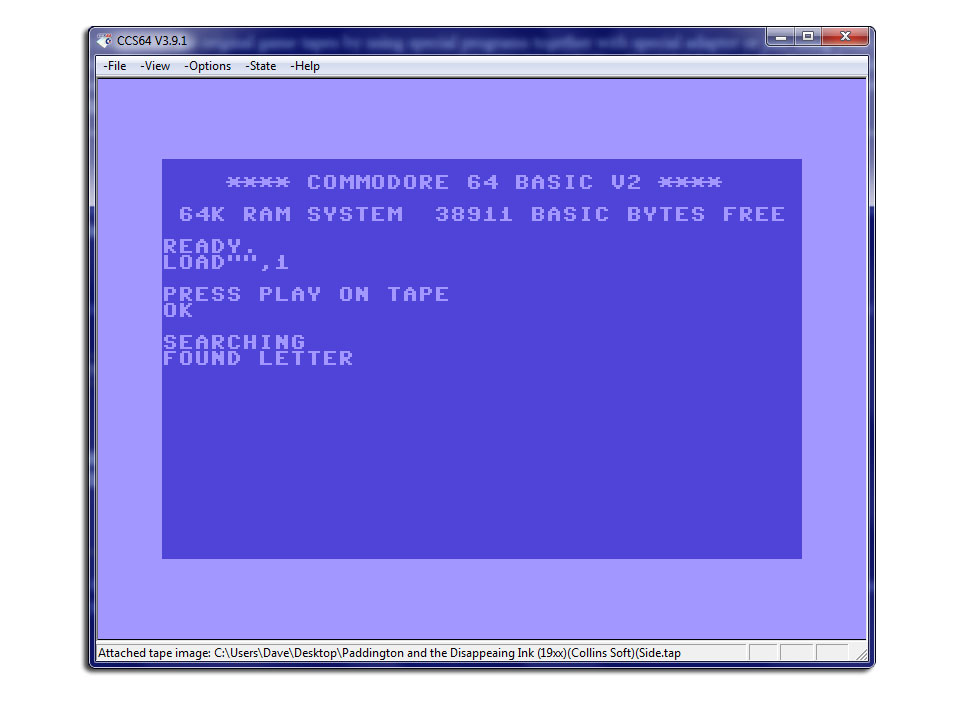
Available on Google Play, Frodo 64 allows you to run Commodore 64 games on Android devices. The controls are a little clunky, though – the keyboard obscures what’s happening onscreen, and getting rid of it takes you three levels deep into the menu. Still, it’s fast and stable, and you can even connect an old C64 disk drive to a PC and compile your own files.
Free, but with the occasional full-screen ad plastered over its menu screens, Super N64 is an impressive Nintendo 64 emulator. We found the frame rate occasionally lagged, but the biggest problem is controlling it: you’ll require some impressive dexterity – and possibly 12 fingers – to properly handle all the N64’s buttons and sticks.

Disclaimer: Some pages on this site may include an affiliate link. This does not effect our editorial in any way.