If This Then That (IFTTT) is a popular automation service for linking apps, devices, and services, and enabling them to interact with one another. One of the best ways to work with it is by linking a messaging app, like Telegram, with one or more workflow apps, such as Notion, Trello, Asana, and Google Sheets.
Here’s a closer look at how to use IFTTT for Telegram and workflow platforms.
How to Use IFTTT for Telegram With Workflow Apps
IFTTT gives you the power to turn Telegram into a handy workflow assistant, letting you know about project updates, new tasks, and other important information. It supports all of the most popular platforms, and there are a lot of pre-existing applets you can start using, with minimal technical expertise required. Here’s how it all works:
Step 1. To get started, visit the official IFTTT website, click “Get Started” or “Start Today,” then sign up with your email or log in via Google, Apple, or Facebook.
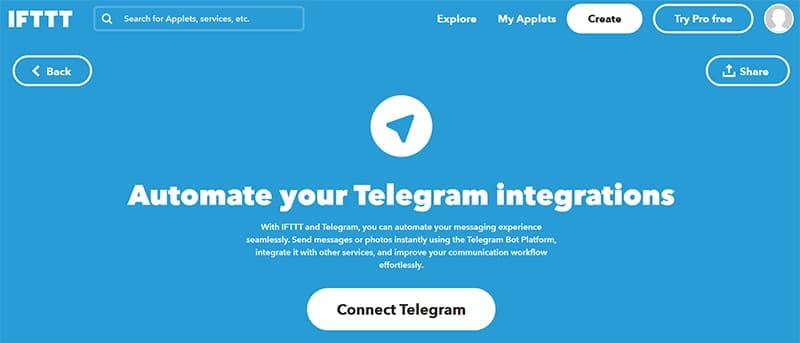
Step 2. Go to the IFTTT Telegram page and click “Connect Now” to link your IFTTT and Telegram accounts.
Step 3. Click the “Start Bot” button to begin a chat with the IFTTT Telegram bot. You can alternatively open the Telegram app on your mobile device, hit the “Search” button, go to the “Apps” tab, and search for the IFTTT bot from there.

Step 4. Once your IFTTT and Telegram accounts connect successfully, you’ll also need to link your workflow account(s). To do this, find the appropriate page on the IFTTT site and click the “Connect” button.

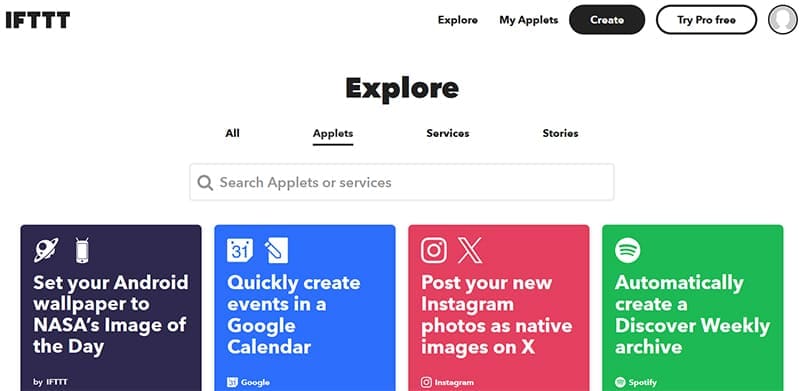
Step 5. You can now start setting up IFTTT applets that use both Telegram and your chosen workflow app. There are two ways to do this. The first option is to click the “Explore” button on the IFTTT site and search for existing applets to try. If you see an applet that interests you, select it and click the “Connect” button to set it up.
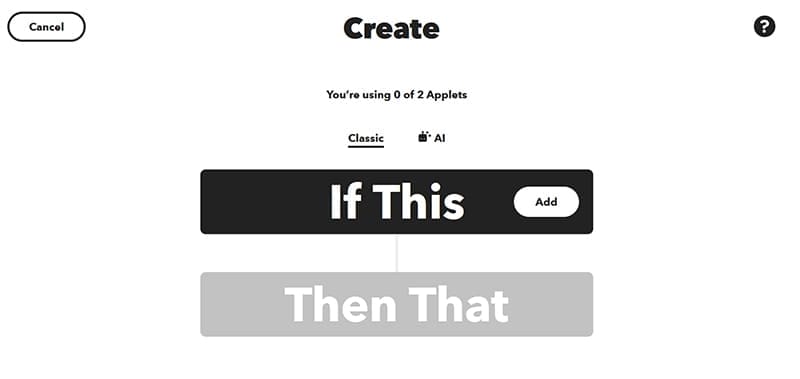
Step 6. The other option is to click the “Create” button and then set up your own custom applet, using the specific commands you want. For example, creating an applet sends a message or notification to Telegram any time a new project or task is added to your workflow app.
What Can You Do After Connecting Telegram to Your Workflow App?
With the help of IFTTT applets, you can configure Telegram to serve as a messaging platform, notification channel, or even command center for your workflow apps. It can automatically send messages about new tasks or updates, or create applets that let you add new tasks to your workflow app simply by sending a Telegram message. You can find more ideas for applets and functions via the IFTTT site or an IFTTT review for Telegram.




Disclaimer: Some pages on this site may include an affiliate link. This does not effect our editorial in any way.