

WhatsUp Gold has benefited from a steady development program for many years, but version 15 of this popular network monitoring software heralds a veritable sea change. Ipswitch is focusing sharply on the package as a web application, and has redesigned its main interface to make it easier to use and capable of delivering much clearer information.
The Standard edition provides device discovery, mapping, monitoring, alerting and reporting. The Premium edition, on review, adds WMI support for enhanced monitoring of applications, including Exchange, SQL Server and other SMTP mail servers. It can also keep an eye on Linux and Unix servers, and includes the same Split Second Graph real-time monitoring tools introduced in version 14.1.
Ipswitch offers a wide range of optional plugins, which previously complicated deployment since they had to be loaded individually after the core product was installed. This has now been streamlined: you can install everything at once simply by entering one licence key.
SNMP and WMI are basic requirements, so all systems should be prepared first by enabling these services. Installation is a swift process, but WhatsUp Gold no longer supports Windows XP as a host system: it requires IIS 6 or 7. On our Windows 7 host, it automatically installed the latter.
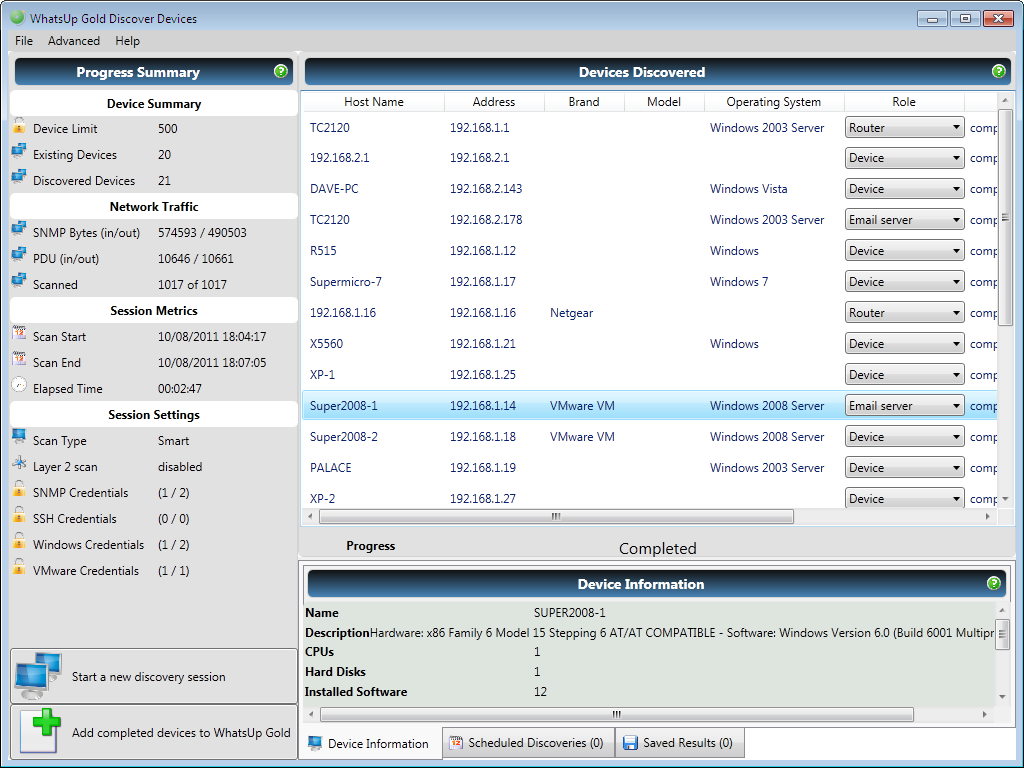
Network discovery is swift and the SmartScan tool queries each device’s SNMP MIB. However, before running discovery, we recommend playing with the Device Role settings, as these can apply predefined sets of passive, active and performance monitors, plus actions and alerts to each system.
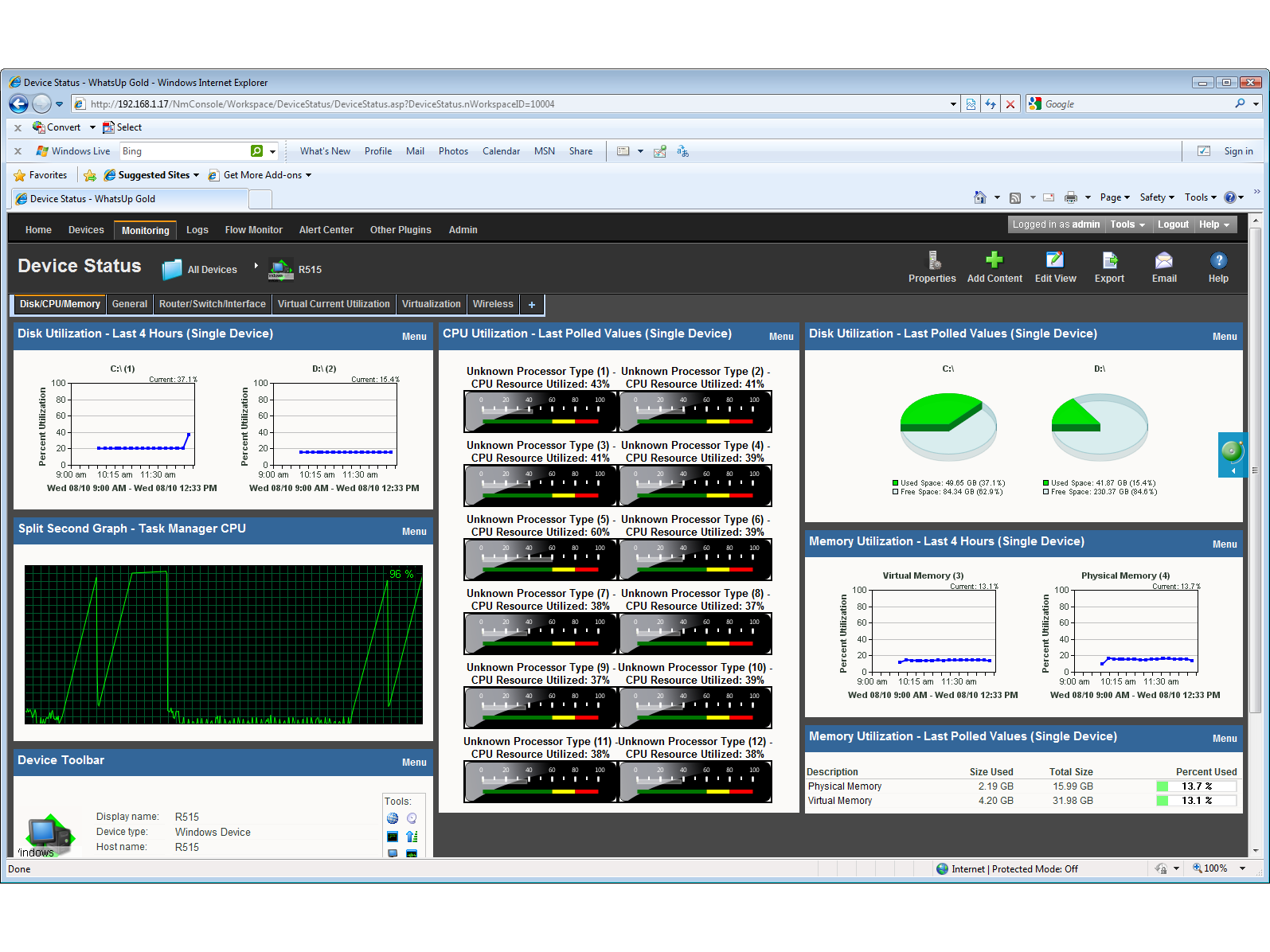
On first contact with the new web interface it’s clear how much work Ipswitch has put into it. The old workspaces were difficult to configure; these have been replaced with a slick new dashboard.
It has a ribbon-style menu bar across the top, which can be collapsed when not in use. Another important addition is the in-context navigation: when you choose a system or device to monitor, it stays selected regardless of the view or menu option selected. Previously, if you dropped out of a Workspace view to look at something else, you had to recreate the view.
Dashboard performance is fast, and the views are easier to customise: a designer tool provides a light-box where you can scroll through different views and graph styles and preview them first.
The new pop-up feature will prove useful, too: hovering the mouse pointer over a system in the Devices view loads a window showing performance and active monitors, plus WhatsUp Gold group membership. The window also contains hyperlinks, so you can quickly access any of the monitors shown.
Access security to the web console has been improved with Active Directory integration. Previously, you could only use the WhatsUp Gold local user database to determine access privileges, but now you can import AD users and groups, and hand out console viewing and configuration rights.

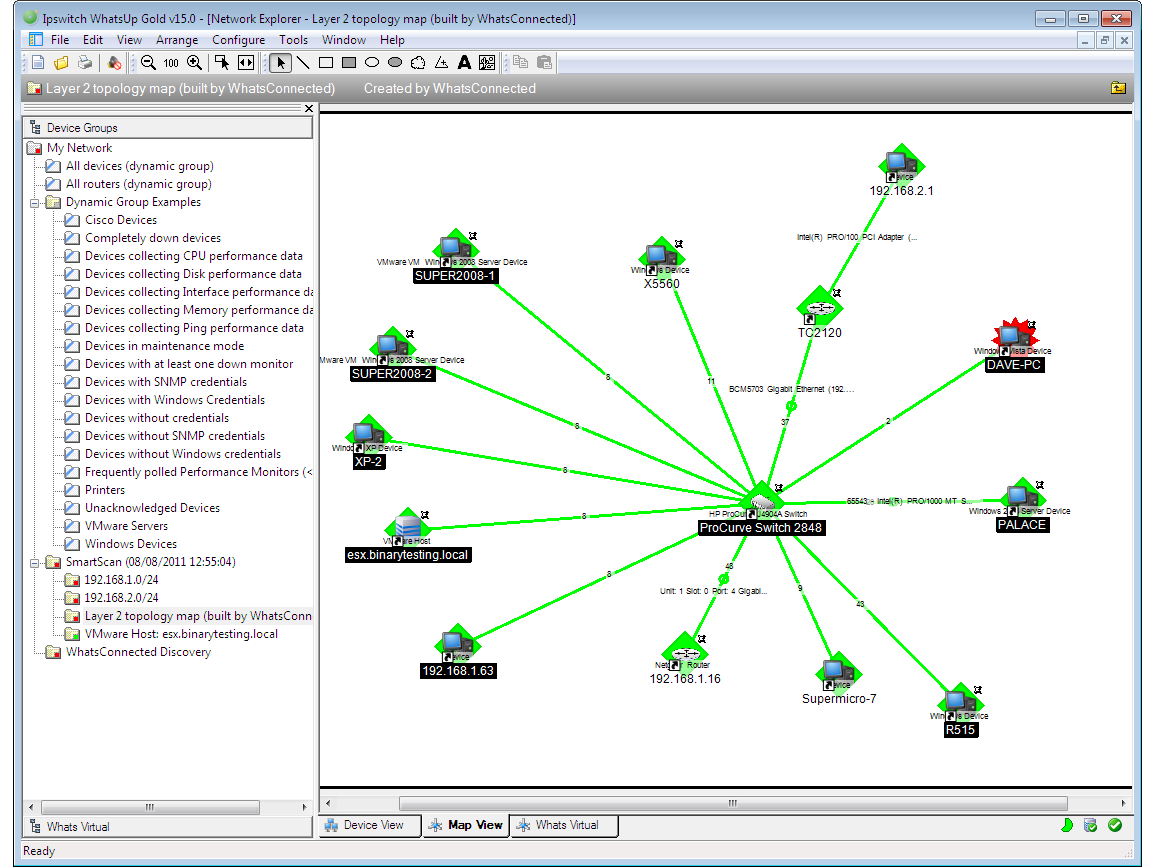
Larger networks should consider the WhatsConnected plugin. For £1,771 for 100 devices, it provides automated L2 and L3 network topology maps, which can be imported directly into the main WhatsUp Gold application. It can show which devices are physically connected to switch ports; it understands VLAN structures; and displays dependency information. The latter is useful in working out how the failure of one device may affect other devices on your network.
The WhatsConnected plugin also includes agentless software inventory, and this maintains a database for storing all details. Reporting and filtering tools are provided, so you can easily whip up a summary of specific software packages to make sure your licences are up to date and legal.
Finally, we loaded up the WhatsVirtual plugin to see what it had to say about our VMware ESX Server 4 systems. Costing a further £1,274 for 100 devices, this adds VMware scanning and mapping options to the discovery tool, allowing you to monitor the host system’s hardware resources, view all virtual machines, see their status and virtual resource usage, and link active or passive monitors to them. Hyper-V support will be added in the next major release.
Ipswitch has clearly worked hard on WhatsUp Gold 15, making it even easier to use, and the redesigned web console is clearly superior to its predecessor. It offers a superb range of network monitoring tools and its pricing structure makes it affordable for SMBs.
Details | |
|---|---|
| Software subcategory | Other software |

Disclaimer: Some pages on this site may include an affiliate link. This does not effect our editorial in any way.