


Designed for remote offices and small businesses with space at a premium, Dell’s new PowerEdge T410 is less than 62cm deep and small enough to fit under a desk.
Storage options haven’t been compromised, though, with the review system kitted out with an internal bay supporting up to six cold-swap 3.5in SAS and SATA hard disks. Smaller 2.5in SFF SAS and SATA drives are also offered as options, and the hot-swap version of the T410 has the drive bay moved to the front.
The server is nicely built and designed, with good physical security. The front grille can be locked to protect the hot-swap bays and the internal hard drive bay can only be accessed from behind the lockable side panel.
The base system comes with a simple LED status panel, but you can opt for a backlit LCD version. It also has a control keypad for setting the remote management network address and scrolling through views of power consumption and temperatures.
The side panel feels tough enough to withstand a direct hit, and with this removed the T410 reveals a tidy interior with the six drive bays towards the front of the chassis. For RAID we had Dell’s SAS 6/iR card, which provides a pair of four-port connectors as well as support for mirrors and stripes.

The four drives in the review system were all wired to one port, and the second port had combined SATA/power cables already in place. If you want RAID5 or 6 arrays then you need to go for the PERC 6/i card, which also supports extra cache memory and the optional battery backup pack.
The lower part of the motherboard is covered by an enormous black plastic shroud to aid airflow over the processors and memory. It isn’t pretty, but this arrangement has allowed Dell to use a single 12cm diameter cooling fan for the entire chassis. This keeps noise levels down to a whisper, making the T410 a perfect partner for small offices.
Behind the shroud we found a pair of E5502 Xeons fitted with large passive heatsinks, each accompanied by four dedicated memory slots. These dual-core processors represent the entry point of the Series 5500 Xeons, and don’t support Hyper-Threading or TurboBoost. The server came with 6GB of DDR3 RDIMM triple-channel memory, but the E5502 Xeons in this system support a maximum memory speed of only 800MHz.
There’s plenty of room to expand, as the T410 has five PCI Express slots with only the lower one occupied by the RAID card. Usefully, the slots are located above the air shroud for easy access. The server also offers a pair of embedded Gigabit ports that can be teamed up for load-balanced and redundant links if required.
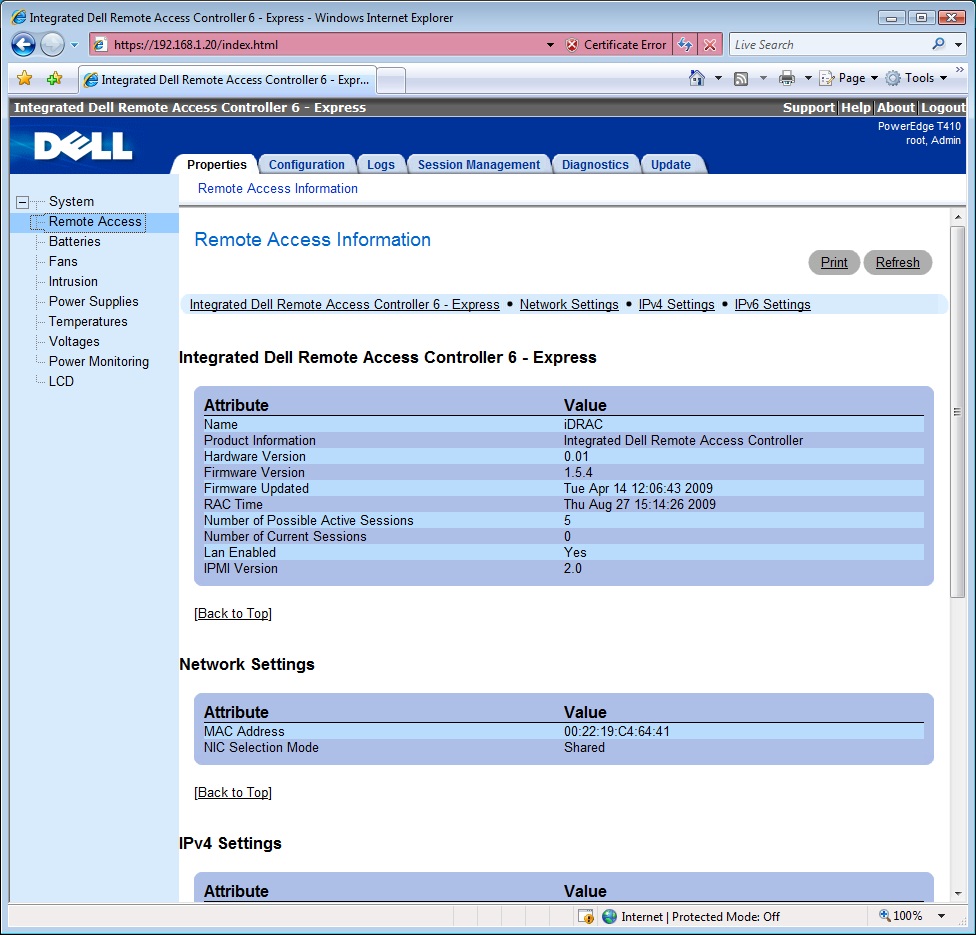
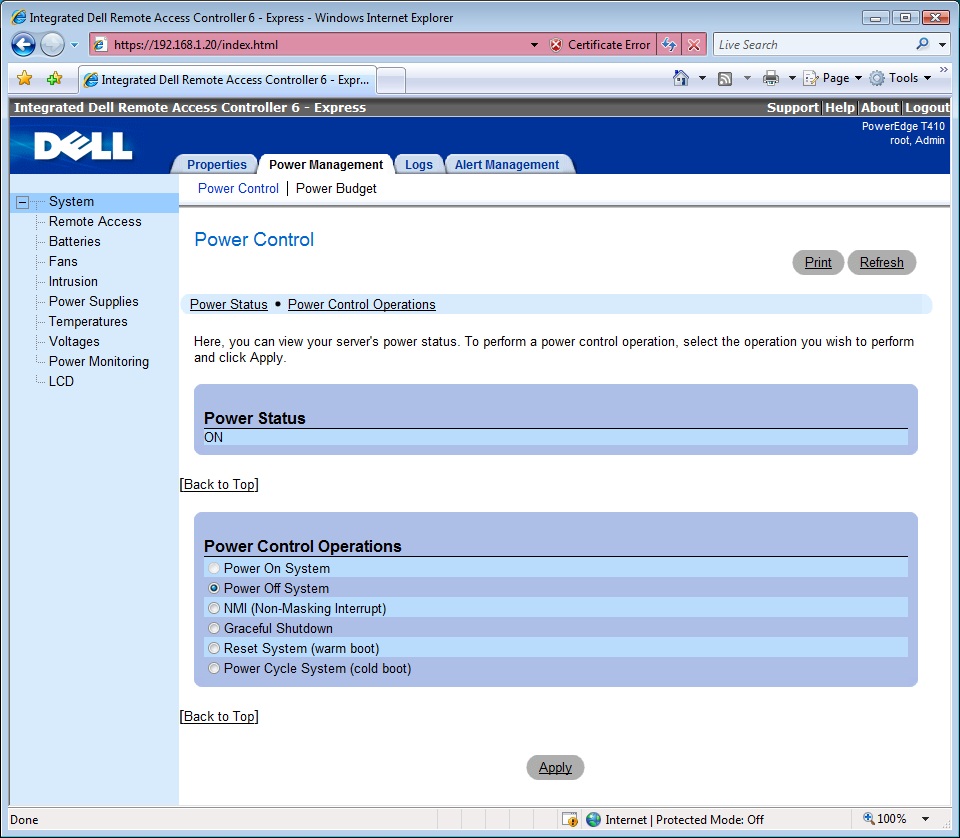
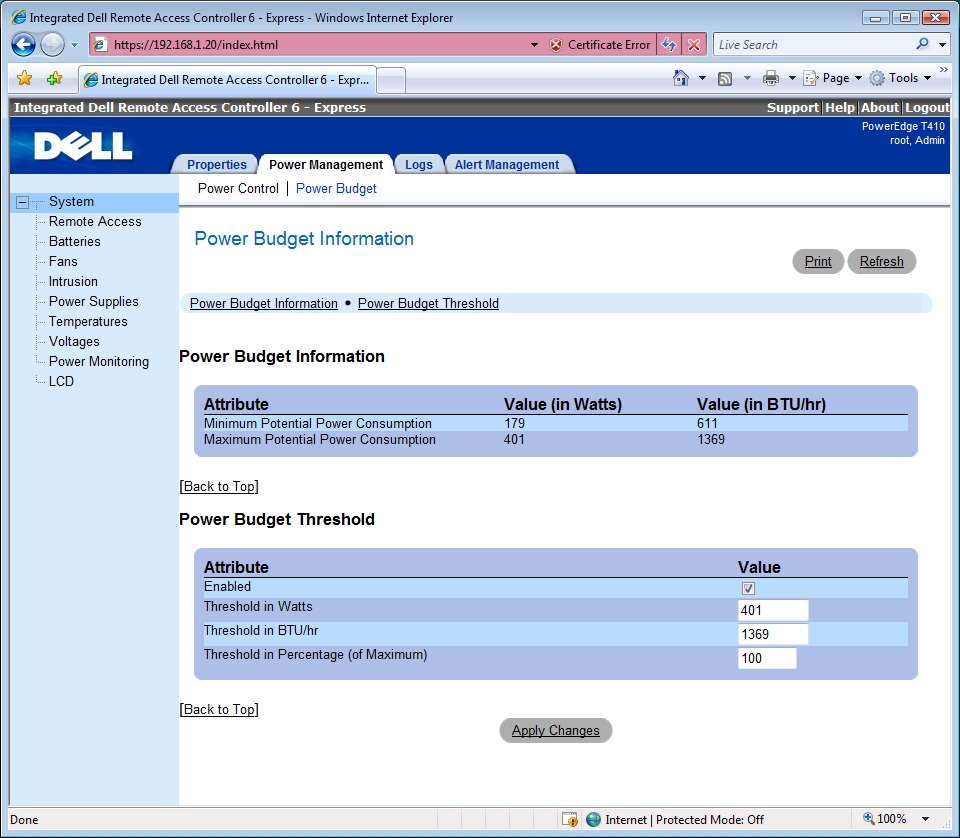
For server management, Dell offers a number of options. These start with the embedded IPMI controller, which offers simple remote command-line access to power controls. Next up is Dell’s iDRAC 6 Express card, which snaps into a proprietary socket next to the PCI Express slots and shares the first network port to provide web browser access to the server.
More importantly, the iDRAC6 brings the unique Lifecycle Controller into play and provides access to Dell’s UEFI (unified extensible firmware interface) environment, complete with GUI and support for a mouse and keyboard. This provides OS deployment wizards and a driver store, plus access to diagnostics and server update tools.
You can’t upgrade to the iDRAC 6 Enterprise version, as this is a completely different card that fits into a separate socket further down the motherboard. It presents a dedicated network management port at the rear and an advanced feature set.
The Enterprise card adds KVM over IP functions, allowing the server to be remotely controlled, and also has an integral V-Flash media slot accessible at the rear of the chassis. When an SD card is inserted, it appears as a boot option that can be accessed from the host operating system.
The T410 also comes with Dell’s latest Management Console software. We took a closer look at this is our review of the A-Listed PowerEdge R610 rack server, and were impressed with the level of features. However, it’s a heavy-duty application, and small businesses running a single server are unlikely to need it.
The review system came with a fixed 525W power supply, but you can opt for a pair of 580W hot-plug models. With the single supply the T410 proved to be a power miser, with our inline meter recording only 6W in standby and 102W with Server 2003 R2 in idle. With SiSoft Sandra punishing all four Xeon cores, we saw this rise to a modest 175W under full load.
As a small office tower server, the T410 has a lot going for it – it’s small enough to keep out of the way and is extremely quiet. It doesn’t lose out to larger systems either, as it has plenty of expansion potential including good storage prospects.
Warranty | |
|---|---|
| Warranty | 3yr on-site next business day |
Ratings | |
Physical | |
| Server format | Pedestal |
| Server configuration | Tower chassis |
Processor | |
| CPU family | Intel Xeon |
| CPU nominal frequency | 1.86GHz |
| Processors supplied | 2 |
| CPU socket count | 2 |
Memory | |
| RAM capacity | 64GB |
| Memory type | DDR3 |
Storage | |
| Hard disk configuration | 4 x 500GB WD SATA hard disks in cold-swap carriers |
| Total hard disk capacity | 2,000 |
| RAID module | Dell SAS 6/iR |
| RAID levels supported | 0, 1 |
Networking | |
| Gigabit LAN ports | 2 |
| ILO? | no |
Motherboard | |
| Conventional PCI slots total | 0 |
| PCI-E x16 slots total | 1 |
| PCI-E x8 slots total | 4 |
| PCI-E x4 slots total | 0 |
| PCI-E x1 slots total | 0 |
Power supply | |
| Power supply rating | 525W |
Noise and power | |
| Idle power consumption | 102W |
| Peak power consumption | 175W |
Software | |
| OS family | None |

Disclaimer: Some pages on this site may include an affiliate link. This does not effect our editorial in any way.