Device Links


Television is changing. The word means something very different now from what it meant a decade ago. The satellite dishes are disappearing from the sides of our homes, replaced with small boxes and plug-in dongles hanging from the back of our monitors that play shows, films, games and more.
Be it a set-top box or matchbox-sized dongle, there’s a wide range of streaming devices to choose from. All of these devices may perform incredibly similar functions, but not all TV streamers are created equal, and spending more money doesn’t necessarily equate to a better product.
So what streamer should you buy? While none of them hold the promise of beaming TV directly onto your retinas, here’s Alphr’s list of the best streaming devices for binge-viewing your way through life.
Best TV streamers of 2015
1. Chromecast
Price when reviewed: £30

The shiniest and Googliest (is that a word?) TV streaming dongle on the market, Google’s Chromecast successor is the best you’ll get in terms of value for money, features and a dash of style.
Less intrusive than the previous model, Google’s new Chromecast retains most of the same hardware and the delicious £30 price point, but delivers a faster and smoother experience than before. Not only does it now support 5GHz Wi-Fi connections, but it’s faster to connect to your phone, allows for improved guest streaming, and you can now cast more games to it than ever before.
2. Fire TV Stick
Price when reviewed: £35
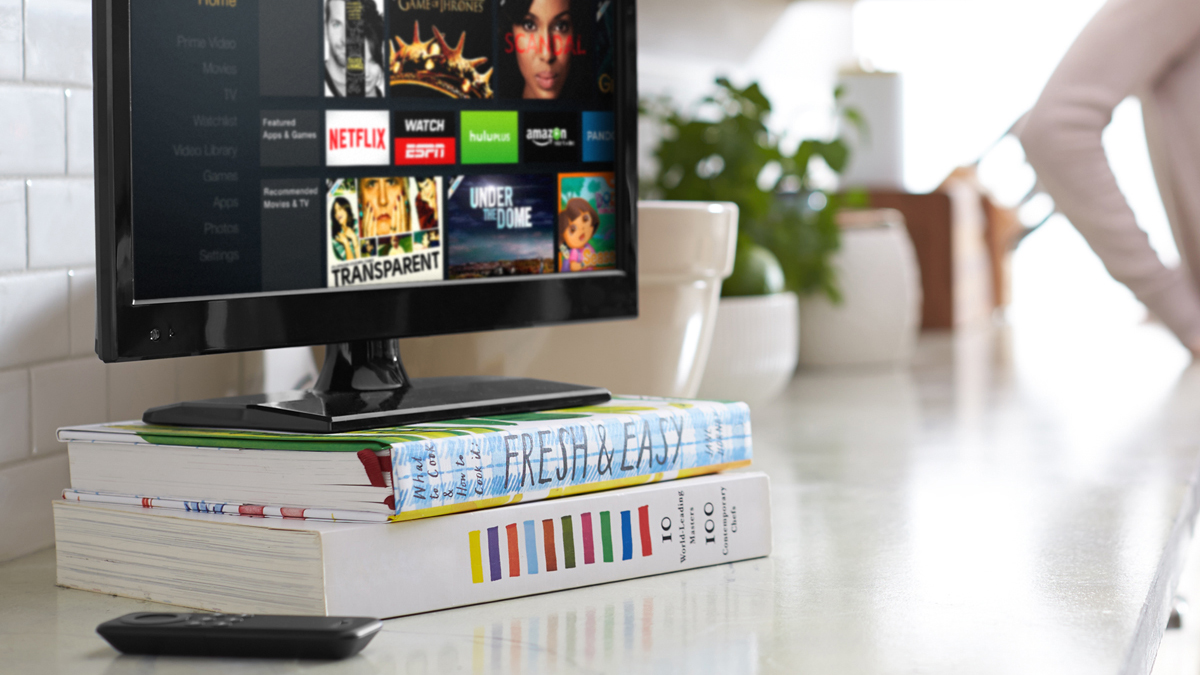
Google’s Chromecast may rule the roost of TV streaming dongles, but Amazon’s Fire TV Stick certainly comes a close second.
Just like the Chromecast, Fire TV Stick is tiny and unobtrusive behind your TV, but instead of pulling content from your smartphone, Stick connects directly to streaming services. Running on Android, Stick packs quite the hardware punch for such a tiny device and that extra £5 really goes a long way. You’ll get 8GB internal storage, support for 720p and 1080p output, dual-band, dual-antenna 802.11 Wi-Fi and a dual-core Broadcom Capri 28155 processor allowing it to play a wide variety of Android games.
If that sounds like your cup of tea, and you don’t mind being tied into Amazon’s ecosystem, the Fire TV Stick is a great purchase.
3. Roku 2
Price when reviewed: £70

The Roku 2 may not be as feature-filled as the Roku 3 (which comes with voice search, RF remote and headphone support), but it’s a fantastic product for £30 less. You get the same library of 1,400 streaming channels, the ability to use your phone for voice and text search, and it comes in a tiny package that’ll sit underneath your TV.
4. Apple TV
Price when reviewed: £129
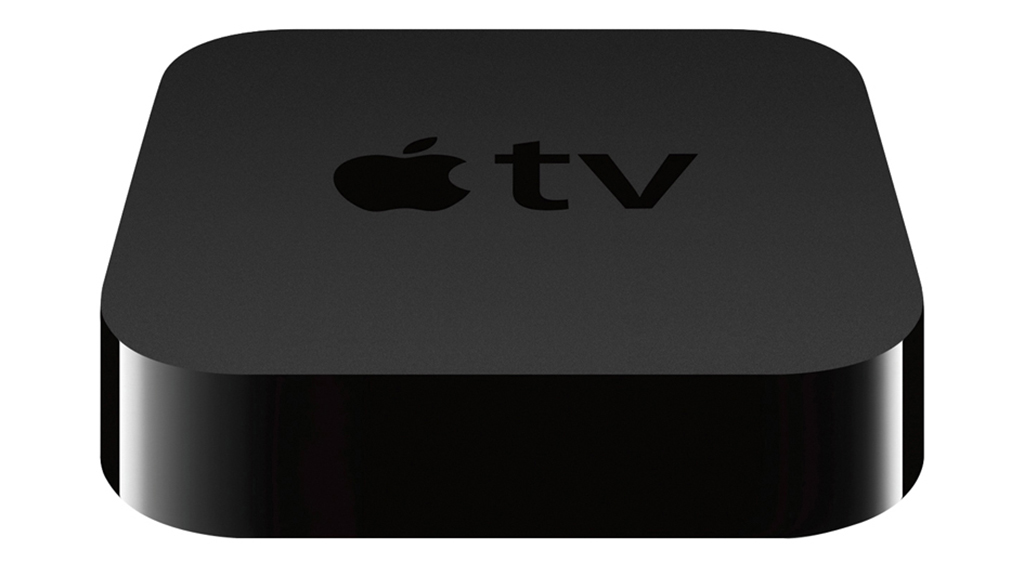
We thought the 2015 Apple TV was a bit disappointing on launch, but could see it having enormous potential with the right amount of software tweaks and fixes. When Tim Cook first touted it, there was a lot of talk about “apps are the future of TV”. As it currently stands, it seems that apps could be the “future of TV… maybe in a few months time”.
The new Apple TV has an Apple A8 processor, 2GB RAM and a fancy new touchpad remote. Siri is very much placed in the limelight, but there’s a range of issues we picked up on – such as the inability to use Siri to search YouTube or Apple Music. Updates will inevitably come and fix all of these problems, but for the time being you’re better sticking with either an older version of Apple TV or another streaming device.
5. Nexus Player
Price when reviewed: £79
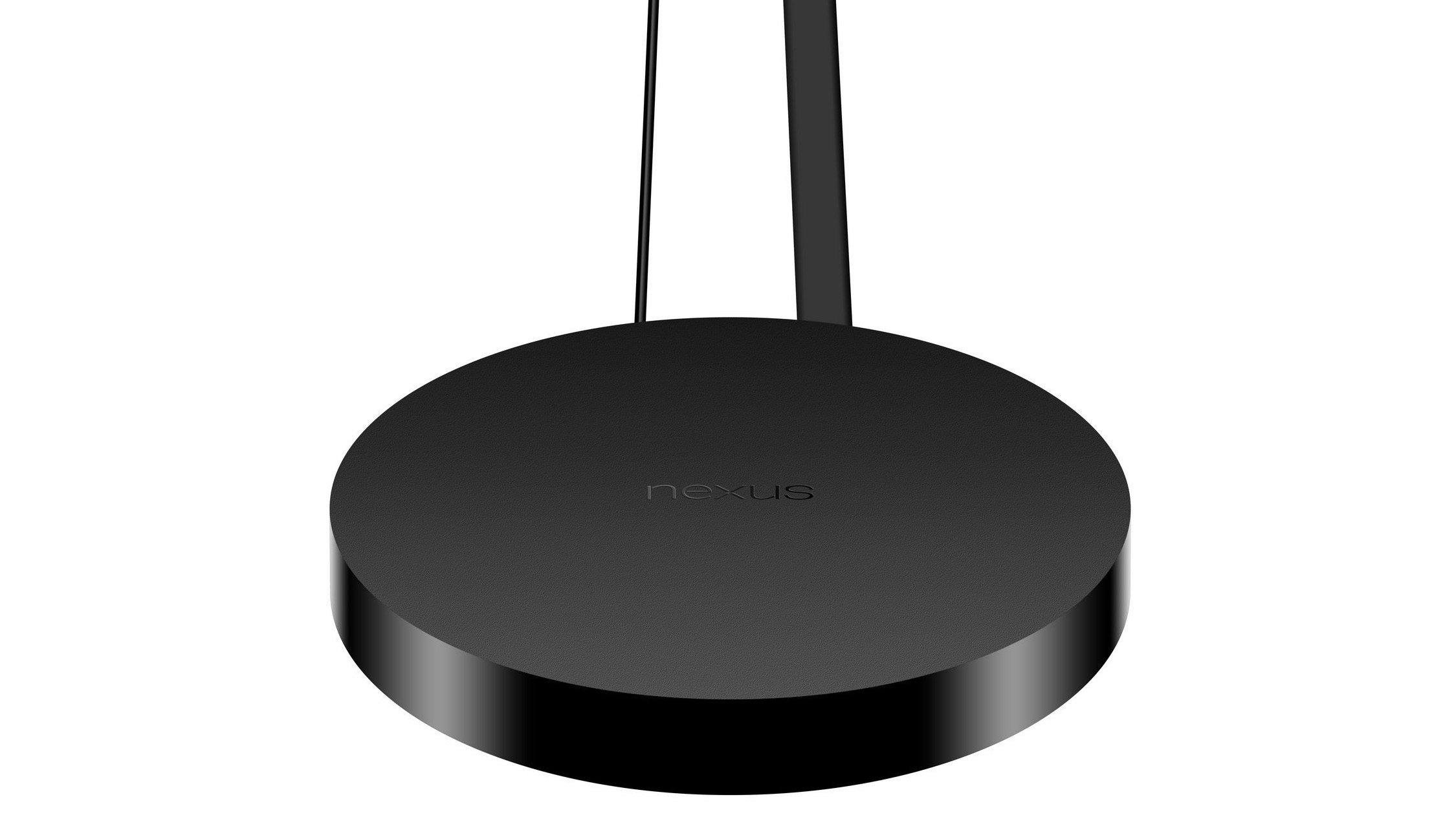
A second entry from Google into our top five streamers shows that – despite Android TV devices not taking off – Google means business in the streaming space.
Unfortunately, the Nexus Player doesn’t have the same game-changing air about it that the Chromecast does. However, it does offer up an interesting combination of playable Android games (with an optional gamepad) alongside some TV streaming capabilities. We just hope that more streaming services will be added in time. It’s only worth a look if you’re adamant that you want to play Android games on your TV.
Finding the right streamer
Deciding which streaming device to go for can be a tricky process. After all, they’re all the same, right?
Wrong. While they may perform very similar functions, Apple TV locks you into Apple’s ecosystem, while Amazon’s Fire TV range works far better if you’re an Amazon Prime member. Prefer to just use services like Netflix or just want to watch YouTube videos on a big screen? Then Google’s Chromecast is probably more up your street.
You may not even need a separate streaming service if you’ve already got an internet-connected TV or Blu-ray player. So it always pays to check first.
Do I need to a TV streamer?
If you’ve brought a new TV within the past two years, and that TV has an internet connection, you might not need a separate TV streamer. A selection of recent LG, Hitachi, Sony and Philips TVs all come with in-build Smart TV capabilities. Exactly what these capabilities are depends on the model and brand, but remember to check what your TV can and cannot do before looking any further.
Stick or box?
Unsure whether you’re better off with a streaming box setup or a quick and simple HDMI dongle? Well, it all boils down to what you really want to be doing with your streaming device.
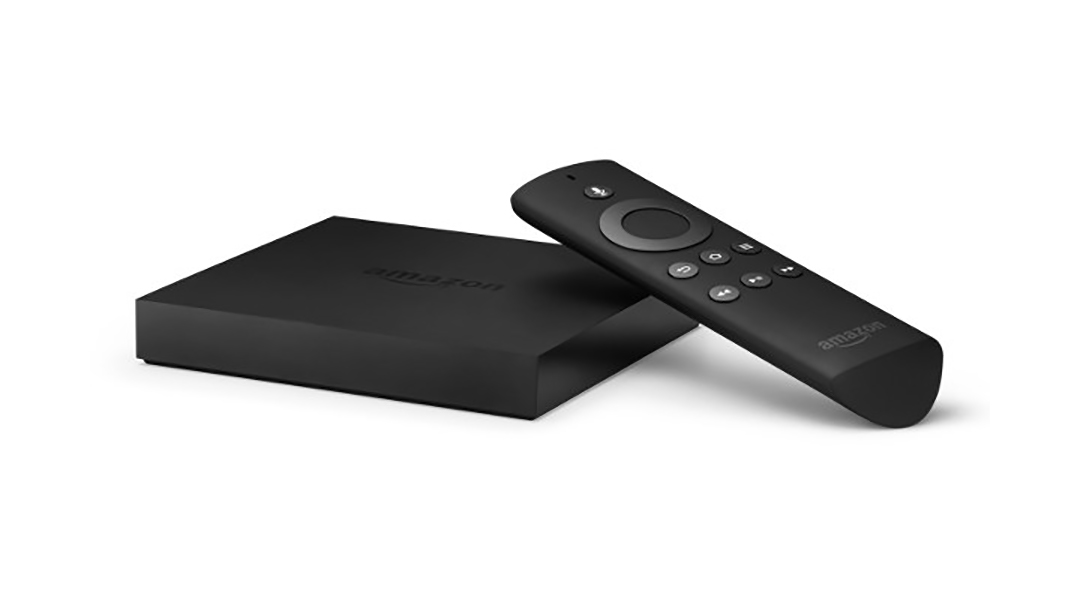
As a rule of thumb, set-top box streamers will come with more internal storage, more power and usually more features. Dongles are fantastic for portability, and they offer up a cheaper and hassle-free way of watching the films and TV shows you love. However, both types of device have their own downsides.
Set-top boxes are more expensive, can’t be powered from a USB socket on your TV, and aren’t as quick to set up out of the box. Conversely, dongles don’t have the same grunt as a set-top box and so are poor for those who want to play games. They also have little to no storage for apps and usually come with fewer features included as standard.
Obviously, the degree to which this is an inconvenience or benefit varies from device to device, so give our reviews a read to help make up your mind.
Android TV, Apple TV or Amazon Fire?
It’s all about the “A”s when it comes down to a TV streamer’s operating systems and, as you can imagine, each one has its own pros and cons.

While Sony, Sharp and Philips have integrated Android TV into their TVs – and some streaming devices also use it to run – it’s had a hard time getting off the ground as a streaming OS. It’s hard to pin down exactly why it’s failed to capture users’ attentions, although it generally has a lacklustre selection of apps available due to the convenience of Google’s own Chromecast and the lack of native support for standard Android apps. However, things are changing and, with the Android TV-based Nvidia Shield on the way, it’s likely we’ll see a resurgence in Google’s mobile OS competently powering more and more streaming devices.
Amazon’s own take on the Android infrastructure comes with a whole new set of issues. When using any Amazon Fire device, you’ll quickly notice that everything is contained within a ring-fenced user interface hung around Amazon’s own movie, TV rental and streaming services. This means that, if Amazon doesn’t want you to access a service, it won’t let you. While you’ll still be able to use Netflix and some on-demand services, you can’t access Now TV or Sky Go, and if you want to rent or buy films you have to buy them directly from Amazon’s video store.
As any well-versed Apple user can imagine, Apple TV is another ring-fenced operation, and this one isn’t as flexible as Amazon’s. Running mostly through iTunes for film and TV show purchases and rentals, Apple TV is best suited for those running an iOS or OS X device. Apple’s upcoming app-based Apple TV will be a huge breath of fresh air for Apple’s streamer, but it’s still unknown just how tightly Apple will regulate apps on the service.
It’s important to remember that, as most streamers are essentially the same, you should investigate the capabilities of each device for your individual situation, rather than just assuming an Amazon Fire or Apple TV device will do the job best. Unless you’re someone who’s already heavily invested in Google, Apple or Amazon services, it’s worth keeping an open mind about other alternatives.

Disclaimer: Some pages on this site may include an affiliate link. This does not effect our editorial in any way.