AI video generators are getting ridiculously good, with OpenAI’s Sora 2 and Google’s Veo 3 taking the lead as “premier” options. They’re competing for the same users, that being pretty much anyone who wants to make solid-quality videos without needing a costly camera crew.
But while they serve the same purpose, they’re far from similar. Here’s the Sora vs. Veo 3 breakdown and why you might want to choose one over the other.
Sora vs. Veo: Video Quality and Length
Sora 2 generates videos up to 20 seconds long at 1080p resolution. The quality is there, with realistic motion, good physics, and a scant few of those off-putting AI artifacts you can spot in older models. OpenAI offers two variants: Sora-2 for speed and Sora-2-pro for higher quality output when you need production-level results.
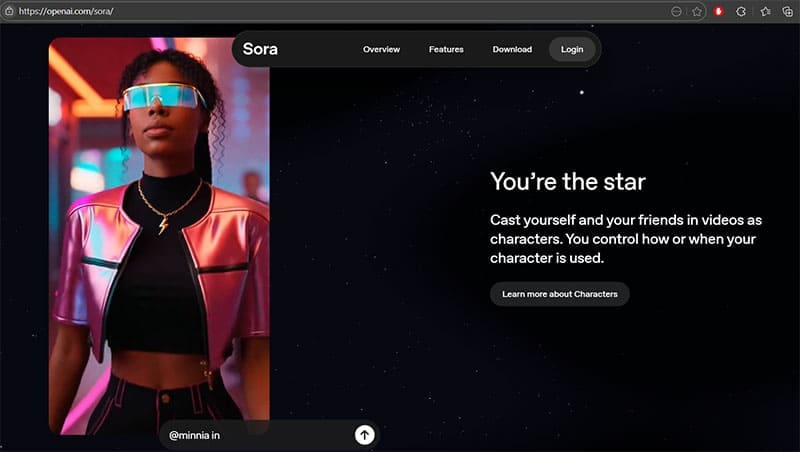
That being said, 20 seconds isn’t much. While you can technically extend videos using the storyboard feature, it boils down to stitching together multiple clips that might not actually flow into one another. This makes the ideal platform shorts for TikTok or Instagram, where brevity is appreciated, and attention spans work in your favor to disguise some of the quirks of AI generation.
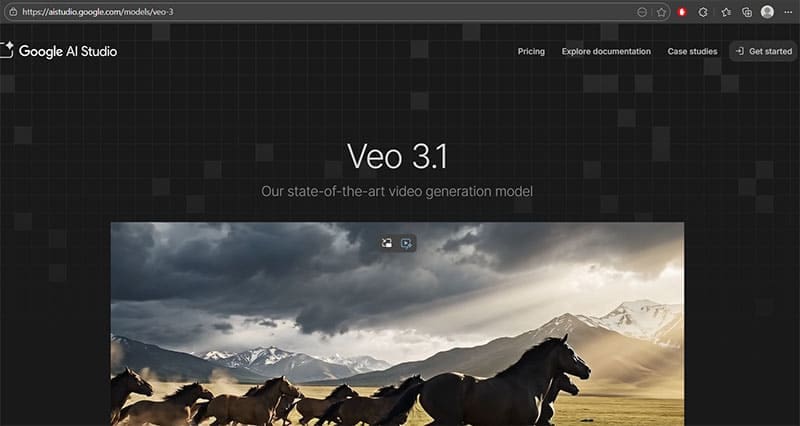
Veo 3.1 offers up to 60 seconds in a single generation, and it can create videos at 720p, 1080p, or even 4K resolution, depending on which subscription tier you’re using. Google also offers scene extension, which lets you connect clips into longer sequences that flow naturally. On paper, this potentially makes videos over a minute long, but they might still look stilted at the joining points.
Audio Capabilities
In the Sora vs. Veo battle, both tools generate audio natively with the video, which is a huge leap from earlier AI models that spit out silent clips.
Sora 2 does a bit better with dialogue, but it also performs well with sound effects or ambient soundscapes. The audio tries to sync to the visual, with footsteps matching actual feet, dialogue lining up with lip movements, and environmental sounds feeling appropriate for the scene.
Veo 3.1 also generates synchronized audio, including dialogue, sound effects, and ambient noise. The audio quality is consistently strong, and Google has put a lot of emphasis on making the soundtrack feel cinematic. You can specify audio cues in your prompts, like “wings flapping, birdsong, pleasant wind rustling,” and the model will output with those in mind.
Both are solid here, but Veo edges ahead slightly with more consistent audio quality and better handling of complex soundscapes.
Editing and Control Features in Veo vs. Sora
Comparing Veo 3 vs. Sora, Sora 2 comes with a storyboard tool that lets you specify what happens at specific timestamps in your video. You can remix existing videos, blend elements from multiple clips, or create seamless loops. There’s also a “characters” feature that lets you upload and drop yourself into any Sora-generated scene.
On the flip side, some of Sora’s editing tools might feel basic compared to professional software if you’re an actual video editor. If at any point you need precise control, you’ll still need to export and edit in something like Premiere or Final Cut.
Veo 3.1 integrates with Google Flow, which is essentially a full video editor built around AI generation. You can use “Ingredients to Video” to stitch together multiple elements, “Frames to Video” to define start and end points, and advanced insertion tools to add or delete objects from scenes. It automatically reconstructs the background when you remove something, keeping editing more real-time and dynamic.
Veo also lets you provide up to three reference images to maintain character consistency across multiple shots. You can then specify camera movements like dolly shots, crane movements, depth of field, and lighting conditions, all of which Sora handles less reliably.
Sora vs Veo 3: Pricing
Sora 2 is available through ChatGPT Plus ($20/month) and above. Plus users get up to 50 videos per month at 480p resolution, or fewer videos at 720p. Pro users get 10 times more usage, higher resolution, and length limits.
Veo 3.1 is available through Google’s Gemini API and Vertex AI. Pricing starts at $0.15 per second for Veo 3.1 Fast and $0.40 per second for Veo 3.1 Standard (the higher-quality version). To translate, an eight-second video costs $1.20 on the cheap end or $3.20 for premium quality, making it better on a per-video basis if you only need a few of them.
You can also access Veo through the Gemini app with a Google AI Pro plan or an Ultra plan for higher access. This allows you to double-dip into an existing subscription.
Which One Should You Choose?
If you want quick, photorealistic clips for social media and don’t need much editing, Sora 2 is the intuitive choice. It’s built into ChatGPT, the social app is fun, and the character feature is practically made for personalized content.
If you’re making longer videos, need professional editing tools, or want consistent characters across multiple shots, Veo 3.1 is better. The 60-second limit, advanced editing in Flow, and superior prompt adherence make it a more serious production tool.
Related Posts
 How to Use the Sora AI Video Generator
 Best Sora Watermark Remover
 Four AI Tools to Transcribe WhatsApp Audio to Text
 How to Apply an Instagram AI Filter
 Reasons Why Watchdog.chat Can Replace Your Discord Moderator
 MemeGen – How to Use This AI App to Create Memes in Discord
 Engage AI – Explaining the New AI Tool for LinkedIn Comments
 5 Ways You Can Use MagicBuddy on Telegram

Disclaimer: Some pages on this site may include an affiliate link. This does not effect our editorial in any way.