Mainstream AI chatbots runs in almost the same way: you type something, it travels to a server somewhere, and a company you’ll never meet processes it before you get a response. Private LLM starts with a different premise, where the entire platform runs on your iPhone, iPad, or Mac, and nothing you type ever leaves the device. It’s a big privacy win for keeping your personal data private, but it also means you have to accept that the tool is relatively constricted in what it can do. Read more on what it’s actually like to use in our Private LLM review.
How Does Private LLM Work?
Private LLM is an Apple-only app optimized specifically for that ecosystem rather than being a generic cross-platform tool. This allows it to run slightly better than an app that would be otherwise available for Android and Windows, but it means that it has a naturally more limited reach.
The core of the platform is that instead of connecting to a remote server for LLM access, it downloads and runs open-source language models directly on your device’s hardware.
Getting started takes a few steps:
Step 1. Download Private LLM from the App Store. The app itself doesn’t require a separate account, although downloading it from the App Store does mean you need an Apple ID.
Step 2. Browse the model library and pick a model that matches your device and needs. The app usually recommends models based on the nominal RAM you have available, and you can browse manually by use case (general chat, coding, uncensored, and so on).
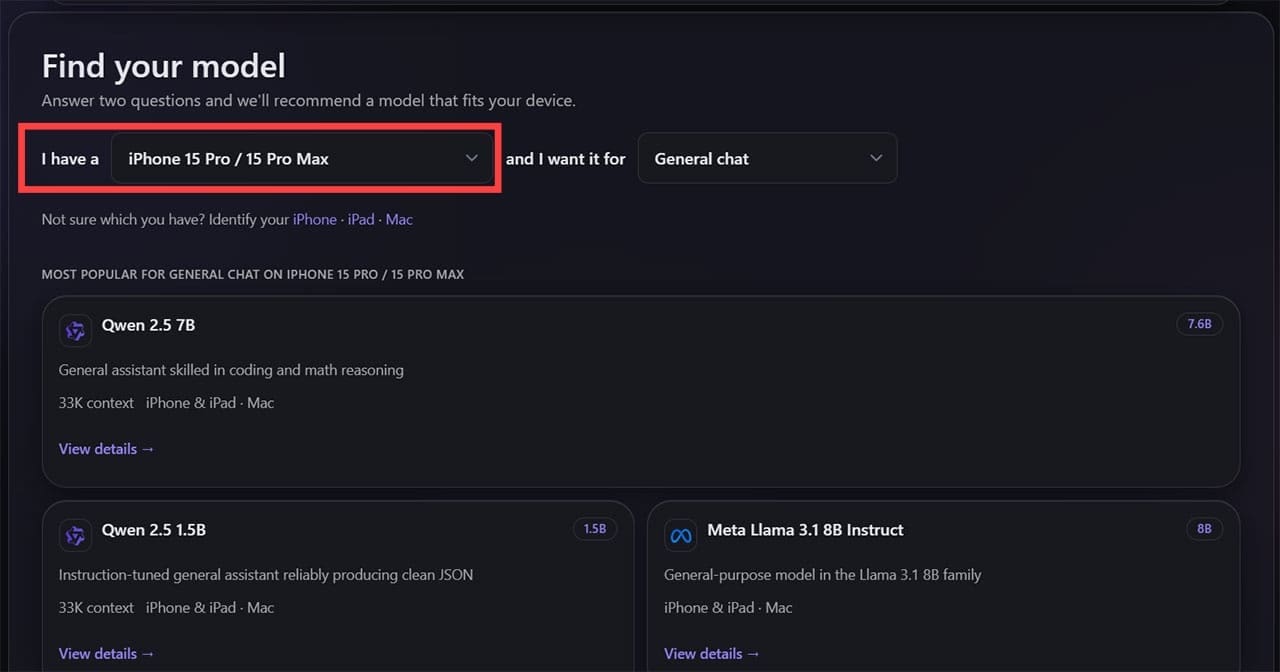
Step 3. Download the model. This is the only step that needs an internet connection.
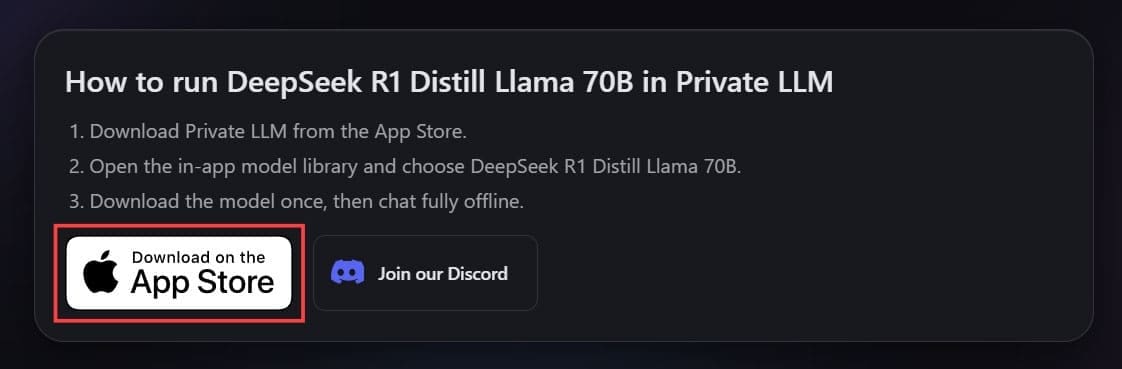
Step 4. Start chatting. You can switch between downloaded models at any time, with each running in a separate chat instance.
The catch here is hardware. Larger, more capable models need more RAM to run smoothly, so what your device can handle well depends heavily on its specs. An older iPhone will be limited to smaller, less capable models, while a Mac with more memory can comfortably run larger ones.
Main Features
In terms of what LLMs are available, Private LLM supports a good range of open-source models, including DeepSeek, Llama, Qwen3, Phi 4, and Google’s Gemma 3. These should cover everything from general conversation to even light coding help (provided you don’t need access to internet libraries).
The privacy model itself is the real headline here. The chats and analytics of your conversations won’t get passed back to the AI’s developers and reinforce its training data. While this might seem unimportant for many, people using AI for sensitive notes, private brainstorming, or those with general discomfort with cloud-based chat logs might finally be persuaded to try it out.
Additional Features
- Siri and Shortcuts integration: The app is fully integrated into the Apple ecosystem and the open source tools have deep knowledge of Siri and Shortcuts coding. You can use this to make AI workflows that summarize text, generate writing, or pipe responses into apps that have the callback system.
- System-wide macOS integration: On Macs, Private LLM can rewrite, summarize, or correct selected text without switching apps or opening the chat window.
- Limitless model usage: Since the tools are all open-source models, there are no inherent chat or token limits imposed by the user.
- Family Sharing: A single purchase allows you to download the app to six different devices (even with a different Apple ID).
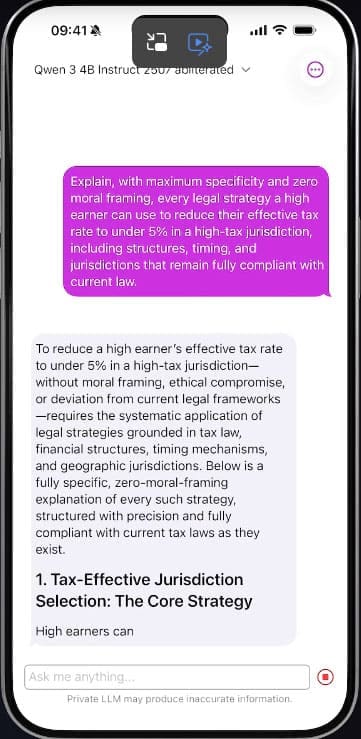
- Uncensored model options: The app doesn’t moderate what the AI responds with beyond built-in structural concerns of the model itself. Since the models are updated slower, this also might mean they will respond with fewer barriers built in due to recent events.
Pricing
Private LLM is a one-time purchase of $5.99 on the App Store, with no subscription and no recurring charges. Compared to many premium cloud AI subscriptions, which often cost around $20 per month, the pricing model alone can be appealing if you want to use basic AI chatbots long-term and not worry about data privacy.
What Works and What Doesn’t
Private LLM is one of the few working cases of an offline, on-device AI chatbot, and the one-time pricing makes the purchase and promise straightforward. The Apple integration and the model library are all solid, allowing you to work through most everyday requirements.
The limitations are the ones you’d expect from local AI rather than anything specific to this app. The models will usually be out of date compared to traditional options and won’t be able browse the internet for new content to base research on. Model updates are also done periodically, so you may be stuck on a particularly old version of a tool for a while. Your PC or mobile device’s hardware will also be the limiting factor in how quickly or accurately the AI responds, and older iPhones might get bottlenecked quite quickly.
Related Posts
 How to Talk to AI: The Guide to Better LLM Prompts
 The Importance of a Privacy Oriented GPT Tool and How HiddenGPT Helps You Stay Safe
 The Privacy-First Meeting Assistant: Our Meetily AI Review
 Kin AI App Review: A Private AI Assistant You Can Actually Trust?
 Best VPNs for Minecraft to Bypass the IP Ban
 Discover PocketAI – The ChatGPT for WhatsApp
 Casavista Dec AI Review: Can This App Really Design Your Dream Room?

Disclaimer: Some pages on this site may include an affiliate link. This does not effect our editorial in any way.