Workflows are an important part of the automation process, but can be both complex to those who know them and intimidating to those who don’t. In this article, we’re looking at an AI solution that makes workflows intuitive and simple. Read on for our Tines AI Review.
Weaving Your Stories
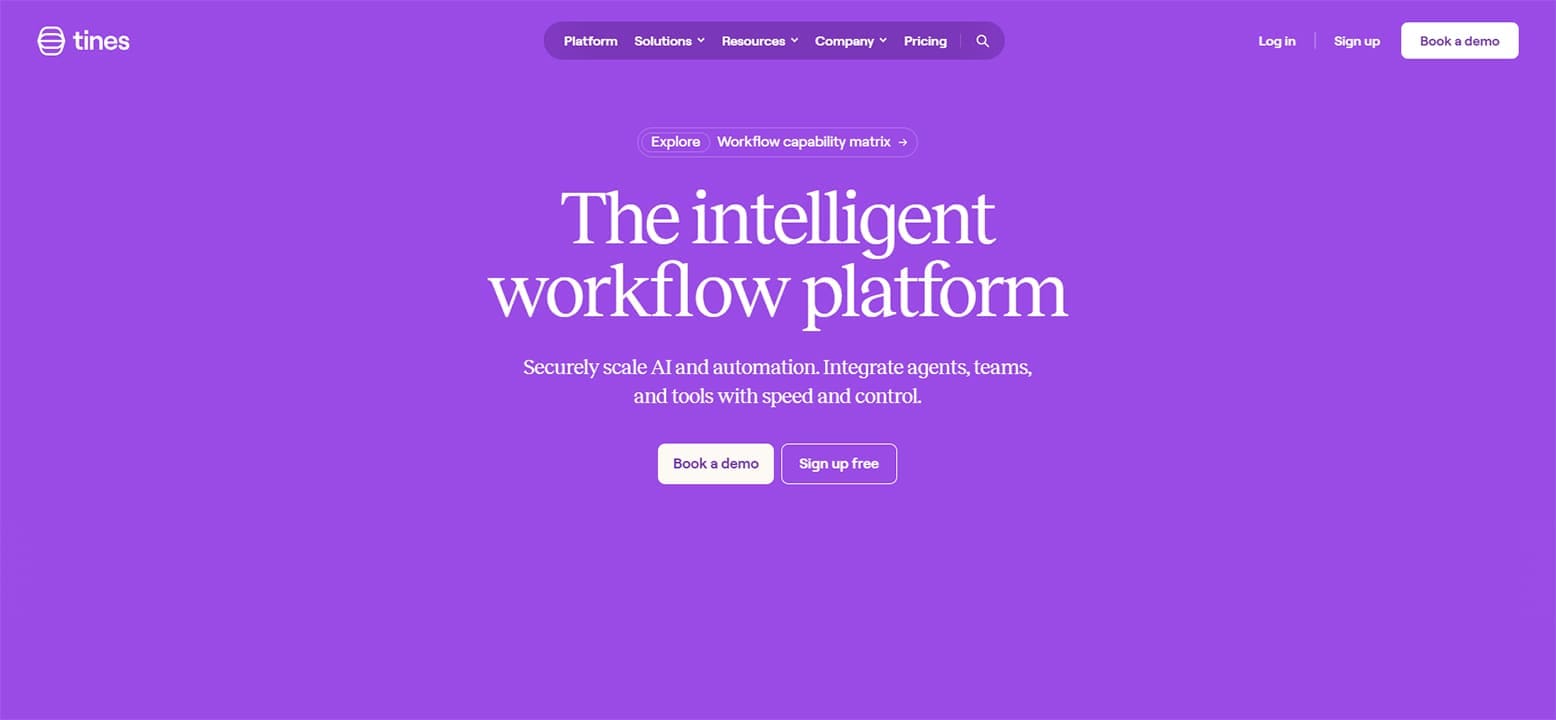
Right off the bat, it’s important to mention that Tines AI refers to the workflows you create as “Stories.” It’s a distinction that makes creating workflows feel a bit more personal and a lot less intimidating. Tines is designed to make automation easy. Security and IT are obvious industries that benefit from this, but the truth is Tines can work just as well for a marketing or sales organization.
What Tines AI Offers
Let’s take a look at some of the major features of this tool:
- Agents –Tines AI is able to fully create and deploy AI agents that can analyze data, figure out appropriate responses, and perform various automated tasks according to criteria.
- Simple Design – You and your team don’t need to be coding whizzes to use Tines. The intuitive flow map system makes design easy for anyone to do, meaning less training and headaches in implementation.
- Security – Tines promises data protection for both your account and the information used in your stories. Unfortunately, we were unable to test this further, having to rely on the company’s word.
- Error Checking and Threat Protection – Tines provides real-time monitoring for any errors found in your stories, with warnings if links don’t function or tasks don’t run. In addition, threats on the user side, like data leakage or phishing attempts, will be reported and flagged as they occur.
- Integration – Designing automated workflows requires a wide array of disparate tools that don’t necessarily “talk” to each other. Tines brings these all together in one place. In addition, Tines integrates well with major software and tools like Slack, MS Teams, the Google Suite, Clickup, and so on.
What It All Costs
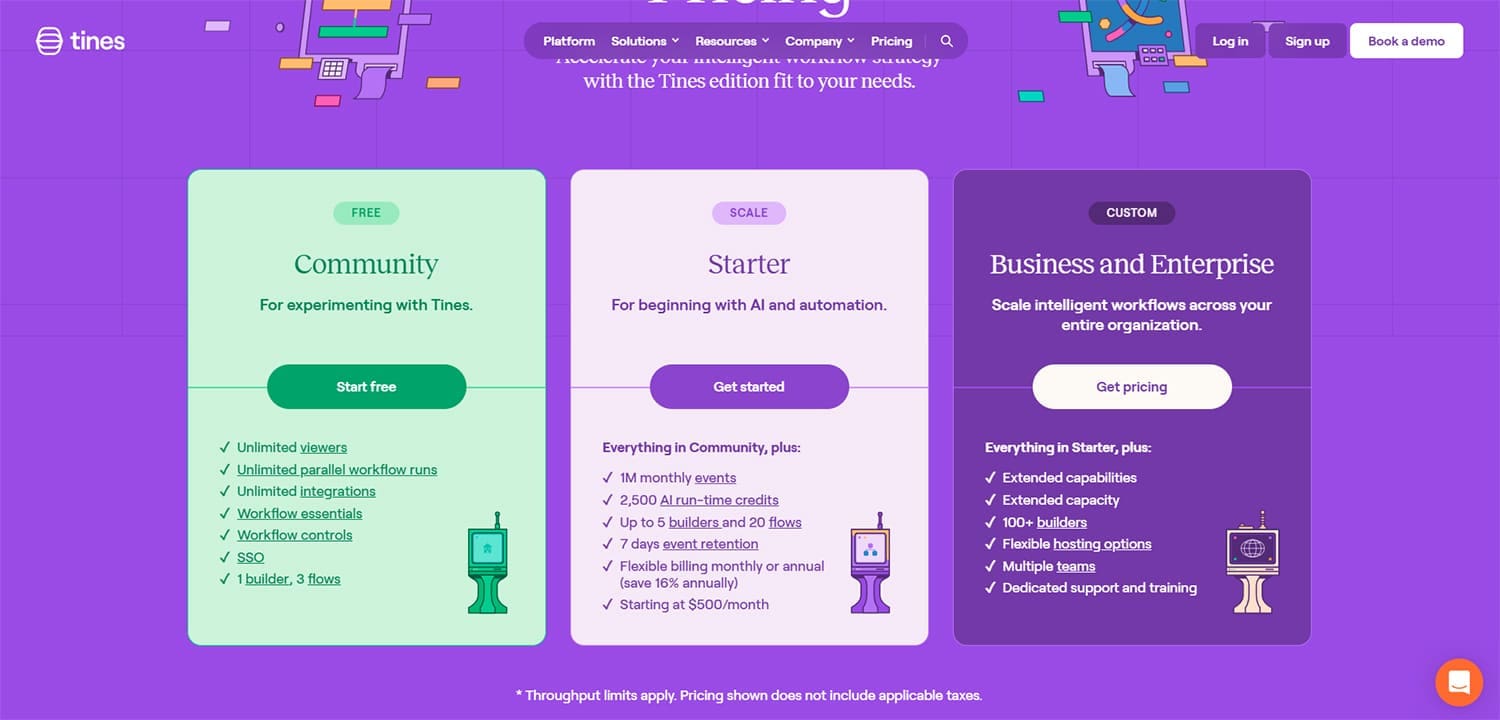
One excellent additional feature of Tines AI is the price tag. The Community tier is free and lets beginners test the waters. The Starter tier, which begins at $500 per month, lets you have five buildings and 20 flows, which lets you get deeper into the many features involved in story creation before committing. There’s also a custom Business and Enterprise tier for larger organizations, which requires a custom quote.
Testing Things Out
Let’s take a quick look at a Tines story in motion:
Step 1. Create an account and sign up. You’ll be taken through a handy tutorial on creating your first story.
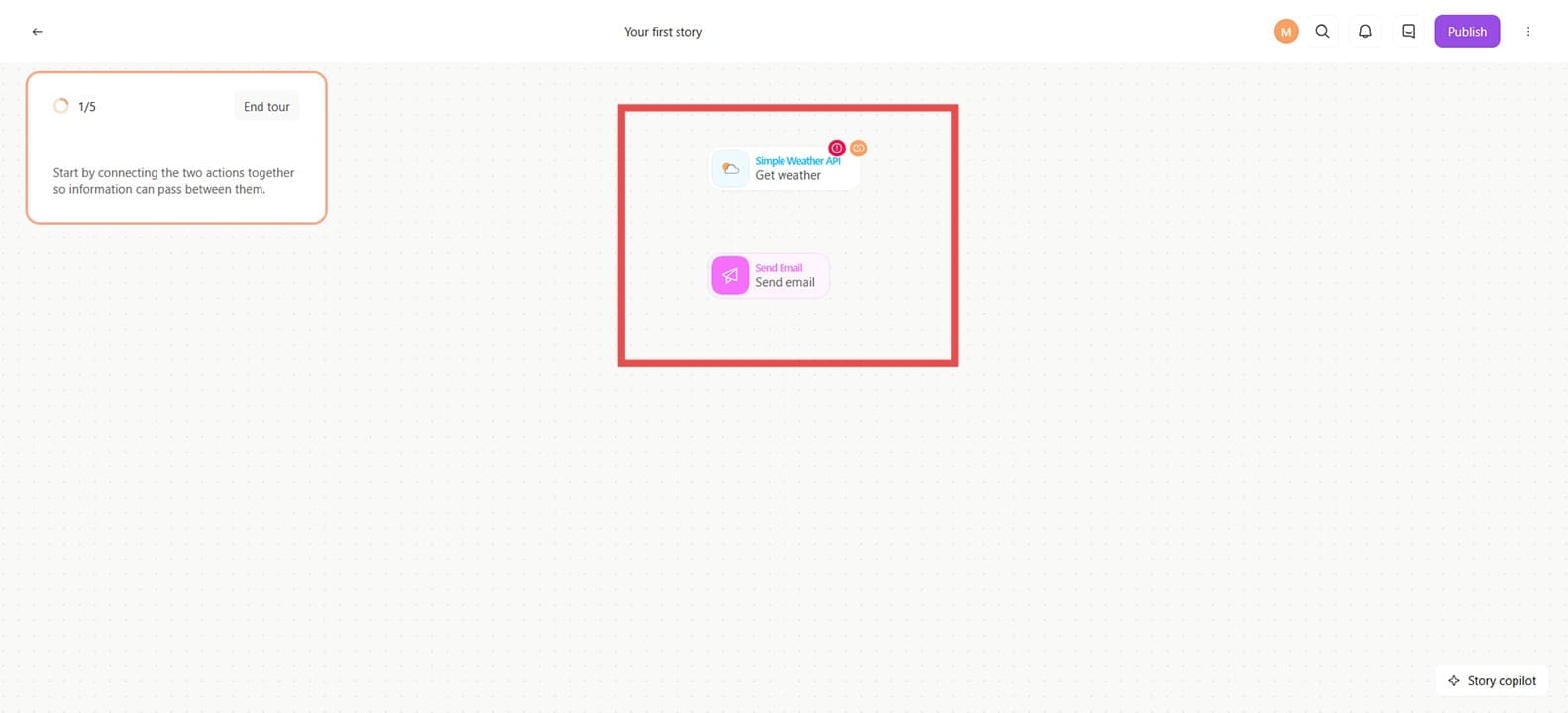
Step 2. Drag lines between actions to connect them. Click an action to fine-tune its settings in a sidebar on the right.
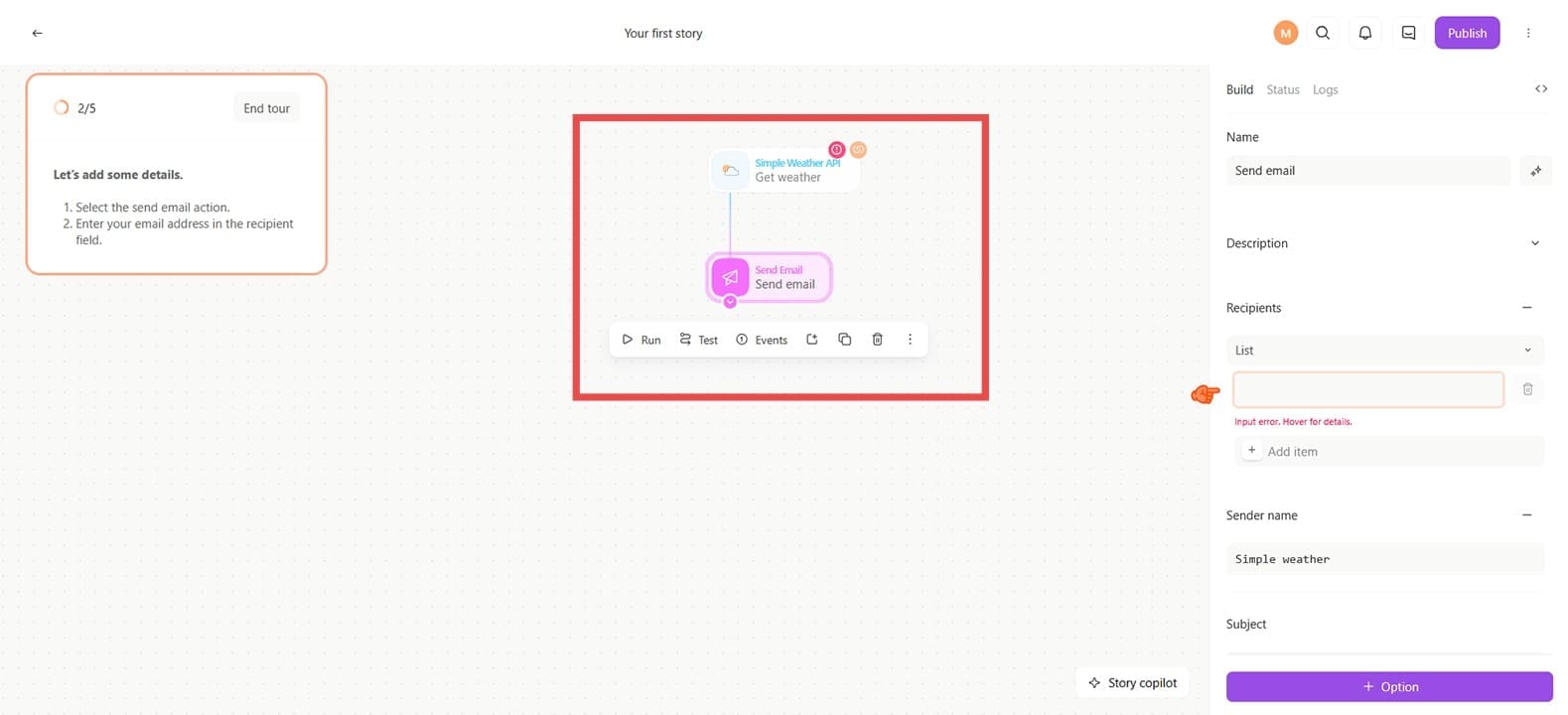
Step 3. If you have an API involved, it’ll need to be connected. Click on it to do so.
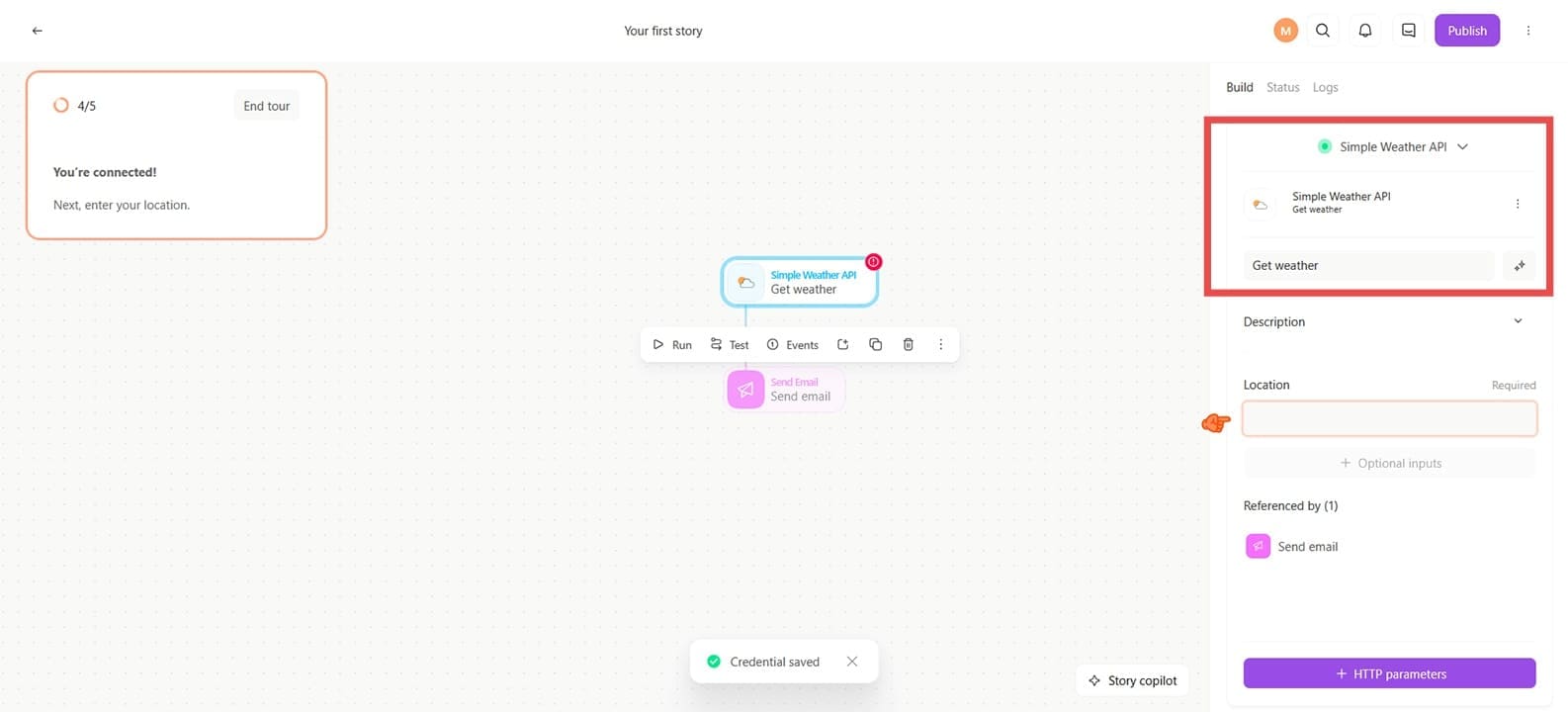
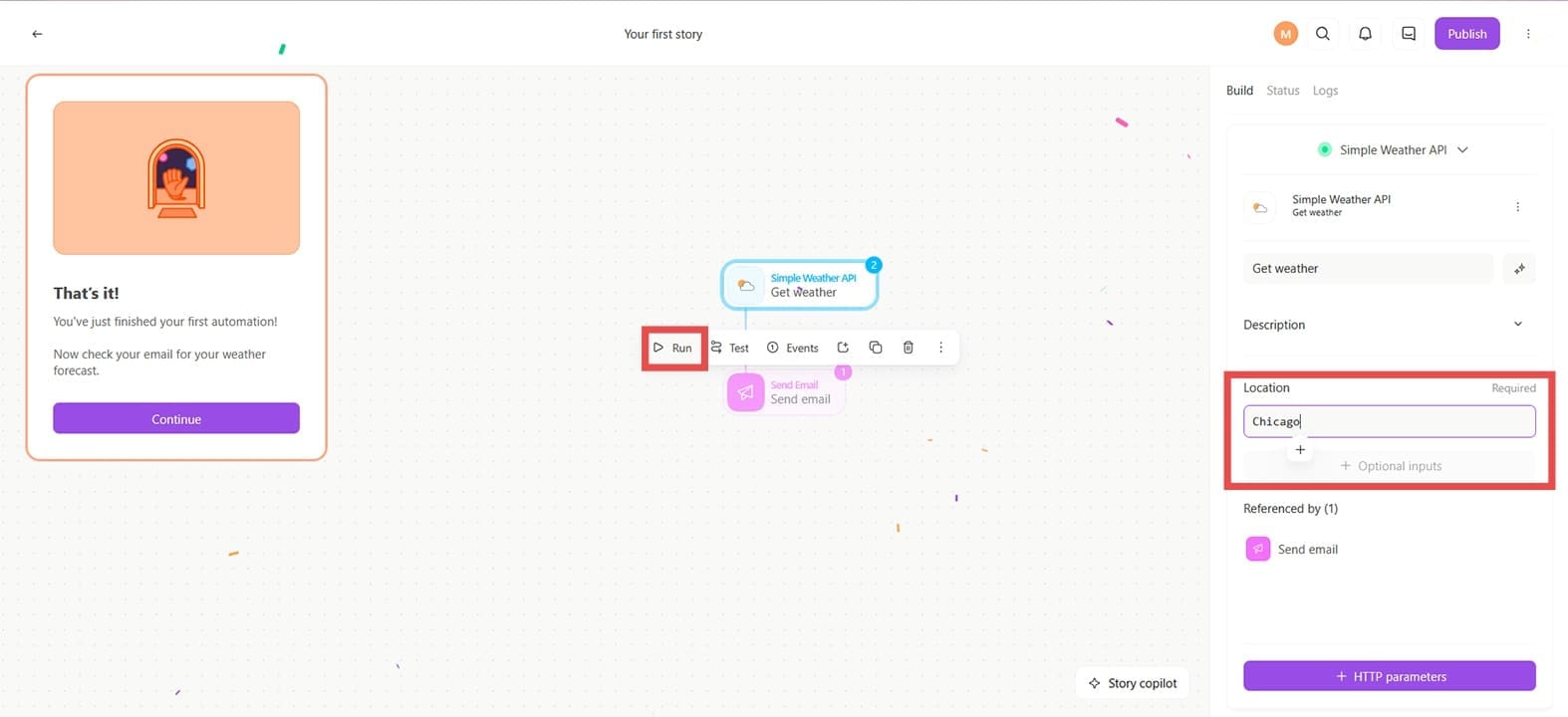
Step 4. With everything set up, click “Run” to test your story. In this example, the workflow will send the weather to your email.






Disclaimer: Some pages on this site may include an affiliate link. This does not effect our editorial in any way.