Discord has fast become one of the top apps for people to host meetings and have chats, discussions, and voice calls with friends and colleagues worldwide. But it doesn’t, by default, provide any transcriptions or textual notes of your calls and conversations. DiscMeet AI changes that, introducing the powers of note-taking and transcription to your Discord servers.
This DiscMeet AI review explores how it works and what it has to offer.
DiscMeet AI Review: Introduction and Key Features
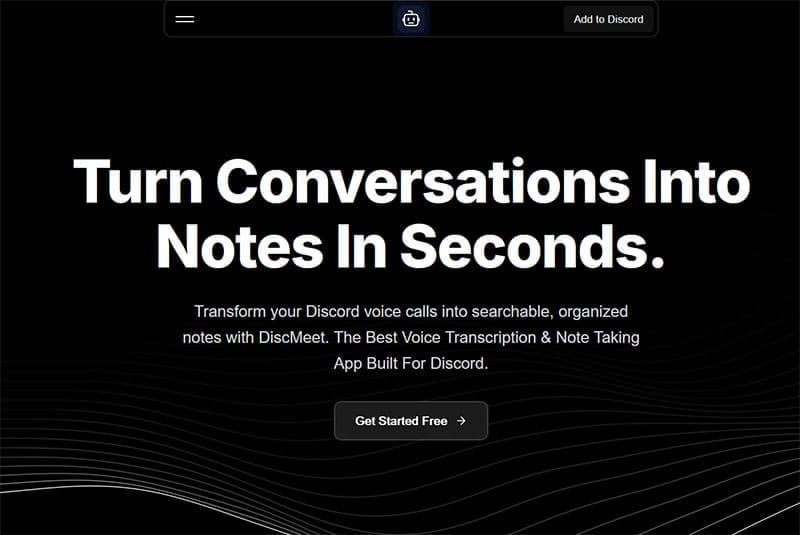
DiscMeet AI is a free-to-try Discord application you can add to your servers. It uses artificial intelligence technology to record your calls and chats and transcribe everything you and your fellow users say, generating precise, searchable, and organized notes you can look through and reference after your calls conclude.
It supports over 100 languages and can appeal to all sorts of users, including professionals, small business teams, and even hobbyist groups, like Dungeons and Dragons players or video game enthusiasts. Other key features include DiscMeet’s strong security and data protection measures, with encryption for your transcriptions both at rest and in transit.
How DiscMeet AI Works
DiscMeet AI is designed to be as simple to work with as possible, and in just a few quick steps, you can have it set up to record and transcribe your Discord discussions.
Step 1. First, you need to add DiscMeet to your Discord server, which you can easily do from the DiscMeet website.

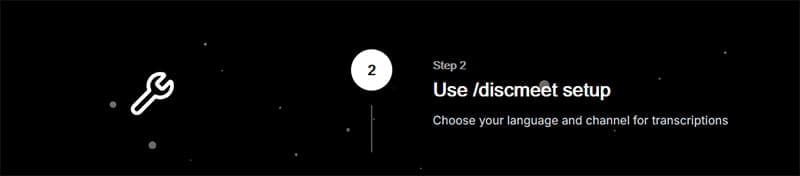
Step 2. Go through the setup phase using the “/discmeet setup” command. You’ll need to select your language and configure the app for your channel.
Step 3. When you want to use DiscMeet to record a Discord discussion, just use the “/discmeet join” command, followed by “/discmeet start”.

Step 4. End the DiscMeet recording when your discussion ends, or when you want to stop transcribing, with the “/discmeet stop” command.

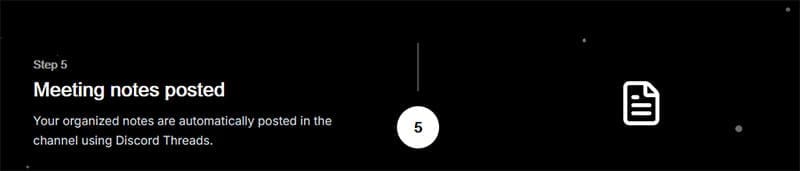
Step 5. This DiscMeet AI will then generate your discussion notes, which you can read through, search, edit, and save.
DiscMeet Commands

DiscMeet offers a range of intuitive commands that users can learn and deploy to work with this tool, like “/discmeet setup” to set it up with a new channel and “/discmeet start” to start new recordings. There aren’t too many commands to learn, so DiscMeet doesn’t have a steep learning curve and is reasonably beginner-friendly, unlike more complex Discord apps and add-ons.
Pricing
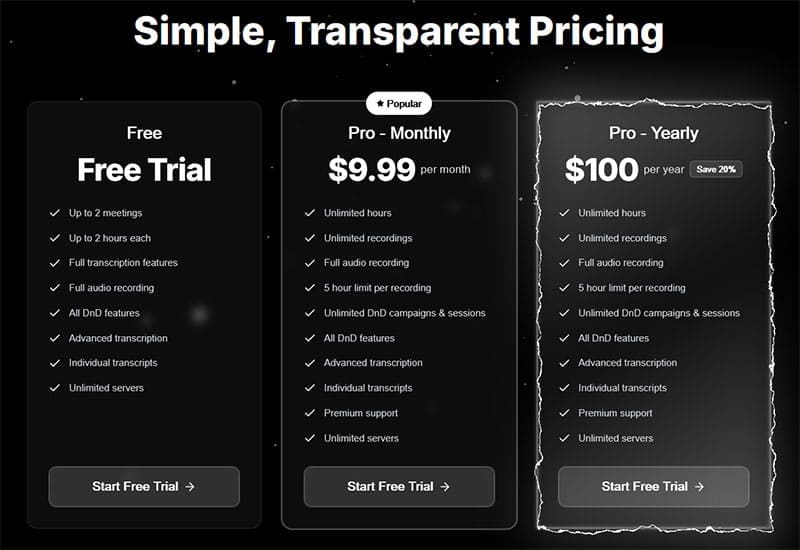
DiscMeet AI is available to try for free, and new users can test out the features of this AI Discord app for up to two meetings of up to two hours each, enjoying all the transcription and recording functionality. You’ll need to sign up for a Pro plan for long-term DiscMeet use, however, with prices starting at $9.99 per month.
Related Posts
 How to Use Discord for Meetings With Discord NotesBot
 Unlock the Power of Tactiq AI Note Taker for Your Meetings
 Discord Is Promoting the New Comet Browser by Perplexity AI – Is It Any Good?
 What Is DiscordPal – Explaining the Discord-Based AI Friend App
 Best AI Voice Changers for Discord
 Reasons Why Watchdog.chat Can Replace Your Discord Moderator
 MemeGen – How to Use This AI App to Create Memes in Discord
 Alternatives to Clyde on Discord

Disclaimer: Some pages on this site may include an affiliate link. This does not effect our editorial in any way.