Many people use Discord to host meetings and discussions, but it can be hard to keep up with everything that’s being said. NotesBot – a Discord chat dictation AI tool – aims to change all that. This AI bot for Discord can sum up meetings and voice channel chats for you, generating organized and easy-to-read meeting notes, summaries, and recaps.
Read on through our Discord NotesBot review to see what it can do and how it works.
An Overview of the NotesBot Discord Chat Dictation AI Bot
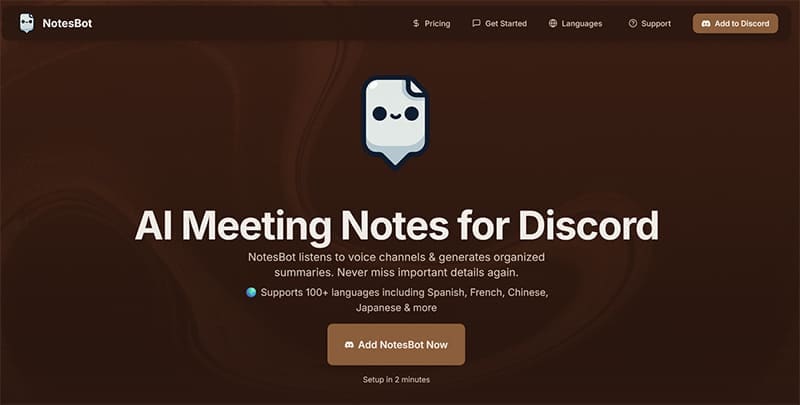
NotesBot is an AI meeting notes bot for Discord. It can listen to voice channels and chats, interpret what is being said, and instantly generate comprehensive recaps and summaries for users to peruse. Even if you’re late to a meeting or miss some of the key points, you can get a full low-down of all the most important topics, moments, and quotes with this AI bot for Discord.
Benefits and Key Features of the NotesBot AI Bot

NotesBot is easy to work with and brings numerous benefits to the table, including:
- Smart Summaries: It can sum up your meetings, voice notes, and Discord discussions, presenting you with a clear list of key talking points and summary notes.
- Dozens of Languages: NotesBot isn’t just for English speakers. It can transcribe voices in over 100 different languages.
- Private and Secure: NotesBot doesn’t pose a privacy risk, since it automatically deletes audio files once it’s finished processing them.
- Quick Setup: You can set up NotesBot in a matter of just a couple of minutes. Simply click a button to add it to your server and spend a moment learning the basic commands.
- Customization: You can customize your NotesBot AI prompts to suit different Discord discussions, from gaming channels to business groups.
How to Use the NotesBot AI Bot for Discord
Using NotesBot is a quick and easy process, broken down into the following simple steps:
Step 1. Click the button on the NotesBot home page to add the bot to your Discord server.

Step 2. Grant the relevant permissions to the bot so that it can access your channels, send messages, embed links, and listen to voices.

Step 3. When a meeting or voice chat starts, simply use the “/join” command to let NotesBot listen in and start transcribing.

Step 4. Use commands like “/subscribe” and “/status” to manage your NotesBot subscription as you go.

NotesBot Pricing

NotesBot has five different pricing tiers to suit users of different needs, ranging from casual users to professionals. Prices start as low as $3 per month for five hours of transcription each month, going up to $40 for those with greater needs. You can switch or cancel your plan at any time using the simple chat commands in your Discord server.




Disclaimer: Some pages on this site may include an affiliate link. This does not effect our editorial in any way.