There’s no denying the usefulness of AI agents, but sometimes you don’t need them to be online, or you don’t want to deal with the costs of APIs. Well, the good news is that there are plenty of open-source agents that can be used locally (offline) on your own PC, allowing you to run models and agents directly on your own PC.
To find the best open-source Windows agent for you, we’re going to look at five of the most popular and see what they offer.
The Caveats of Local
Before we get into the agents, it’s important to remember that local AI will still have other considerations. These include:
- The need for maintenance and updates
- Running through local LLMs
- Taking up space on your machine as they learn
- Integration with various tools
A Good Open-Source Windows Agent – Our Choices
Below, we’ve got five examples of local agent software, each specializing in a certain area.
Cline – Your Coding Agent
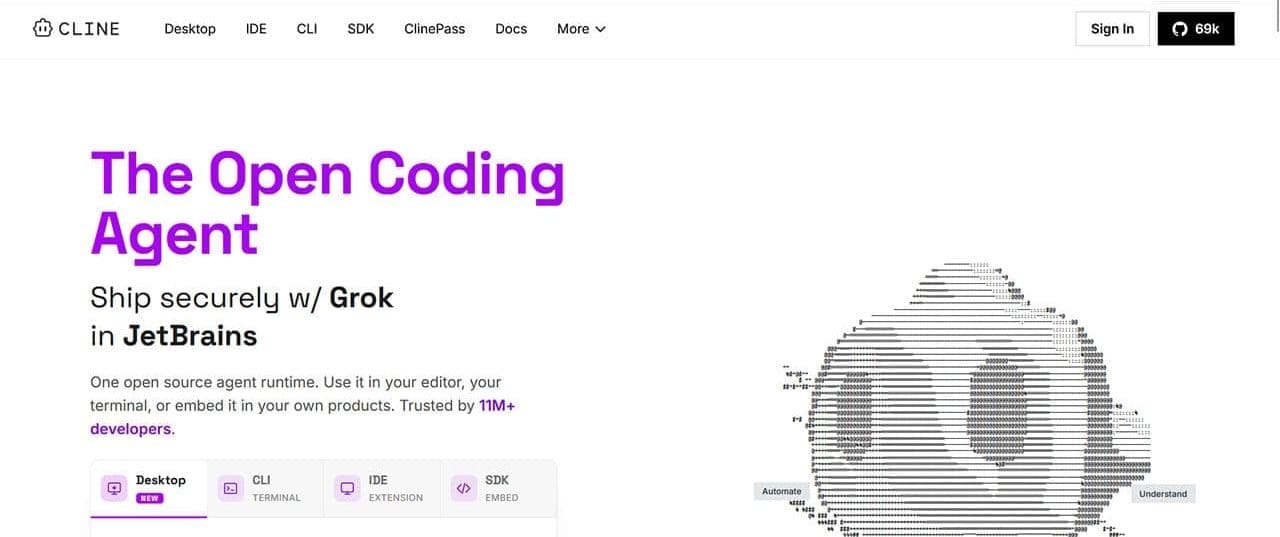
Once called Claude Dev, Cline is a VS Code extension and an agent all about coding. With it, you can plan, edit, and execute. The agent is at home in the terminal, and with user permission for every command, you can get a lot done. There’s also support for Model Context Protocol (MCP). The good news for developers is that it can also just as easily use the cloud for refactoring too.
Cline supports models like Ollama and any OpenAI endpoint. It does best with larger models, as smaller context ones will suffer with repository size.
Observer – Local Automation

If you’re looking to get your AI micro-agents in a row, Observer provides a platform for creating and managing them. Once you have it set up, the lightweight framework will run offline and allow you to define protocols for various agents, all without taking up too much processing power itself.
It’s not the most well-supported automation agent out there, so you’ll need a fair bit of coding savvy to establish things, but once you do, you’ll be monitoring log files for errors like a pro.
Ollama – Local Runtime
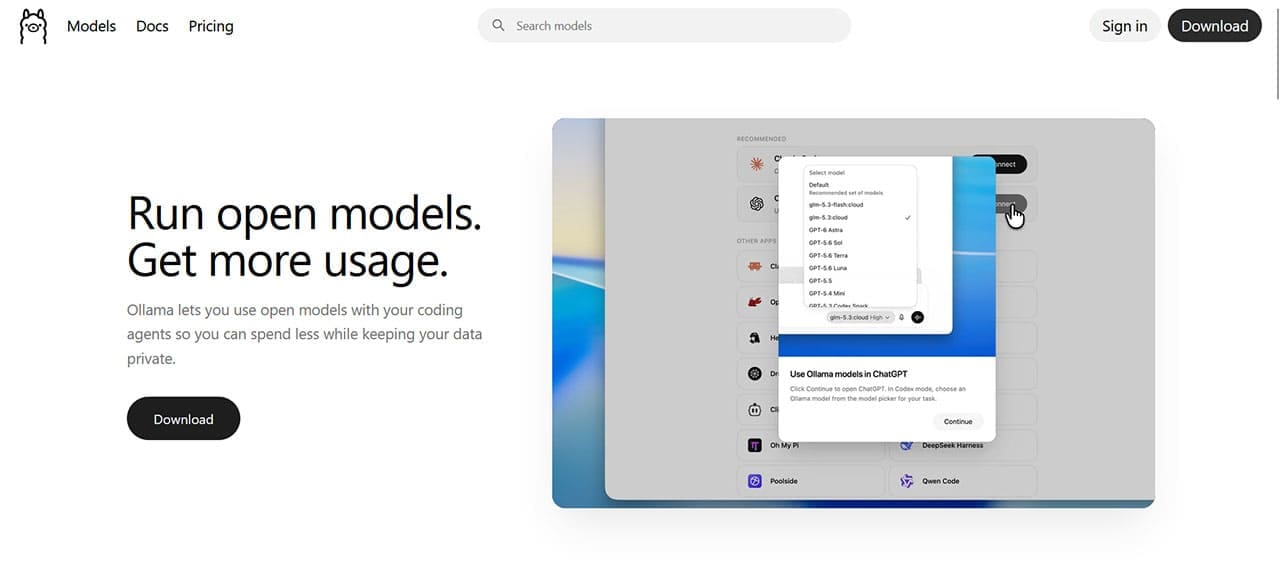
Aside from the mascot, which could sell anyone, Ollama is one of the better-known tools for running local LLMs. With API and Docker support, a command-line interface, GPU acceleration, and an OpenAI-compatible endpoint, Ollama is a popular choice for running local models. It excels as a default local backend for most other agents. Once you’ve pulled the Ollama registry onto your PC, you’ll be set to run things locally.
It doesn’t have its own GUI, so most of your interfacing will be done in Terminal. If you’re good with that, you shouldn’t have a problem.
AnythingLLM – Desktop Assistant
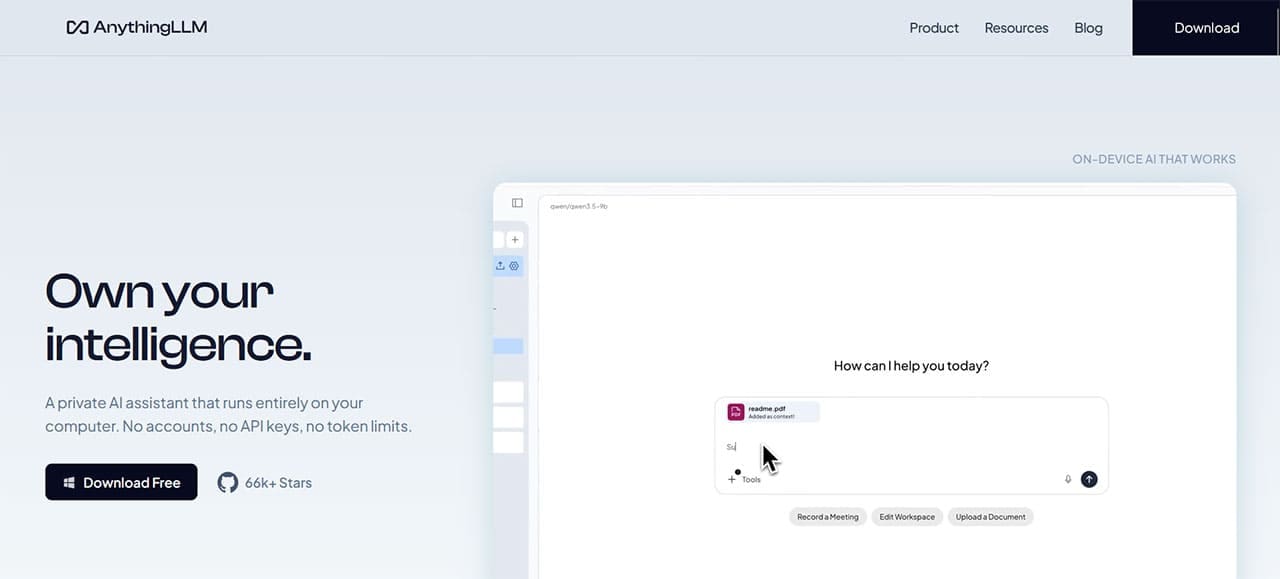
AnythingLLM, as the name implies, is a desktop assistant there to help you with your documents. Drag and drop files into the window, and you’ll be able to turn them into a queryable workspace. It needs a model running behind the scenes, but it supports local models and can run entirely on your device. It is relatively approachable for users who don’t want to build an agent from scratch
Flowise – Visual Agent Builder
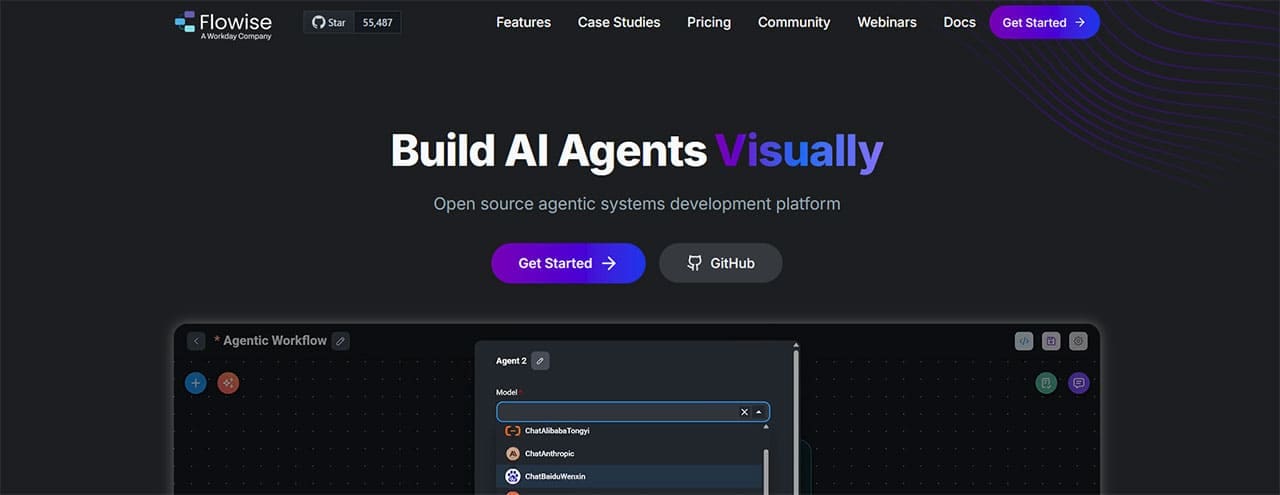
If you want to design AI workflows visually, Flowise was built for that purpose. What’s more, you don’t even need code to do so. Building agents makes use of the visual editor, which can take some getting used to, but not nearly as much as coding. It is a visual builder that supports many models, but admittedly prioritizes convenience over depth.
It’s also important to note that Flowise has already wound down active development and core-team support. Development was frozen in July 2026, the repository was archived in August, and core-team support ended on August 31, 2026.
Related Posts
 How Good Is BotDojo AI at Developing AI Agents?
 Is Browserbase AI Worth It? An Honest Look at Web Automation for AI Agents
 Can Bloome AI Allow AI Agents to Collaborate?
 The 6 Most Interesting AI Features in
 Windows 11 Is Becoming More Powered by AI Than Ever – What to Expect
 New AI File Renaming Tools Released in 2025 for Windows
 Common Cursor AI Errors in Windows 11 and How to Fix Them
 Quick Guide to Using AI Cursor’s Code Editor in Windows
 How to Set Up SOCKS5 Proxy in Windows

Disclaimer: Some pages on this site may include an affiliate link. This does not effect our editorial in any way.