You might not think much about renaming a file until you have hundreds or thousands that need it at the same time. Luckily, we live in the golden age of AI, where there is a solution to almost any technical problem you could imagine.
For those with large sets of files, AI renaming tools have become a necessity. These tools will automatically read through files and output new names for them.
While there were several new AI file renaming tools released in 2025 for windows, we will cover three of our favorites and highlight their features.
New AI File Renaming Tools Released in 2025 for Windows
AI Renamer: Best For Document-Heavy Workflows
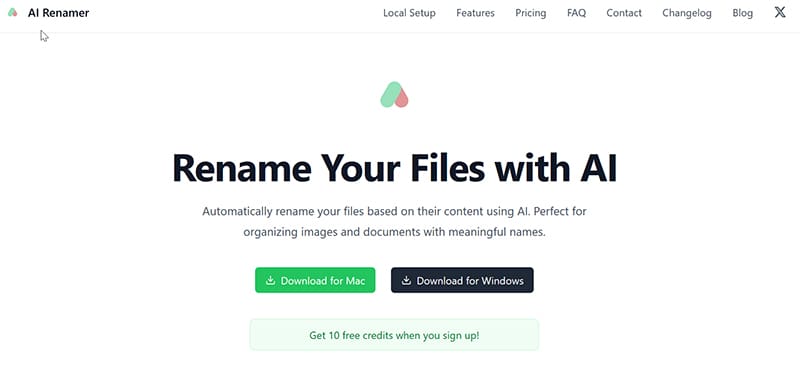
AI Renamer is one of the most polished and flexible renamer programs that we tested. It stands out as a hybrid AI engine, meaning that it can be used in both local and cloud modes, depending on workflow and privacy concerns.
When testing, we found that batch renames can be handled in mere seconds, so performance is an area where AI Renamer really shines. Renaming files in batches is easy, as all you have to do is drag and drop files or folders into AI Renamer, and it starts the process.

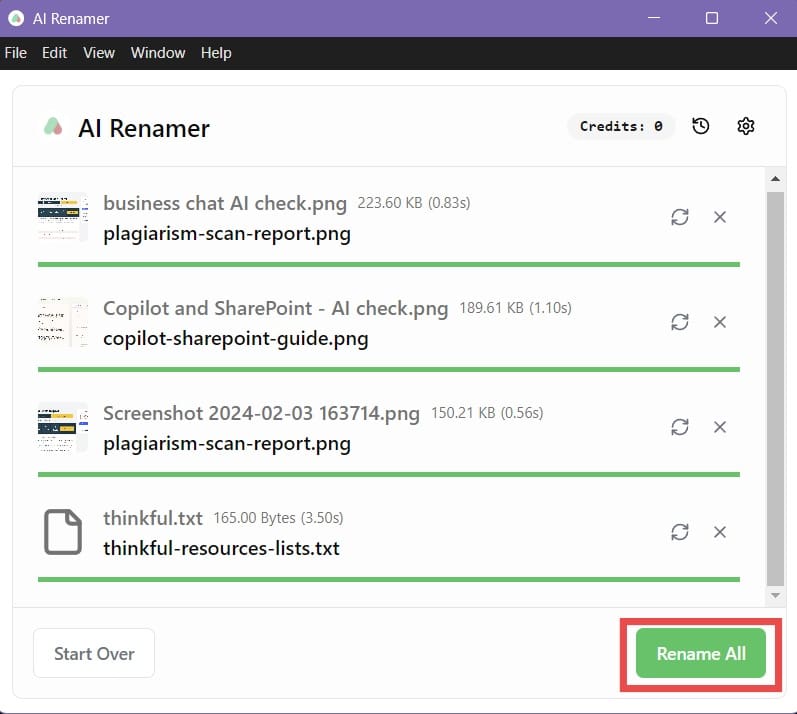
AI Renamer will automatically rename the files after analyzing them, ensuring accurate and relevant naming conventions. Renamed files will appear in the same window where they can be reviewed, changed, or discarded.
As far as pricing goes, AI Renamer is very affordable, charging only one $19 payment for the full local installation. For cloud mode, you will need to buy credits that you can use to rename files. Each credit allows for one file rename in cloud mode. The minimum to buy is 200 credits for $10, with a maximum of 1000 credits for $50.
Keep in mind that the local model allows for unlimited renaming and does not use credits, so it may be the better option for most users. Overall, AI Renamer stands out as the fastest hybrid model we tested, with the most flexible privacy controls and a very clean, minimal setup.
File Renamer AI: Best for Media Libraries and OCR Accuracy
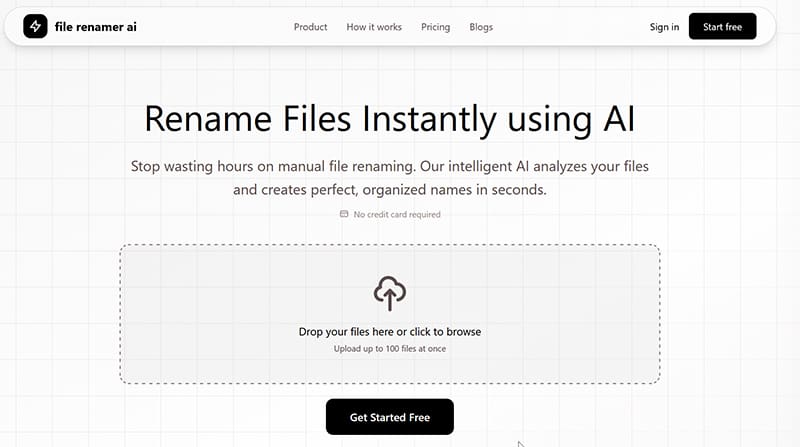
File Renamer AI stands out as one of the best file renaming programs released in 2025. Analyzing and renaming media files like video, images, and audio is fast and accurate with AI-powered OCR, which are areas where other renaming programs may struggle.
When testing, we found that File Renamer AI can handle hundreds of files in a single pass, in only a few seconds. Using it is easy, as all you have to do is login and drag and drop your files and File Renamer AI will do the rest.

After processing, the renamed files will appear at the bottom of the screen, available for download.
File Renamer AI works on a similar credit system, with each rename costing one credit. The pricing for File Renamer AI is a little more competitive, as 1000 credits can be purchased for only $7USD/$10CAD.

File Renamer AI does not offer a local mode, so everything is cloud based. Keep that in mind if you need more privacy when renaming your media files.
Advanced Renamer: Best for Local Users Needing Advanced Features
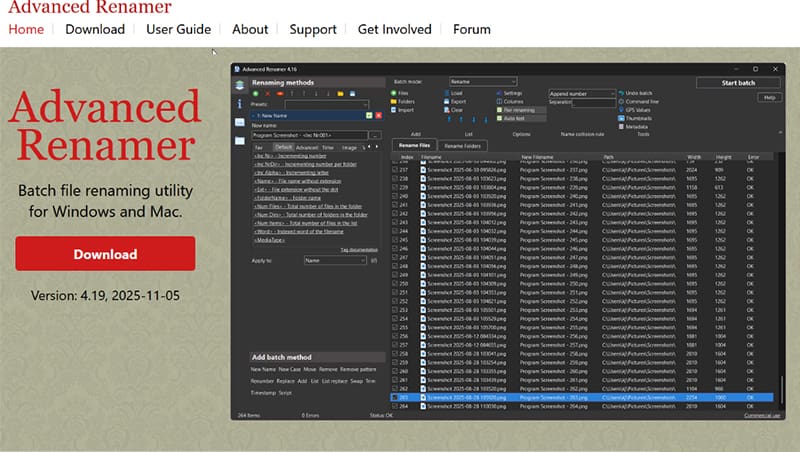
Advanced Renamer released their latest version in late 2025 expanding support for Windows and Mac computers. It uses a batch renaming system that utilizes EXIF metadata for image and video renaming and ID3 tags for audio files.
Advanced Renamer is local only, so it is the most effective when privacy is a concern. While most renaming tools are pretty straightforward and basic with renaming methods, Advanced Renamer offers a huge amount of variety including timestamp, numbering, patterns, EXIF, and GPS.
When testing, we found that it could handle both text and media files with ease, completing batch renaming in seconds.
Getting started is simple, just pick your naming convention and drag and drop your files into the program.

The new name will appear in a separate column based on the naming convention chosen. During our testing, we found the results to be almost instant, with the analyzing and renaming taking only a second or two to complete.

There is a free version available for personal use with a 10,000 file batch limit and 10 naming methods per batch. A personal license is available for $25 with unlimited batch and naming methods. For commercial use, a commercial license is available for $45.
Related Posts
 How AI-Powered Code Assistants Changed Software Development
 The Best Free AI Tools to Build a Website
 Best AI Tools for Excel
 How to Generate Instagram Posts Using AI – The 5 Best AI Tools
 Top Resume Parser AI Free Tools
 Best AI Tools for Video Editors That Deliver Amazing Results
 Best AI Tools for Telegram

Disclaimer: Some pages on this site may include an affiliate link. This does not effect our editorial in any way.