The world of AI image editing just got a major upgrade in the form of Google Nano Banana – the next AI image creation and editing tool from the world’s biggest tech brand. Building on the success of previous Gemini AI image generator models, Nano Banana offers almost countless possibilities for working with images and creating extraordinary visuals, however you like.
This guide explores some of the many possibilities unlocked by Google Nano Banana.
An Overview of Google Nano Banana

First, let’s talk about what Google Nano Banana actually is. It’s the latest AI image generation update to Google’s Gemini AI platform, but it focuses specifically on image editing, rather than creating fresh content from textual prompts. It’s capable of taking a single photo and reimagining it in numerous ways, as well as blending several images or scenes, and the results tend to be very impressive.
What Can You Do With Nano Banana?
Nano Banana makes advanced image editing remarkably easy. Users don’t need extensive experience with Adobe Photoshop or other editing tools; they can just upload the image(s) they want to work with to this Gemini AI image generator and let it do the hard work for them. Here are just some of its many exciting functions, detailed.
Customize Your Selfies However You Like

You can upload a selfie to Nano Banana and ask the AI to customize it in countless ways. You could change yourself into a different outfit, for example, give yourself a completely fresh hair color or style, change your pose or facial expression, or even add a custom background to make it look like you’re in space, in Paris, or standing side-by-side with a mythical creature.
Combine Two or More Photos
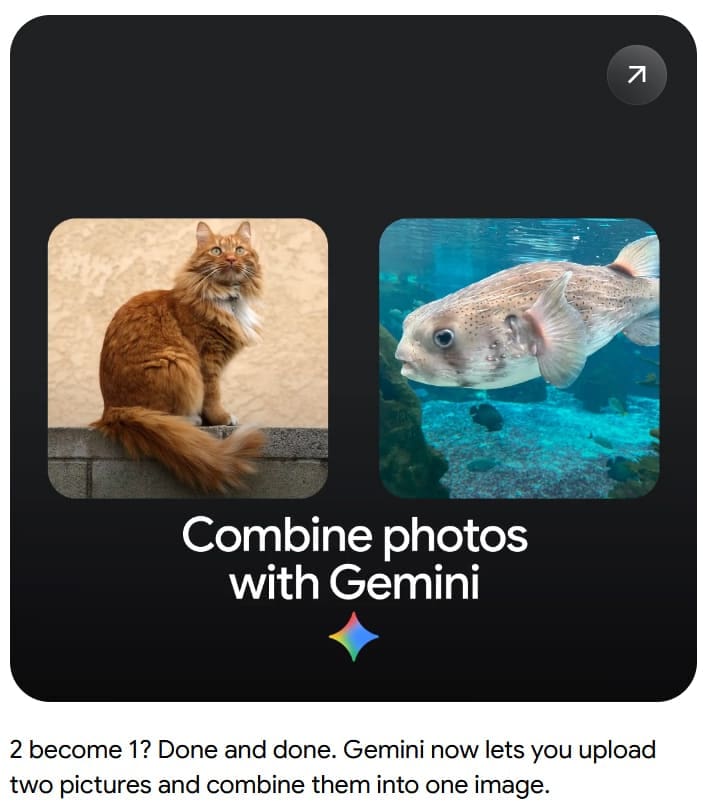
Google Nano Banana works just as well with several images as it does with one. You can upload two or more images containing different scenes and subjects, and then combine them. You could, for example, share pictures of two different people and get Nano Banana to combine them, or share a picture of a person and a product and combine them in a single image.
Turn Photos Into Figurines

Nano Banana is also highly adept at transforming images into miniature figure-style visuals. Users can upload pictures of buildings, landmarks, or even their friends and families, and ask the AI to make fun figure-style images to share and enjoy.
Try Different Looks and Styles
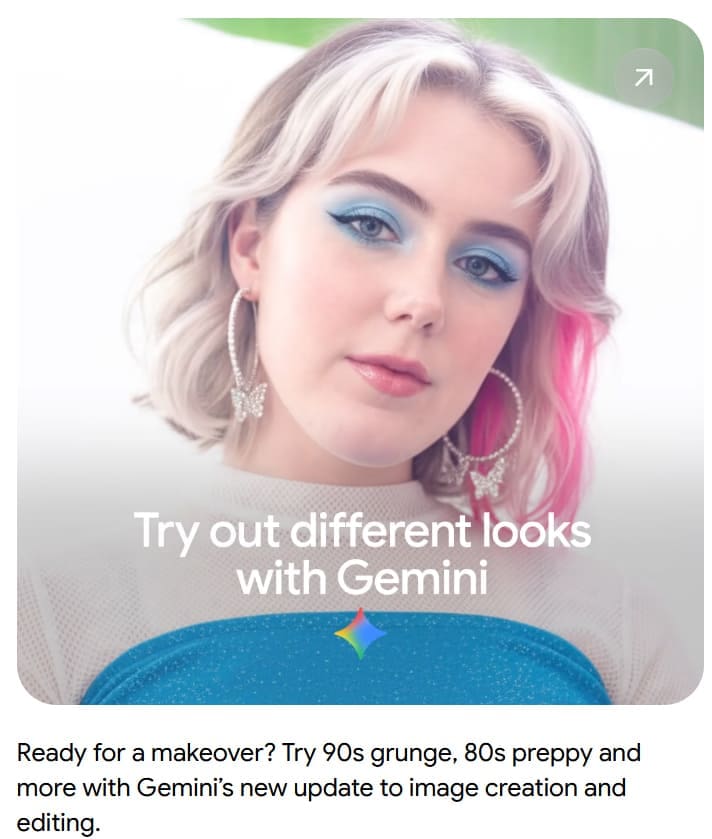
Thanks to its advanced intelligence and contextual awareness, Nano Banana has no trouble at all reimagining photos of people in various ways. It can give a modern-day picture of a person a ’90s-style grunge look, for example, or bring old black and white images into the modern era.
Additional Uses of the New Google Gemini AI Image Generator
Other exciting ways to use Nano Bananainclude:
- Transforming the weather in landscape or travel photos to make grim days look brighter
- Creating interior design concept images to imagine how rooms might look with different colors or furnishings
- Changing the text of signs and labels in existing images or inserting products or prototypes into photos
- Adding or removing elements (like people or pieces of scenery) to photos
In short, there are a lot of ways to work with this new AI image editor, and it’s pushing the boundaries of what this technology can do.

Disclaimer: Some pages on this site may include an affiliate link. This does not effect our editorial in any way.