If you don’t have a suitable voice for your reels, or just want another voice narrating your podcasts, then AI voice generating tools are the way to go. Not all are created equal and quality can make all the difference between engaging content and the uncanny valley. Today, we’re looking at ElevenLabs AI, a voice generation and cloning tool that promises a lot for very little.
Join us in our ElevenLabs AI review.
A Voice That Stands Out
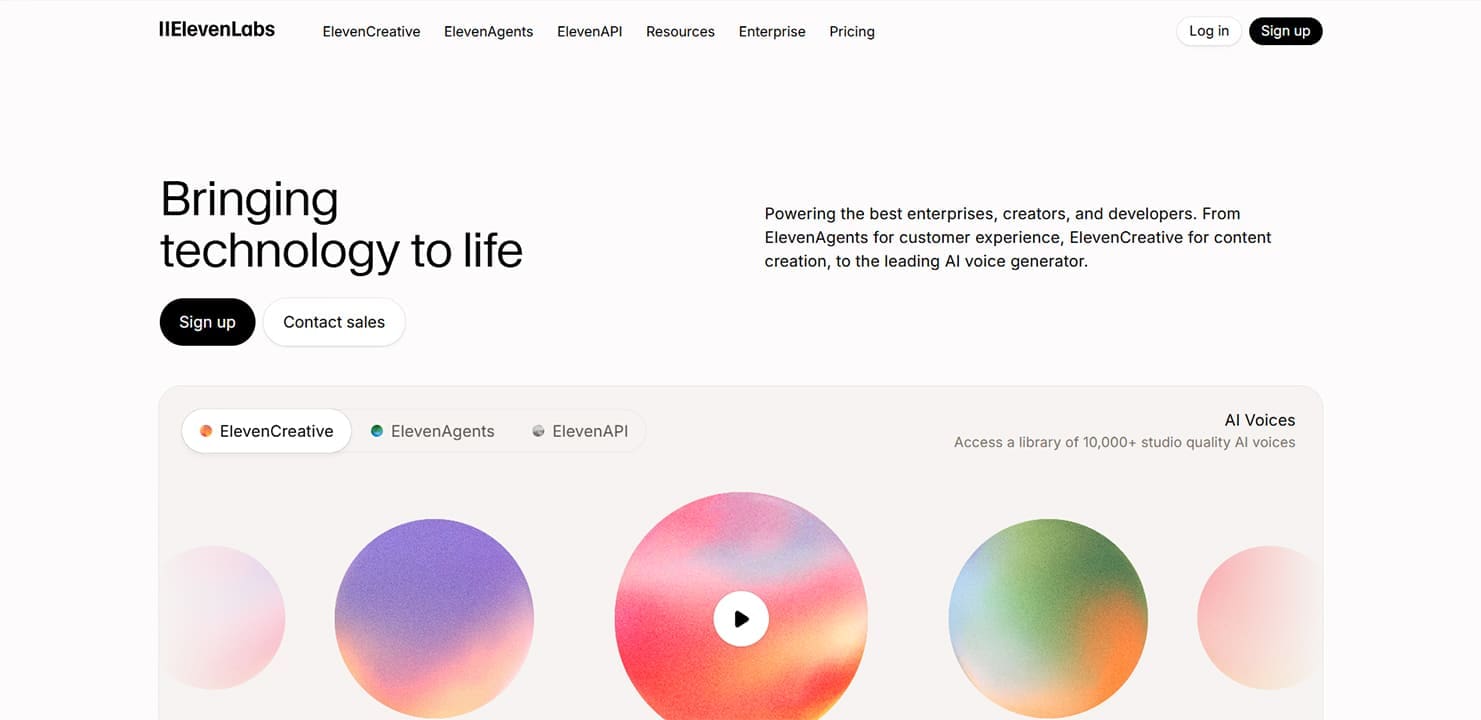
There’s no shortage of voice AI tools out there, with major sites like Murf AI coming to mind. ElevenLabs is yet another, but offers users a wide variety of functions, with a diverse range of voices, and all at a price that’s comparatively cheap. Some of its major features include:
- Voice generation
- Voice cloning from samples provided (available only to paid tiers)
- Sound effect generation
- Limited image and video generation
- A voice isolator in noisy tracks or music
- Voice changing
- Music generation
- Both text-to-speech and speech-to-text
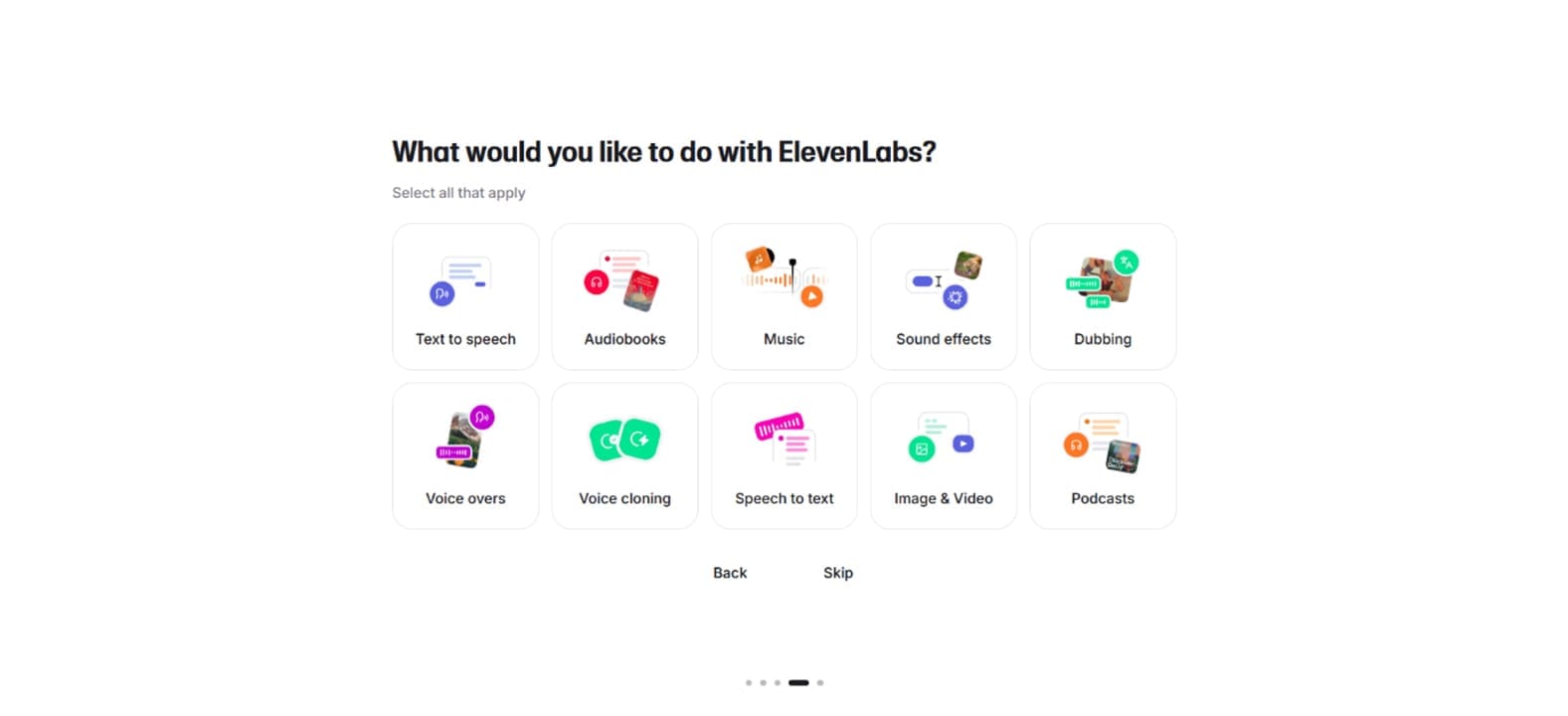
You can also perform functions according to category to make things easier, such as generating for dubs or audiobooks.
ElevenLabs provides a stable of preset voices that don’t fall into the uncany valley. In fact, some are very convincing. The latest model the tool runs on, Eleven v3 can support over 70 languages and promises the best generation yet.
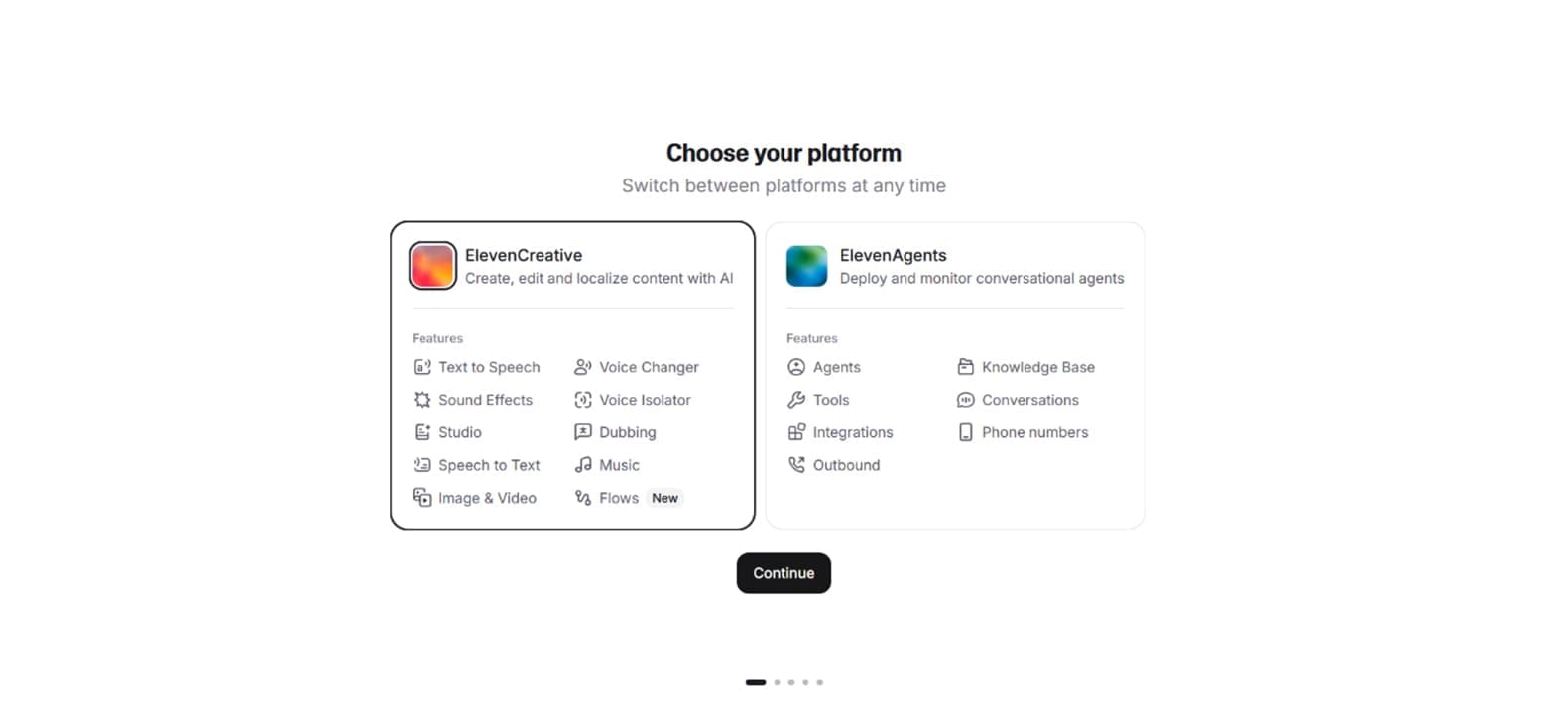
More than simple generation, ElevenLabs divides its services into ElevenCreative and ElevenAgents, the latter allowing users to create and deploy conversational agents for various purposes.
Great Pricing Deals
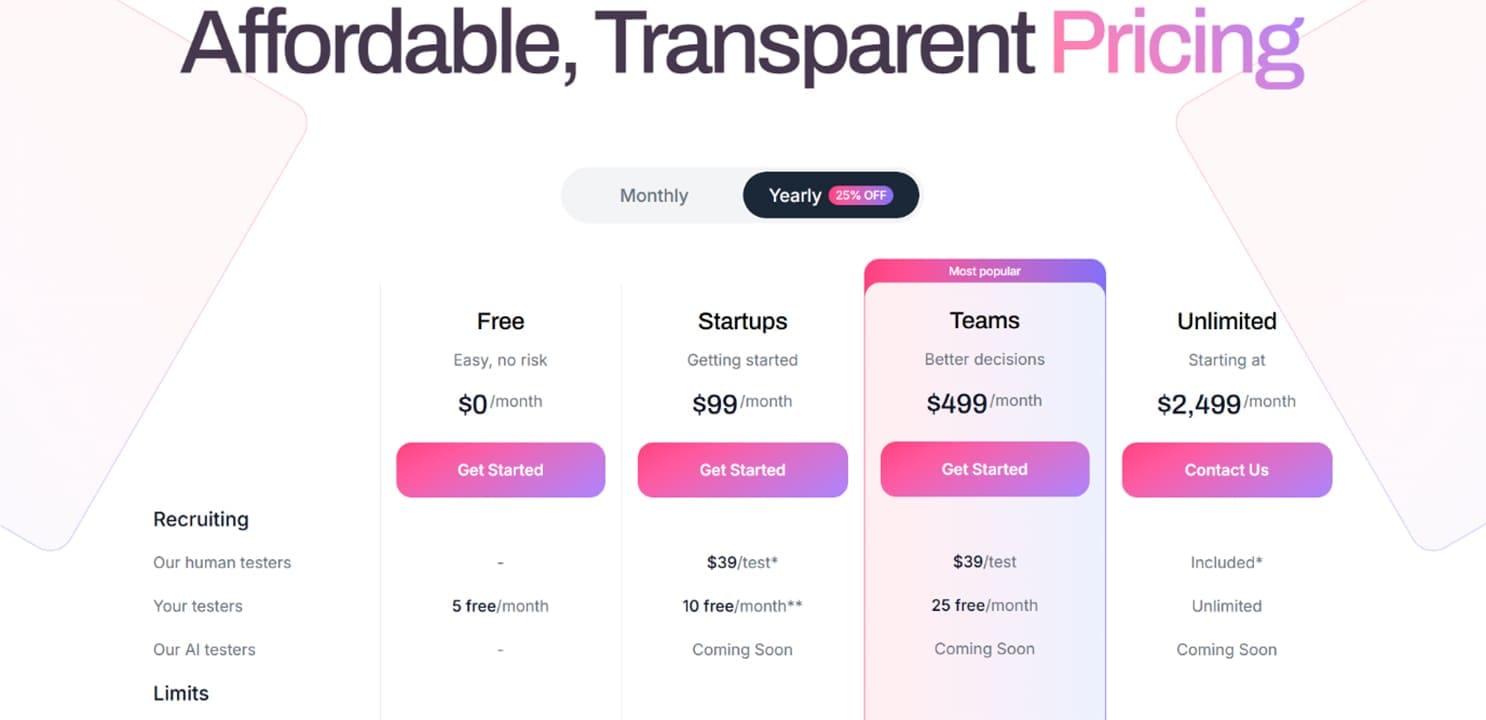
What should seal the deal for the curious is the excellent pricing ElevenLabs AI offers users. The prices are divided by tiers, with higher options unsurprisingly offering more credits, alongside the addition of features like cloning and higher file resolution. If you’re keen to experiment, there’s also a free tier, which gives you a chance to explore without obligations.
Compared to Murph and other tools, what’s on offer (and a price tag of less than half of some competitors) should have you excited.
Trying Out ElevenLabs AI
Here’s a quick dive into the tool for you to get a better idea:
Step 1. Create a free account on ElevenLabs.
Step 2. Go through the checklist of what you’d like to do. Don’t worry about signing up for a paid tier yet. You can stick with the free option.
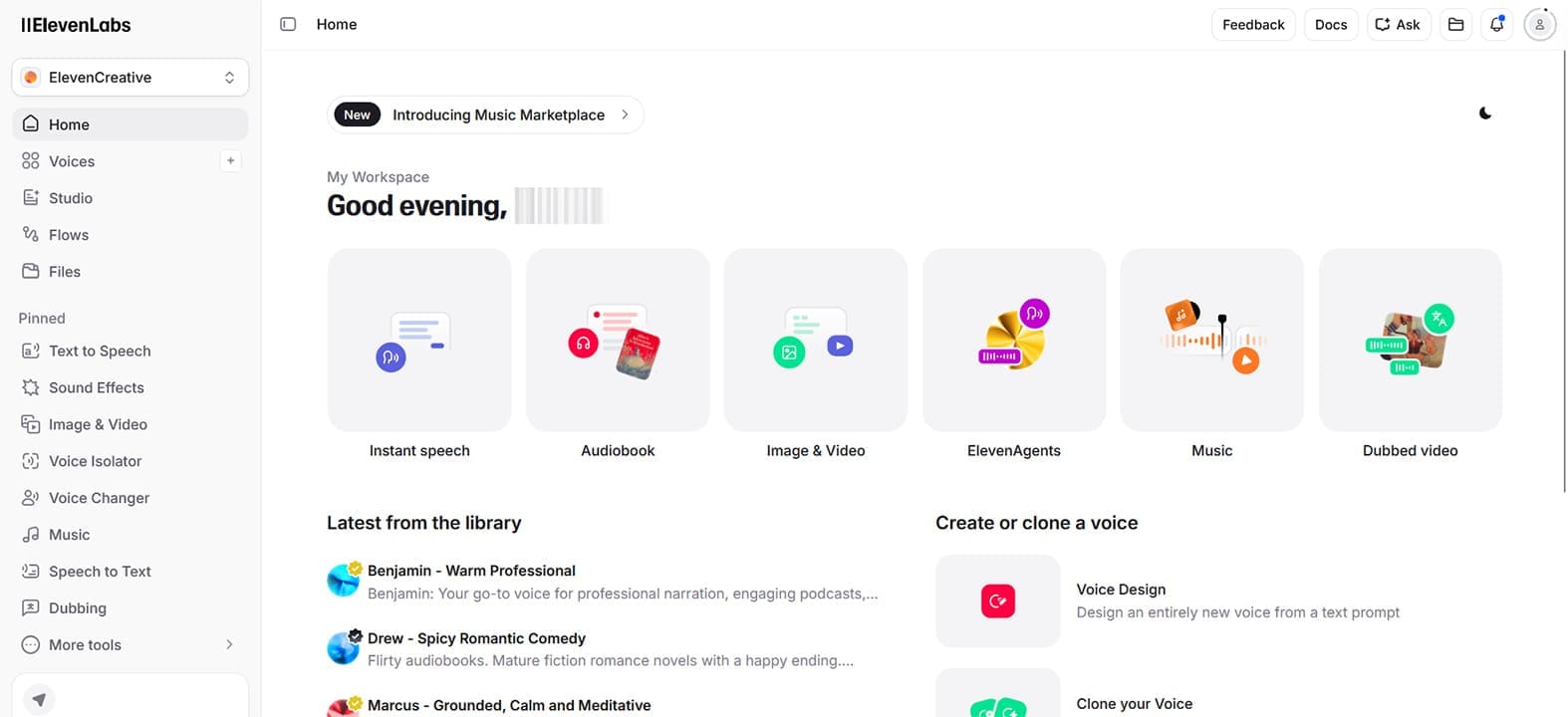
Step 3. Once done, you’ll be taken to your homescreen. You can click a task in the main window or the sidebar.
Step 4. When trying the “Text to Speech” you’ll see that you can input up to 5,000 characters and click “Generate Speech.” Choose your voice preset in the right panel and adjust the sliders to modify the pitch and pacing to your liking.
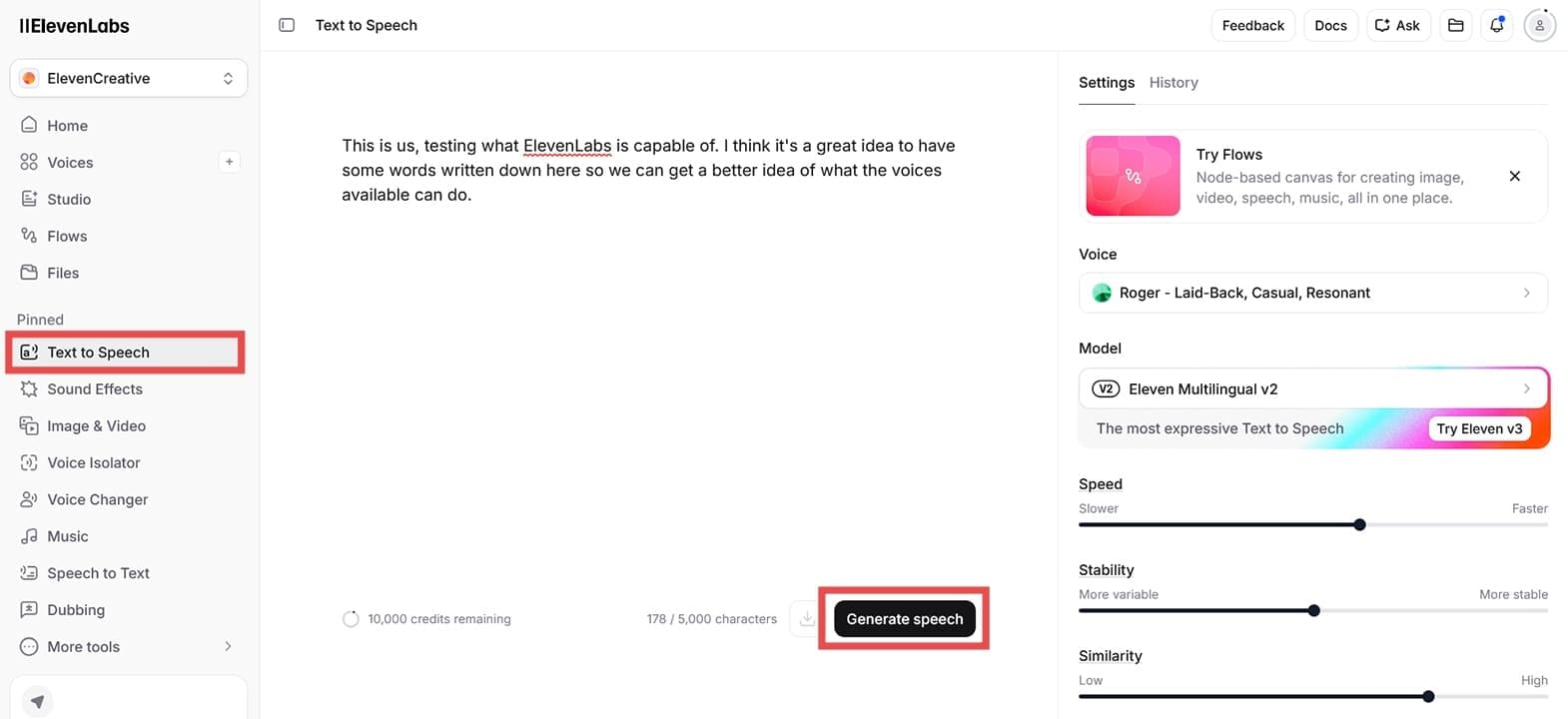
Step 4. Once the audio is generated, credits will be deducted from your total. You can click “Download” to save your file as an MP3 to insert into a presentation or use on its own.
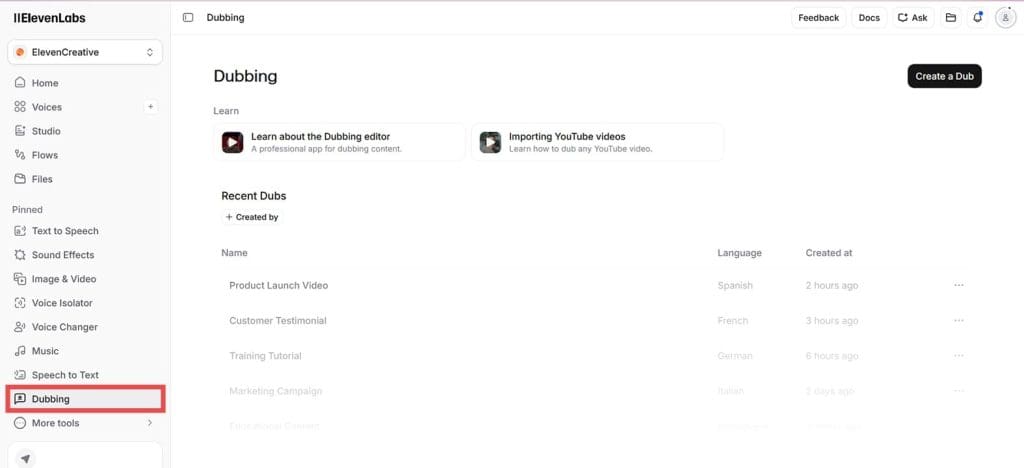
Step 5. For other integration, try the “Dubbing” option for online videos, or upload an e-book to turn into an audiobook.






Disclaimer: Some pages on this site may include an affiliate link. This does not effect our editorial in any way.