Microsoft has been one of the major players in the AI scene, integrating its own Copilot AI assistant into a range of its proprietary apps, like Microsoft Word, Teams, and PowerPoint. Now, it’s taking its AI technology to the next level with the announcement of Microsoft Scout AI, the company’s first “Autopilot” AI agent.
What Is Microsoft Scout AI?
For the unfamiliar, Microsoft Scout AI is an autonomous AI agent, designed specifically for the Microsoft 365 ecosystem. Integrating with apps like Microsoft Outlook, Teams, and OneDrive, it can perform tasks like email management, scheduling, and workflow automation. Unlike conventional AI bots and agents, Scout is always-on, running in the background, taking actions on the user’s behalf.
It’s set to be the first entry in a future family of agents that Microsoft has labeled “Autopilots,” due to their always-on nature and ability to act independently, with their own identities. The company announced Microsoft Scout AI on June 2, 2026, and initially made it available as an early-access preview for Microsoft Frontier preview program members. No wide release date has been published.
Microsoft Scout AI vs. Copilot
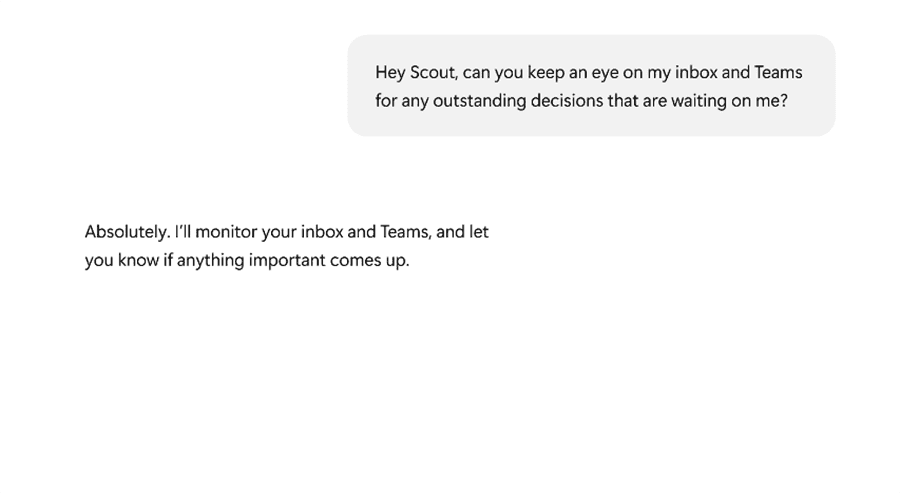
The big difference between Microsoft Scout AI and Microsoft Copilot is that you have to open the Copilot app or extension and tell it what you want it to do. It is a reactive tool that operates on-demand. Microsoft Scout, however, is designed to be always-on, operating behind the scenes, executing tasks and scripts, and completing workflows without having to be told each time.
Other notable differences include the fact that Copilot runs on the cloud, while Scout runs locally on your machine as well as in the cloud. Copilot is also widely available already, while Scout is only in early access mode for the time being.
What Can You Do With Microsoft Scout AI?
Key features of Microsoft Scout AI include:
- Interacting with Files: Scout can create, edit, or search documents on your device. It functions with all common Microsoft files, like Word documents and Excel sheets.
- Execute Commands: It can execute shell commands or even build and test its own scripts, in accordance with your needs.
- Browser Automation: Scout can browse web pages, fill in forms automatically, and interact with web apps on your behalf.
- Integration: It integrates with the Microsoft 365 ecosystem, including apps like OneDrive and SharePoint, for monitoring and task management.
- Background Operation: Unlike other AI agents, Scout runs in the background at all times. It can constantly help you work more efficiently by tracking emails, files, etc.
Overall, the capabilities of Microsoft Scout AI could make it a major architectural leap for the AI landscape. It introduces the idea of a proactive, rather than reactive, AI agent; one with greater levels of integration and automation than almost any the world has seen before, with the potential to deliver huge efficiency and productivity boosts to future generations of Microsoft 365 users.
Related Posts
 Windows 11 Is Becoming More Powered by AI Than Ever – What to Expect
 Can Using Microsoft Copilot Cowork Boost Your Productivity?
 Ways to Use Microsoft Copilot on Telegram
 Steps to Install Microsoft Copilot on WhatsApp
 How to Generate Text From Speech With AI
 Is Affint AI the All-in-One Office Solution You’ve Been Looking For?
 What Is Dating Killer AI – The AI-Powered Way to Improve Your Online Dating
 How to Use DeepSeek AI
 Unlock the Power of Tactiq AI Note Taker for Your Meetings

Disclaimer: Some pages on this site may include an affiliate link. This does not effect our editorial in any way.