If you’re a small company (or currently in the process of opening one), then you know that getting your foot in the door and getting an online presence will likely make or break your opening month. To that end, having a professional website designer can be prohibitively costly. That is why there are many AI platforms on the market that specialize in simple websites that are designed to quickly list your services and give visitors a clear way to contact you.
Today, let’s go over our SitesGPT.com review to see if this platform can do the trick.
Getting Started With SitesGPT.com
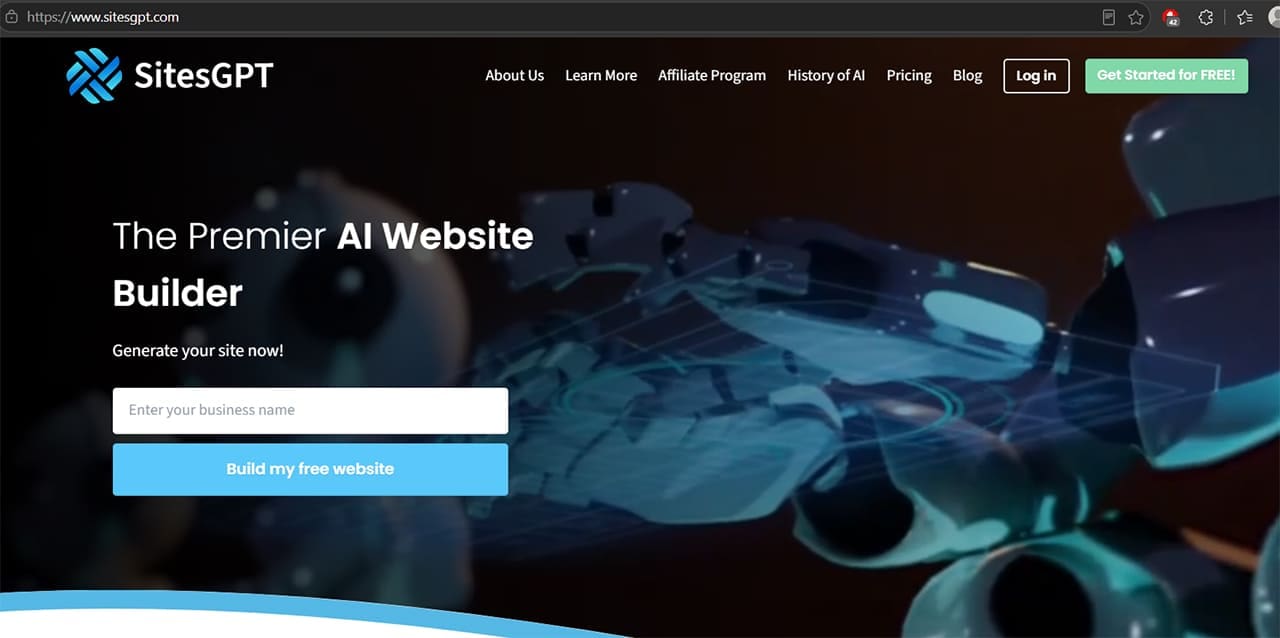
The most compelling argument for using this platform is by far the fact that it doesn’t ask much of you when you’re getting started, not even credit card information.
Instead, you’ll be prompted to start with your company’s name and some basic information.
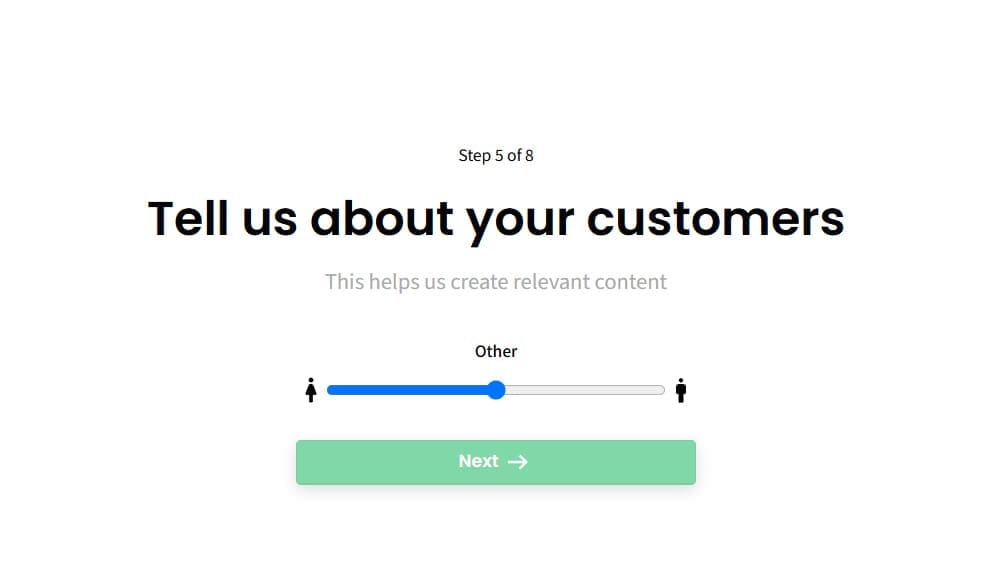
One of the strangest additions here is the audience split, which has only three options: only male, only female, or 50/50. The website reportedly uses this to customize some of the wording and color scheme, but the lack of options is a bit grating, and you’ll be prompted to change all of that later anyway.
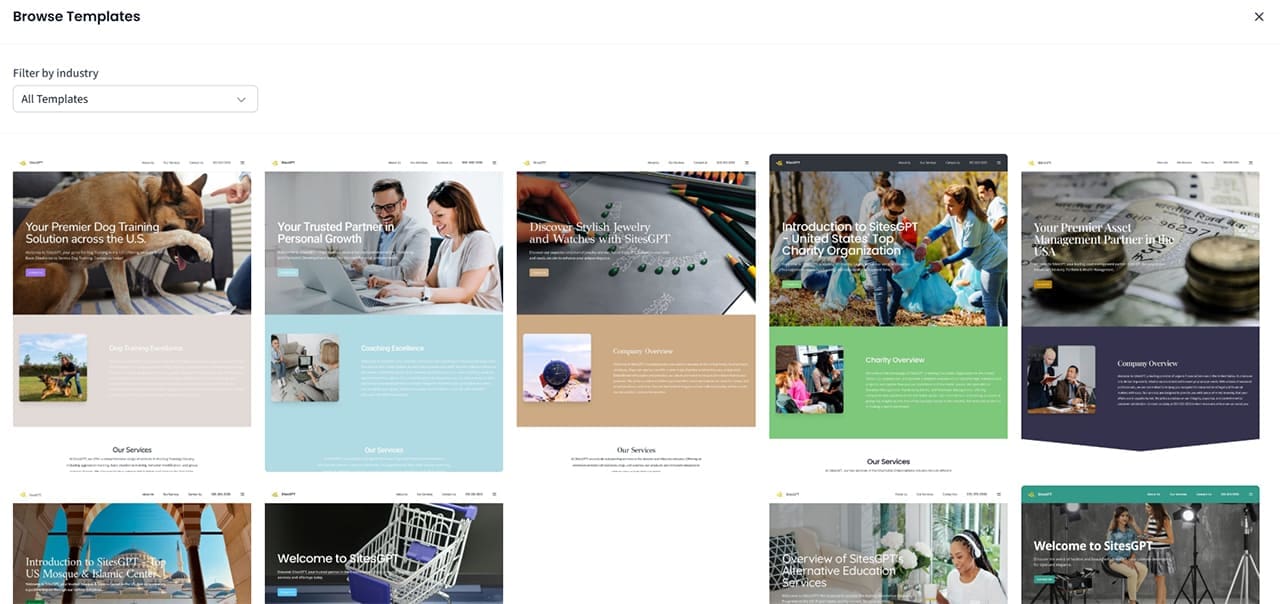
Like most AI website builders, SitesGPT appears to rely on an extensive library of samples and templates to generate the home page’s design.
However, most of the templates are similar to one another in appearance and themes. The overwhelming majority has the same style of a header bar used for navigation (complete with identical distribution of links), so picking one over another is usually a question of color scheme rather than functionality.
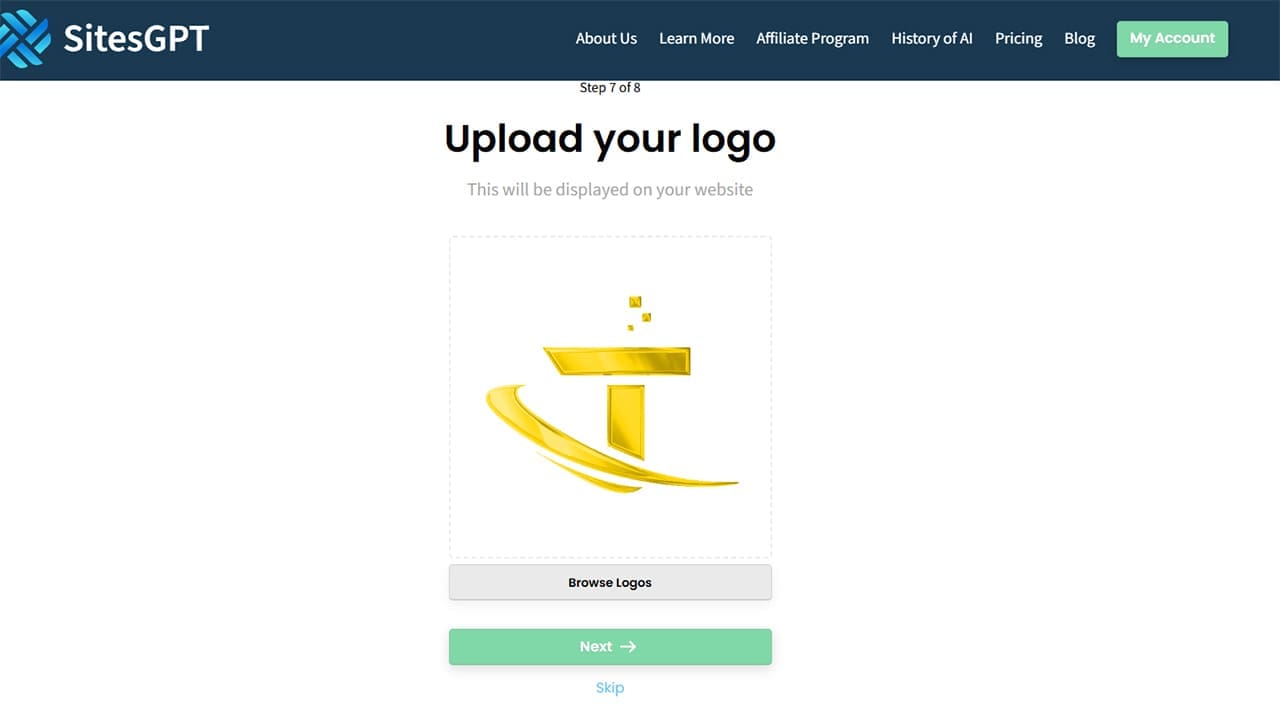
The website can also generate a logo, which is a definite plus. However, it’s unclear how the platform generates the logo or whether it resembles existing designs, so a better option would be to create your own or at least conduct a logo search to check for similar ones in your industry.
You’ll also be prompted to customize the color scheme, but the options are limited to only a primary, secondary, and neutral color. This implies that the website is heavily basing its work on pre-built templates.
The initial result you get is a simple-looking homepage that you’ve probably seen countless times when browsing local service websites. One plus is that the background is animated, which makes the homepage look fancier.

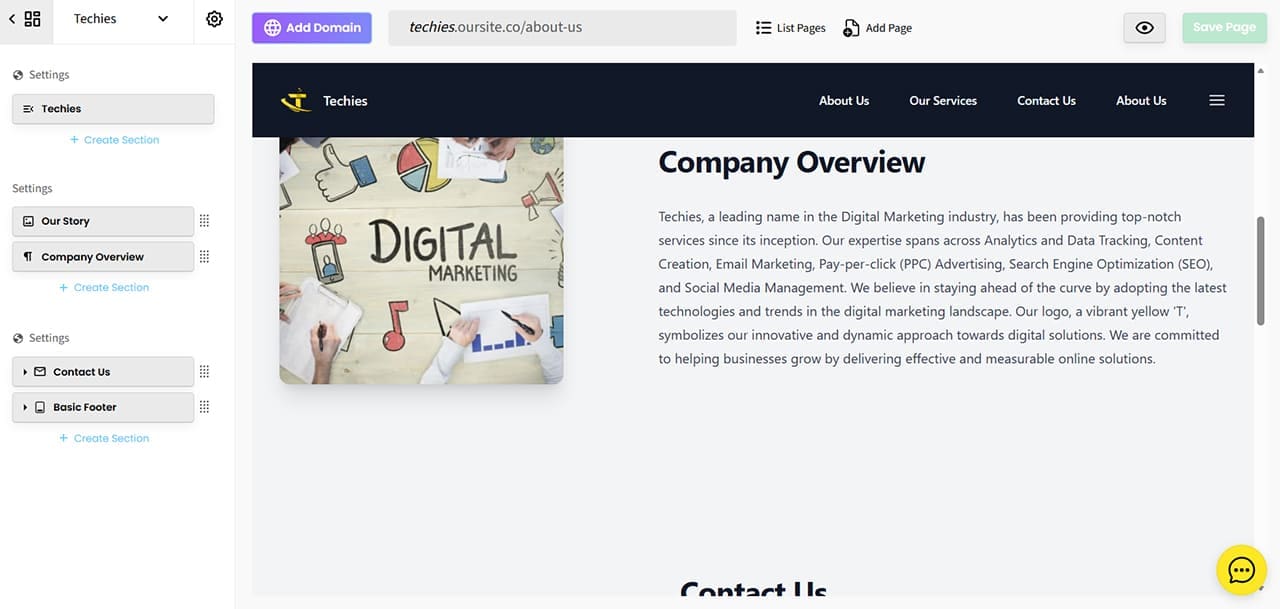
The home page is sectioned off, but adding more sections or trying to remove some may lead to unforeseen results. For example, we removed the empty “phone” category from the header menu, only for the website to remove the Dynamic Menu Item as well on the home page despite it existing in the schema.

Since the website starts with only a home page, adding more pages is a bit cumbersome. For one, the prompt editor cuts off after just a few words.
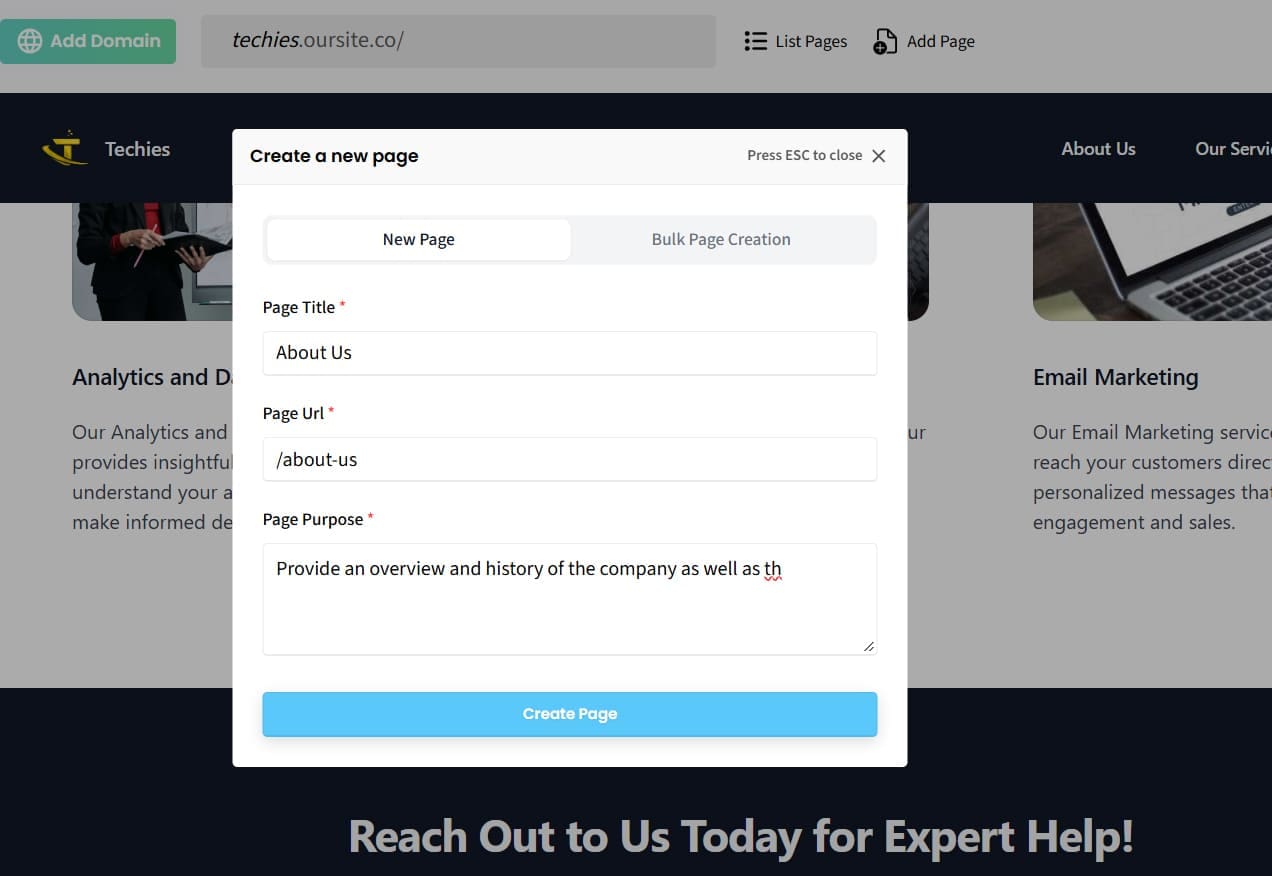
If you decide to expand on some of the information, most of the content will be copied from the first page, and it’s up to you to provide the rest. This can be useful since the AI can build the underlying structure while you take care of the content, but it also means you don’t get the exact control over how those pages are built.
SitesGPT.com Review: What Works and What Doesn’t
On the surface level, the main draw of using SitesGPT is that it’s incredibly simple to get a basic website that lists your services and your contact information. If you already have some content built for the website, you can swap it into the segments without an issue.
The AI also seems to prioritize websites that follow its sample structure. If your website fits that structure, you can get it online in minutes.
However, as soon as you need a more custom solution, the website can break down, as even removing one element can irreparably damage the page to the point you may need to regenerate it.
The SitesGPT platform also has a basic lead tracker and allows you to add contributors to manage the website if needed.

If you do dig a bit more, you’ll notice that the SitesGPT website itself follows a similar schematic, so the AI is basically copying the same structures over and over again.
Additionally, you don’t seem to be able to access the underlying HTML code for the entire website. So even if you use the platform to get started, you may still need a professional to recreate parts of the site if you want more extensive modifications later.
SitesGPT.com Pricing and Verdict
The platform has a freemium model, with a free plan that includes a home page and a branded subdomain (companyname.oursite.co).
You can upgrade to the paid plan for unlimited pages, a custom domain, and HTTPS.

The last point here is crucial because without a proper TLS certificate and HTTPS, most browsers refuse to go to the page or send a large warning sign that might drive viewers away.
So is the website builder any good?
If you do need only a few pages, the $10 per month or $96 per year price might be worth it to get the basic features. However, at that price point, the lack of customization and added SEO features or controls might be too limiting.
Related Posts
 How to Make Websites and Portfolios With Trickle AI
 Let Empromptu AI Build Your Ideas Into Apps
 Can Fabricate AI Really Build a Full App From a Single Prompt?
 The Best Free AI Tools to Build a Website
 Can Floot AI Help You Build Web Apps Quickly and Easily?
 How to Automate Applying for Jobs and Get More Interviews With JobGPT
 Discord Is Promoting the New Comet Browser by Perplexity AI – Is It Any Good?
 Can MobileGPT Be the Ultimate WhatsApp AI Solution?
 Education Is Easier With Mexty AI

Disclaimer: Some pages on this site may include an affiliate link. This does not effect our editorial in any way.