You might be familiar with Photoshop’s image editing tools, or online sites like Canva and their creative suite. But if you’re like us and on the lookout for alternatives, we’ve got one for you today. Created back in 2020 by a team of ex-Google developers, later acquired by Stability, and then later sold to Jasper AI in 2024, Clipdrop AI is an image editing and creation tool that prioritizes easy use.
So, join us for our Clipdrop AI review.
Clipdrop AI – Editing and Creation Made Simple
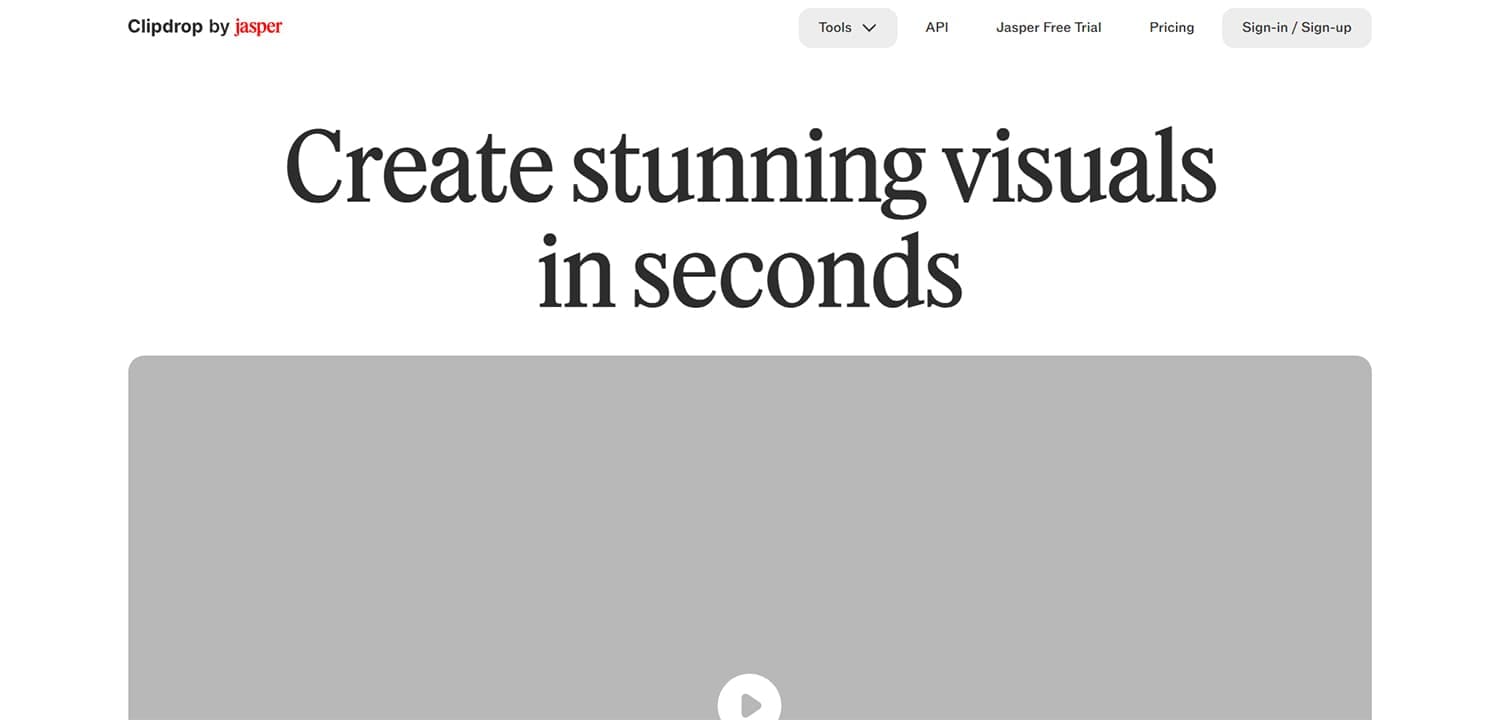
Simplicity is the name of the game with Clipdrop AI, for better and worse. We’ve broken this review into sections for easier reference.
The Features
Clipdrop AI knows what its audience wants, image editing tools done simply, and done right. To accommodate this, they introduce a range of features, including:
- An image resizer
- Image generation based on text input
- The ability to remove backgrounds and swap them out
- Uncropping an image by filling in more space with AI
- Image upscaling by different degrees (16x if you go by the interface)
- Image cleanup, which includes the removal of objects and text
- Relighting an image by adding custom light sources of different colors
It’s a pretty solid range of tools. Let’s see a quick demonstration.
Simplicity in Action
To show you how simple Clipdrop AI is to use, here’s a quick walkthrough:
Step 1. Create your account and sign in. A free account is a good place to start.
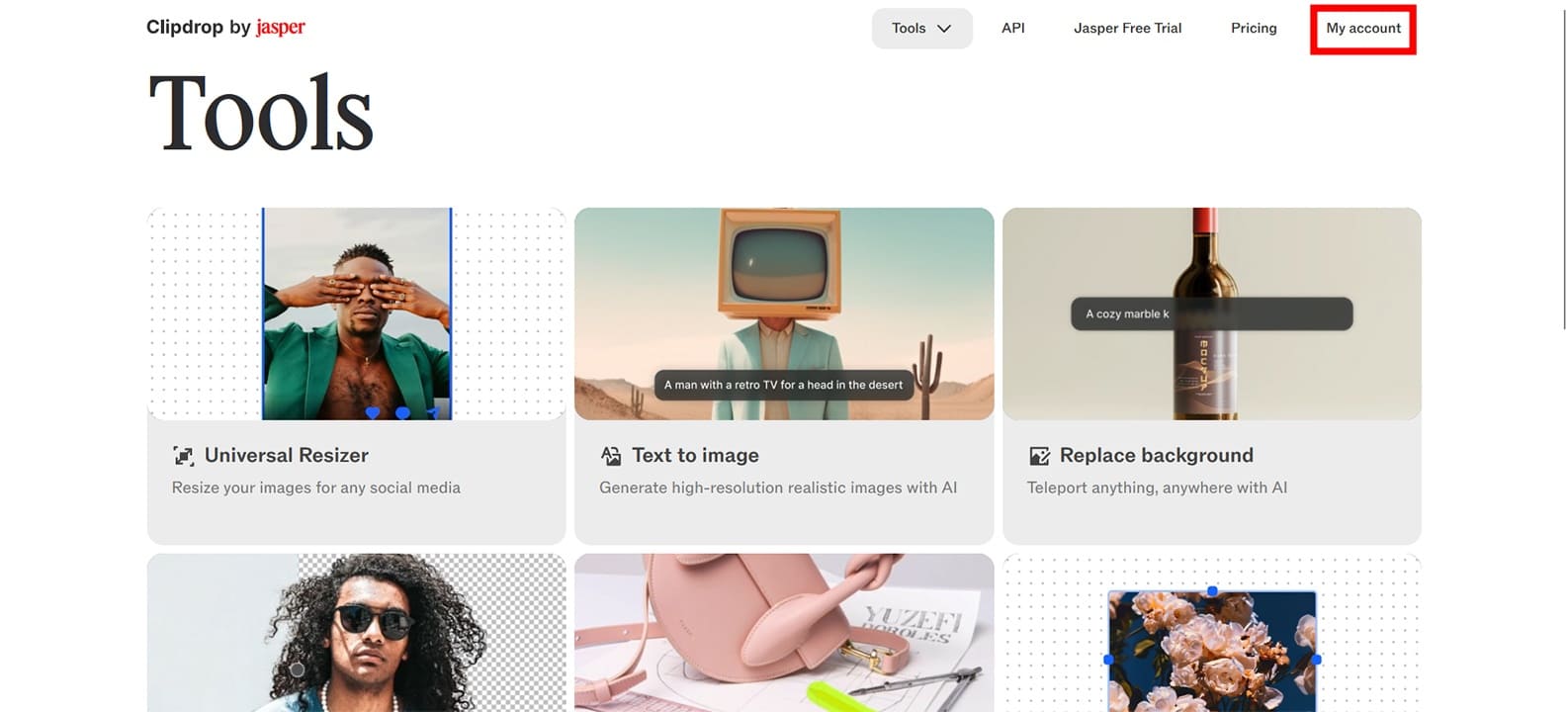
Step 2. Clicking on “Universal Resizer,” you can drag and drop an image to upload.
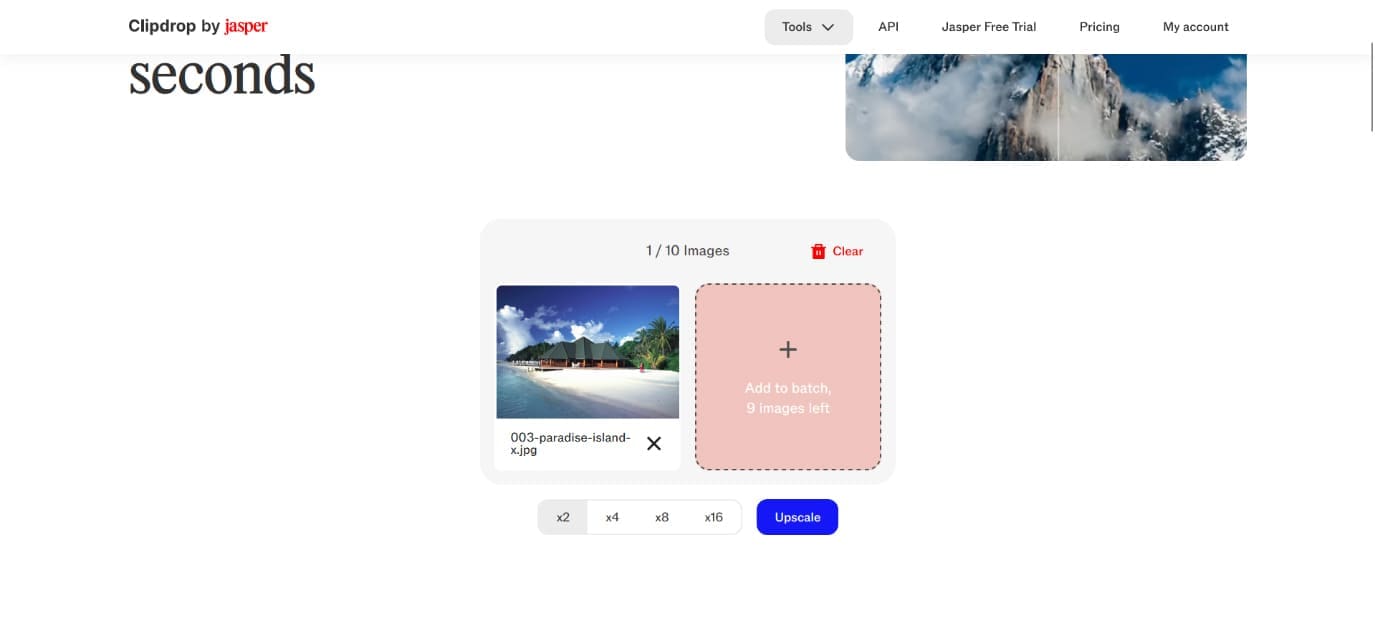
Step 3. Even though the upscaler is free to use (like many tools), advanced upscaling over “x2” is locked behind a paywall. Click “Upscale” and the process runs.
Step 4. Finally, you’ll get your upscaled image, which you can drag a slider over to see the before and after.

Step 5. You can click the “Download” button to save it or adjust further by choosing from the other options. Click the hamburger menu and choose “Relighting.”
Step 6. Here you can choose different lights, position them, and choose their color and intensity.

Pricing
We mentioned paywalls briefly above, so it seems a good time to discuss the tiers under which Clipdrop AI operates. If you want to test out the features, the Free tier allows you access to Cleanup, Relighting, Upscaling, and Background Removal for 20 uses over 24 hours. If you sign up for Pro, that number jumps up to 1,000 over 24 hours (for $15 per month). Quite the difference.
Thanks to Jasper AI, Clipdrop AI also comes with API integration, although this is a tier without a dedicated price tag.
Weighing It Up
Clipdrop AI works well for offering users a simple way to edit and generate images. However, for pros, the tools may feel a bit too simple and limited, especially when it comes to fine-tuning features and image formatting. What’s more, the tools on offer don’t differ much from what competitors are offering. But it is GDPR compliant, which may ease the minds of some users.
Ultimately, the tool is perfectly serviceable, but the price tag doesn’t justify the offering in our books. The results of our image tweaking were satisfactory, but (especially in the case of Relighting) not mindblowing as advertised.
Related Posts





Disclaimer: Some pages on this site may include an affiliate link. This does not effect our editorial in any way.