If you want to build your own AI agents, Azure AI Foundry (now known as Microsoft Foundry) and Copilot Studio are two Microsoft platforms you can use to build AI agents. However, while both can be used to build AI agents, they differ in their functionality, target audiences, and development models. This guide puts Azure AI vs. Copilot Studio side-by-side to help you figure out which one, if either, you should use.
What Is Copilot Studio?
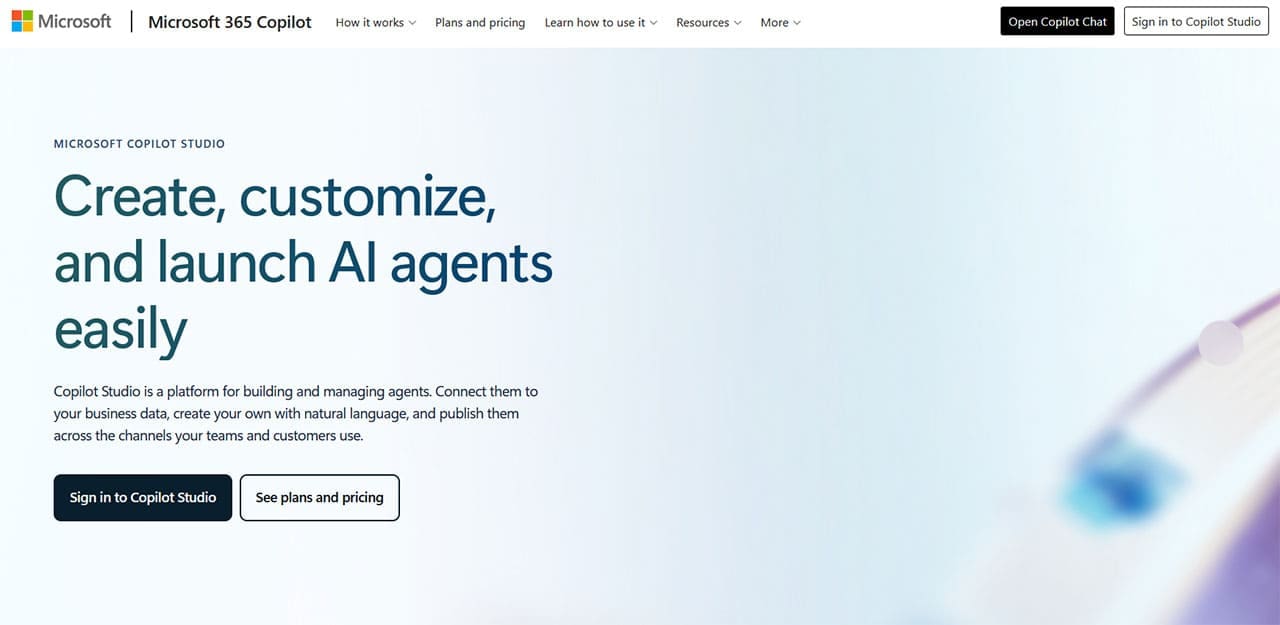
Copilot Studio is a low-code, browser-based platform for creating, testing, and launching AI agents. It offers natural-language authoring and visual designer tools, making it relatively easy to work with for those with little technical or coding experience. Its creations can also integrate fully with the Microsoft 365 ecosystem; they can access data from apps like SharePoint and OneDrive, for example.
Benefits, Drawbacks, and Use Cases
Some of the advantages of Copilot Studio include:
- Ease of Use: This platform was designed with a less technical audience in mind.
- Speed: Copilot Studio’s simplicity makes it possible to build and publish agents in minutes.
- Integration: Agents can be published to channels such as Microsoft Teams and Microsoft 365 Copilot, with additional integrations available through Microsoft’s connector ecosystem
On the other hand, the downsides of this platform are:
- Less Model-Level Control: It provides less control over the underlying models and AI architecture than Azure AI Foundry.
- Mixed Performance: Accuracy and consistency can vary depending on the model, instructions, knowledge sources, tools, and configuration.
As far as use cases are concerned, Copilot Studio is excellent for building the likes of HR and IT support agents, bots that are designed to work within the Microsoft 365 system, and internal assistants. However, it may struggle with more complex or niche tasks.
What Is Azure AI Foundry?

Azure AI Foundry is a professional, studio-grade AI agent development platform. Designed for building more scalable, customizable, and complex AI agents than what would be possible in Copilot Studio, it’s known for offering extensive levels of user control, letting you fine-tune model behaviors, prompts, data, and more.
Benefits, Drawbacks, and Use Cases
Advantages of Azure AI Foundry include:
- Customization: It gives developers extensive control over the configuration and behavior of their AI agents.
- Versatility: You can create a wider and more customizable array of agents.
- Performance: Foundry provides tools for evaluating and improving agent quality and performance.
Downsides include:
- Complexity: Users will need more technical experience to make the most of Foundry.
- Time: It will typically take much longer to make an AI agent with this tool than Copilot Studio.
In terms of use cases, this is the tool to use for creating complex enterprise AI agents, as well as those that can exist outside of the Microsoft ecosystem.
Azure AI vs. Copilot Studio – Which One Should You Use?
Copilot Studio can be a better fit if you want to build low-code agents for internal or broader organizational use and deploy them quickly. Foundry can be a better fit for projects requiring greater customization, custom code, orchestration, or control over deployment and architecture. However, you don’t necessarily need to choose either one or the other.
Many businesses today include both Azure AI Foundry and Copilot Studio in their AI tech stacks and rotate between them depending on what they need to build. For example, Copilot Studio can provide a low-code experience for the user, while Foundry can provide more advanced AI power behind the scenes. Microsoft also lets you connect Foundry agents to Copilot Studio in certain scenarios.
Related Posts
 How to Set Up an AI Agent for Teams
 Testing Watermelon AI: How Simple Is Agent Creation?
 Can Using Microsoft Copilot Cowork Boost Your Productivity?
 The AI Orchestration Platform for Security and IT teams – Our Look at Tines AI
 Ways to Use Microsoft Copilot on Telegram
 Get an AI Assistant on Your Phone With Dot Copilot
 Can Copilot Tasks Improve Productivity for Busy Creators?
 Stay in the Loop by Creating Copilot Reminders
 Copilot Unable to Read a PDF? Try These 4 Quick Fixes

Disclaimer: Some pages on this site may include an affiliate link. This does not effect our editorial in any way.