There’s no question that Claude Code can be a useful tool for analysis, coding, debugging, and more. There’s also little doubt that receiving a message that you’ve hit your daily limit can be a frustrating experience. There’s no one meter for monitoring Claude Code usage, but there are definitely ways you can monitor and limit your usage to get the most out of your tokens. In this article, we’ll be looking at ways to fix Claude Code usage limits.
What Affects the Claude Code Meter
The key to improving the use of your tokens in a smarter way is understanding what eats them up. Currently, there are three ways you can sign in:
- Pro or Max subscriber – This gives you a usage allowance shared across Claude Code and Claude.ai chat, including a rolling 5-hour session window as well as a separate weekly cap. Reach the limit, and you’ll see a message telling you when your window resets.
- Enterprise user – This spreads usage out across the organization. When the limit is reached, you get a message telling you to wait for a certain time.
- API key user – There is no hard limit with this, but it is organized on a pay-as-you-go structure for the account you use.
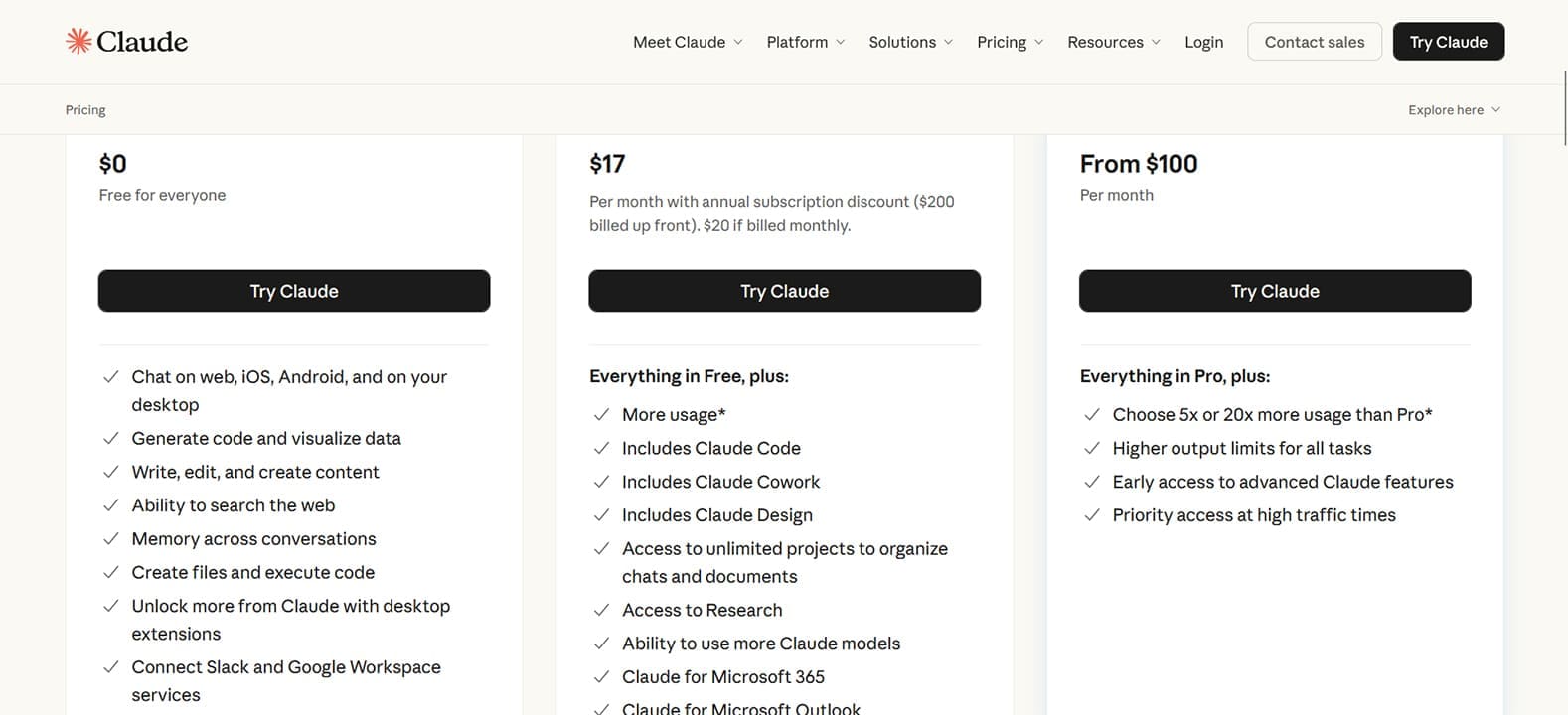
Within these sign-ins are different tiers depending on whether you’re working as a Team or an individual. Anthropic doesn’t publish fixed prompt or token counts with subscription plans. Instead, only the relative capacity is listed in terms of multiples and percentages.
The engine you use will also affect usage:
- Sonnet is most often used for coding.
- Opus is a complex reasoning tool, good for planning, but heavy on usage.
- Haiku is light and works best for lookups, scripted runs, and searches.
Your own usage is the final aspect that affects the meter. As a conversation builds, so does context, requiring more tokens to parse. Prompts also add up over time, but the biggest user is the length of the conversation. The longer it goes on, the more Claude Code has to refer back, and the more tokens, increasing usage exponentially in time.
Ways to Fix Claude Code Usage Limits
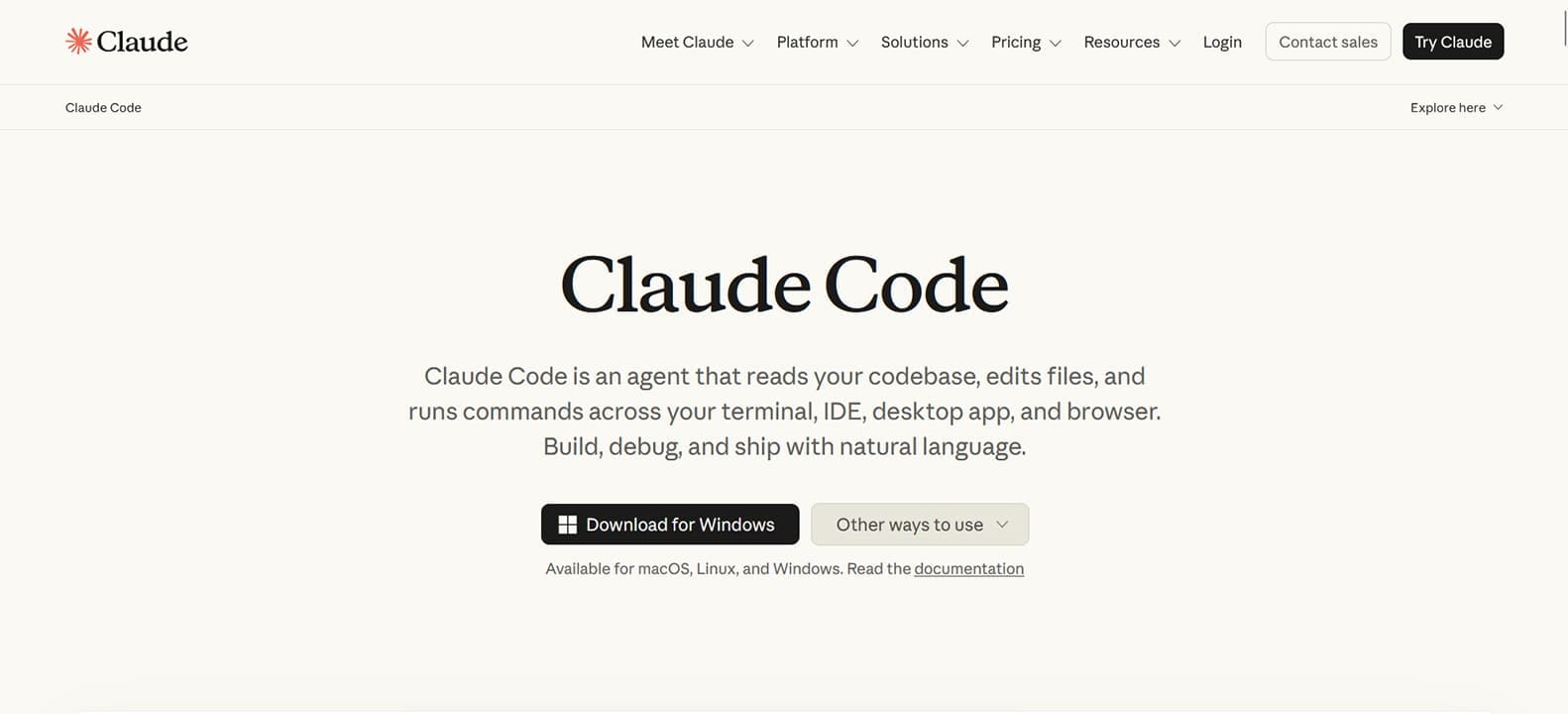
No matter your plan or your tasks, if you want to cut down on usage, we’ve got some effective ways:
Clear and Compact
The context window is useful, but over time eats up tokens exponentially. You don’t need to have Claude Code constantly running through previous prompts and code for everything. If a conversation is getting too long, you can either type “/compact” to generate a summary of key points up to the present or, if you prefer a clean slate, type “/clear” to wipe everything. Just be careful: this can’t be undone.
If you want to keep all existing data, you can also create a new conversation and start fresh.
Use the Right Model
Different models have different uses. For quick tasks, head to Haiku, and, especially for coding, steer away from Opus unless you’re looking for more complex analysis and overviews.
Keep Your Resources Close
If you’re constantly uploading files to be read by Claude Code, you’re going to hit your limits very soon. Instead, upload any frequently used materials to the “Project” folder for caching. This way, they’ll be on hand and integrated rather than having to be analyzed in every prompt. Point to these in paths when prompting.
Plan Before Executing
It’s a good idea to ask Claude Code for an overview of a potential action before carrying it out to see whether or not you’ll like it. It’s more resourceful too. Claude Opus works well for grand overviews and, while heavy on tokens, is much more economical than a do-over.
Use Spec.md
If a conversation is getting too long, you can begin a new conversation, carrying all the important details from the last. The key to this is asking Claude to create a “Spec.md” file of the conversation, which you can then export. This saves the token drain that comes with long conversations.
Prompt Smarter
The way you construct your prompt can also save you a few tokens. Combine requests into fewer words. Be concise in your prompts and edit previous ones so you aren’t making the same request after a wall of code has been generated and must be analyzed. Don’t hesitate to type “/rewind” to go back to a prompt that was created before the fork branched if you don’t need what followed afterwards.
Related Posts
 What to Do When You Can’t Run Claude From VS Code
 Understanding ChatGPT Generation Limits
 DeepSeek vs. ChatGPT vs. Claude – Or None of Them?
 How to Speed Up Your Excel Data Analysis With Claude AI
 ChatGPT vs. Gemini vs. Claude – How Do They Compare?
 What Is New in Claude 4?
 Get ChatGPT, Claude, and Midjourney on Telegram With Unlim AI
 AppDeploy Review: Deploy Real Apps Directly From ChatGPT or Claude
 Comparing AI: DeepSeek V4 vs. Claude Opus 4.7

Disclaimer: Some pages on this site may include an affiliate link. This does not effect our editorial in any way.